Video generation MCP for any agent
1
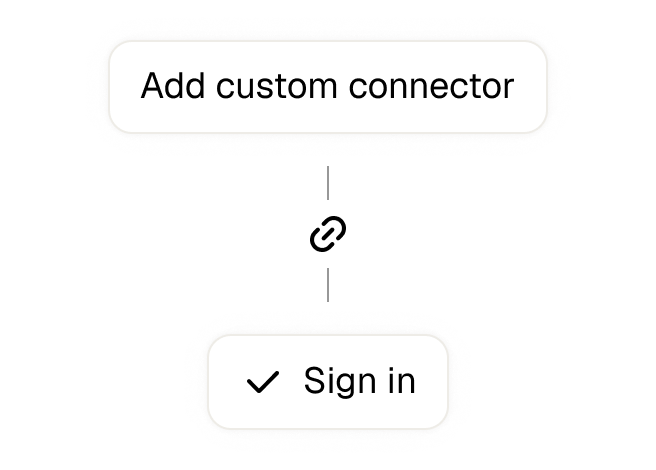
Open Settings → Connectors in your client
2
Click Add Connector → Add Custom Connector
3
Name it Agent Opus and paste the URL below for the Remote MCP Server URL
4
Sign in with your account in the OAuth window
https://api.opus.pro/api/agent-mcp
1
Run the command below in your terminal
2
Start Claude Code and run
3
Approve the OAuth sign-in with your Agent Opus account
claude mcp add --transport http agentopus https://api.opus.pro/api/agent-mcp
1
Open Settings → Plugins → MCPs, then click "+ Add server"
2
Name it Agent Opus, switch Type to Streamable HTTP, and paste the URL below
3
Save — the server appears in the list with an "Authenticate" button
4
Click "Authenticate" and allow access with your Agent Opus account
https://api.opus.pro/api/agent-mcp
1
Open Settings → Plugins → Click on “Developer mode” and toggle it on
2
Go back to Plugins → Browse plugins → Click the “+” icon
3
Name it Agent Opus and paste the URL below for the Connection Server URL
4
Click the checkbox “I understand and want to continue”. Then click the “Create” button
5
Select your OpusClip account in the OAuth window and click “Allow access”
https://api.opus.pro/api/agent-mcp
1
Open Customize in the left panel, then select MCPs
2
Add New MCP Server
3
Paste the configuration below
4
Save the file (Cmd+S / Ctrl+S), then approve the sign-in request in your browser
{
"mcpServers": {
"agentopus": { "url": "https://api.opus.pro/api/agent-mcp" }
}
}
1
Add a Streamable HTTP server with the endpoint
2
Authorize via the standard MCP OAuth flow
https://api.opus.pro/api/agent-mcp
Create from any agent
The video generation MCP server
Turn any idea, topic, or script into a finished, ready-to-post video — right inside your AI assistant
For developers and agent users
Your agent calls Agent Opus like any other tool. No custom integration, no extra app.
2-minute setup
Add the connector and sign in — that’s it. No API key to manage
Plan free, pay to generate
Try it for free, upgrade when you need more. You only pay for what you make.
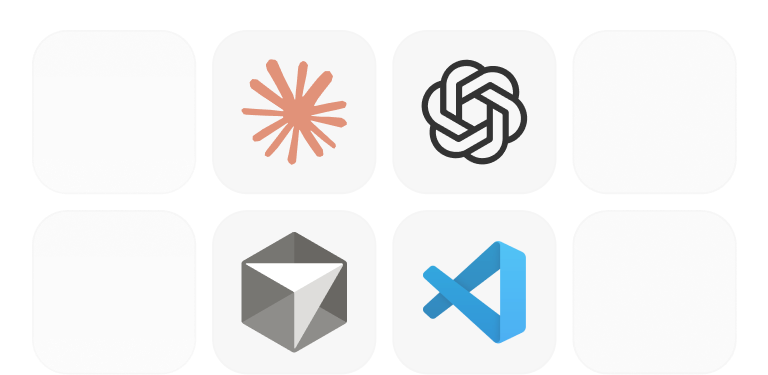
Works in Claude, Cursor, ChatGPT, VS Code
The same setup runs in every MCP client you already use — Claude, Cursor, OpenClaw, ChatGPT, VS Code, Windsurf, Zed — no extra steps.
Tools your agent can call
Prepare
PrepareShape any input — topic, script, outline, transcript — into a styled, priced video plan. Spends nothing; re-run to change anything.
Render the video once you confirm. Consumes credits; returns a handle to poll.
Poll status and get the finished MP4 (plus thumbnail) once it’s done.
Style
PreparePick from 25+ presets, or create your own from a description or reference image.
Voice
PreparePick a stock voice, or clone one from a 10–30s sample.
Brand assets
PrepareReuse logo / product / character anchors for consistent branding (up to 8 per video).


Complete toolkit of agent tools
Try it with one prompt
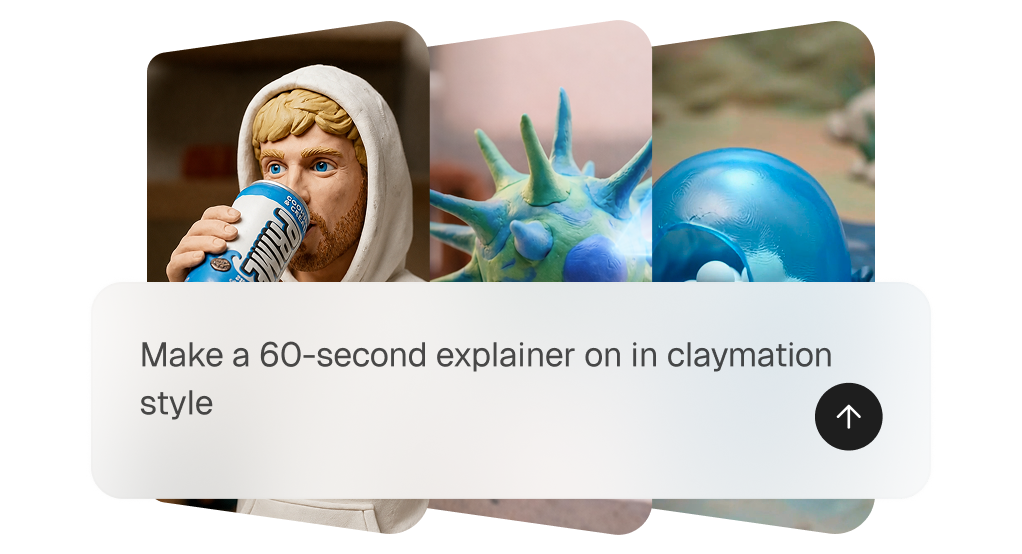
CREATE
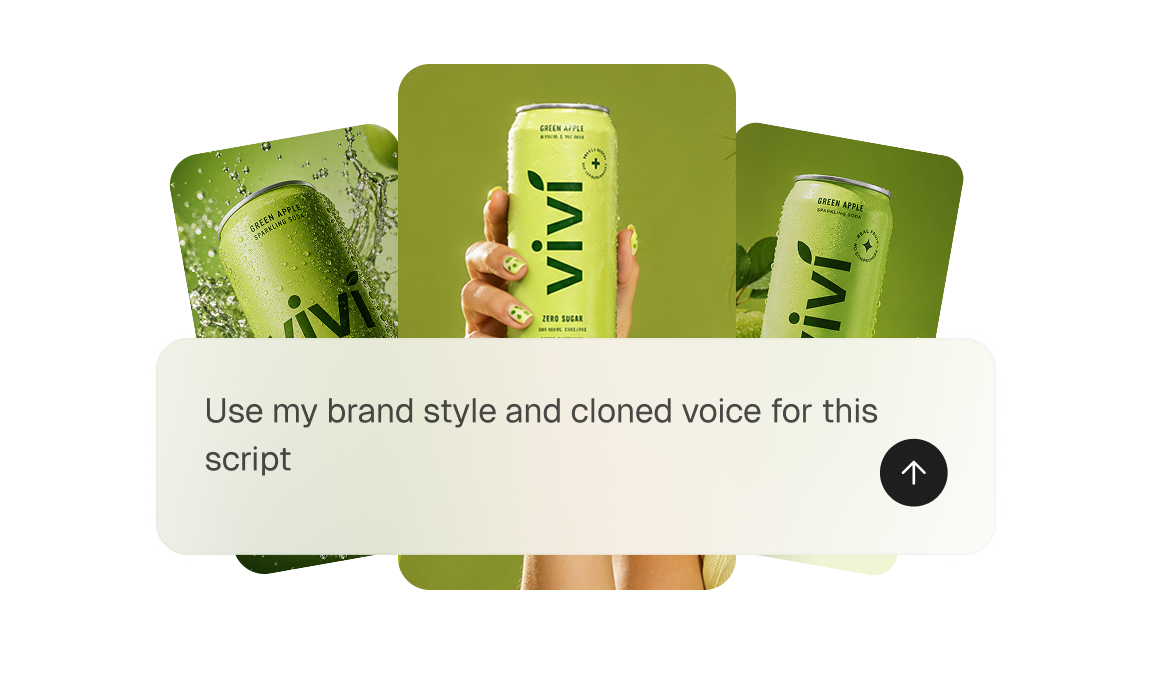
CUSTOM STYLE + VOICE
BULK
Best video MCP servers
MCP Server
Idea -> video
Custom styles + voice clone
Brand anchors
OAuth (no keys)
Clients
Agent Opus
Claude, Cursor, Cline, ChatGPT +
HeyGen
No (generation / avatars)
Yes
Yes
Claude, Cursor, ChatGPT
Claude, Cursor, ChatGPT
Runway
No (Generation)
Partial
Trial
MCP clients
MCP clients
Synthesia
Editing only
API key
Trial
Claude, Cursor
Claude, Cursor
Got questions?
What is the AgentOpus MCP server, and which AI agents work with it?
AgentOpus MCP is a Model Context Protocol (MCP) server that connects AI agents like Claude, Cursor, and Codex to AgentOpus, OpusClip's AI video generator. Right inside the conversation, your agent can create videos from a prompt, a script, or an uploaded song (a music video with lip-sync), clone voices, build visual styles, reuse your brand assets, and publish finished videos to your connected social accounts. It works with any MCP client that supports Streamable HTTP with OAuth: claude.ai, Claude Desktop, Claude Code, Cursor, the OpenAI Codex CLI, and other MCP-compatible agents, with setup taking about a minute per client.
Can my agent create videos in bulk?
Yes. The AgentOpus MCP generates videos asynchronously, so bulk creation is built in. Every start_project call returns immediately with a project handle, letting an agent start dozens of AI videos in one conversation and poll them in parallel until each finishes.
Can I use my own brand assets, voice, and style?
Yes. The AgentOpus MCP works from your own brand kit. Save up to 10 brand anchors (logo, product, or character) in your asset library and use up to 8 per video, clone a custom voice from a 10–30 second sample, and build reusable brand styles from a text description or a reference image
Can my agent make a music video from a song?
Yes. Upload a song with vocals and the AgentOpus MCP builds an AI music video: visuals timed to the track, with an on-screen performer lip-synced to the lyrics. Just ask your agent to make a music video from your audio file and choose a visual style.
Can my agent make short motion graphics?
Yes. With the AgentOpus MCP, motion graphics are short animated clips up to 10 seconds long, ideal for product reveals, explainer beats, and logo animations. Pick from 12 style presets (each ships with a use case so your agent can recommend one) or supply your own style image, optionally anchor a product shot or logo, and the clip renders in a few minutes. Requests longer than 10 seconds automatically route to full story-mode videos.
Can my agent post videos to social media?
Yes. Once a video is finished, the AgentOpus MCP can publish it straight to your connected social accounts, either immediately or scheduled for a future time, and it can also list or cancel scheduled posts. Supported platforms include YouTube, TikTok, Instagram, Facebook, LinkedIn, X, and Dailymotion. Connect each account once in OpusClip and the MCP reuses that connection.
Do I need an API key to generate videos?
No. The AgentOpus MCP uses OAuth, not API keys. Add the endpoint (api.opus.pro/api/agent-mcp) to an MCP client like Claude, Cursor, or Codex, then sign in with your AgentOpus account through the standard MCP OAuth flow. The connection reuses your saved styles, voices, and credits.
How much does AI video generation over MCP cost?
MCP access is included with AgentOpus Pro plans and above, at no extra fee. Videos generated over MCP consume the same credits as videos created in the app, so there is no separate MCP charge. The whoami tool works on any plan, so your agent can check access and plan level before generating.