The easiest way to dub your video in your own voice
Translate any video into 25 languages using a clone of your own voice. No re-recording, no dubbing studio, no generic AI voiceover.

Used by 20M+ creators and businesses



.jpg)






The only dubbing tool that clones your voice, hears every speaker, and works on the clips you just made
Your voice, in 25 languages
OpusClip clones the voice from your source video while it dubs. There is no training step, no consent recording, and no voice library to pick through. Your dub sounds like you because it is you.
See all 25 languages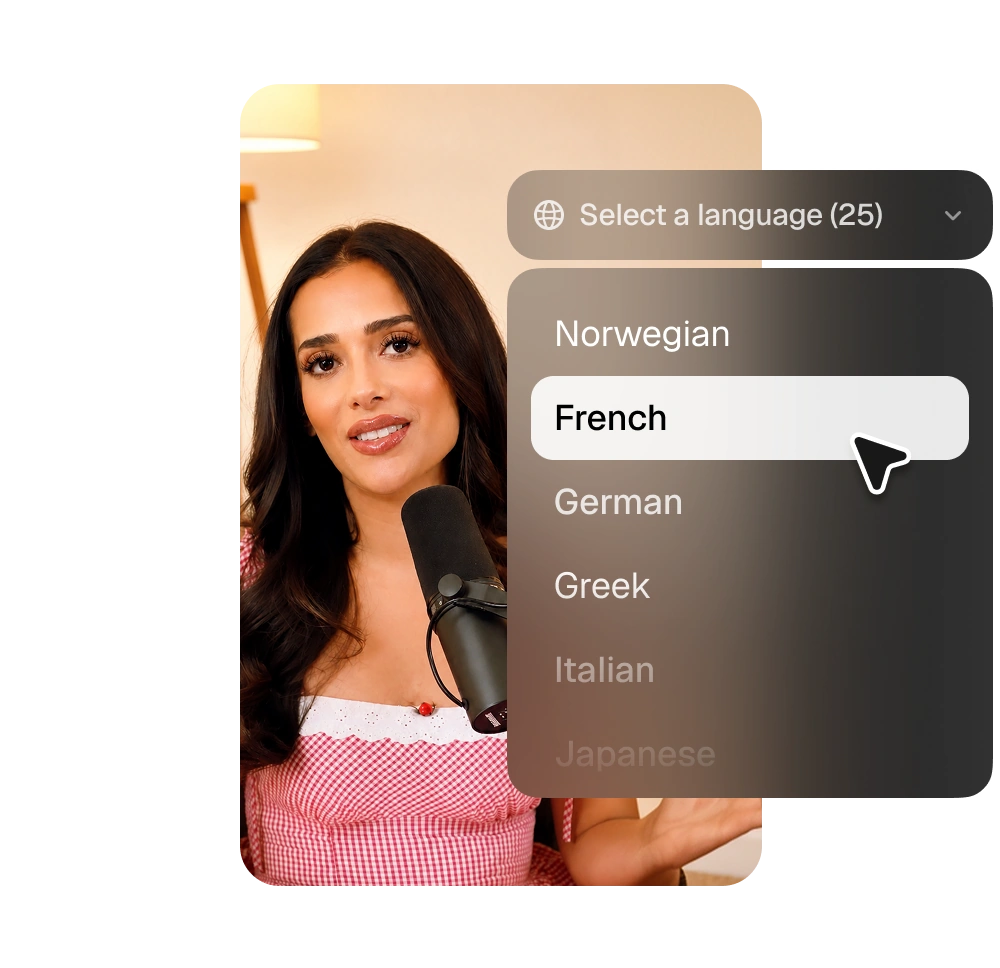
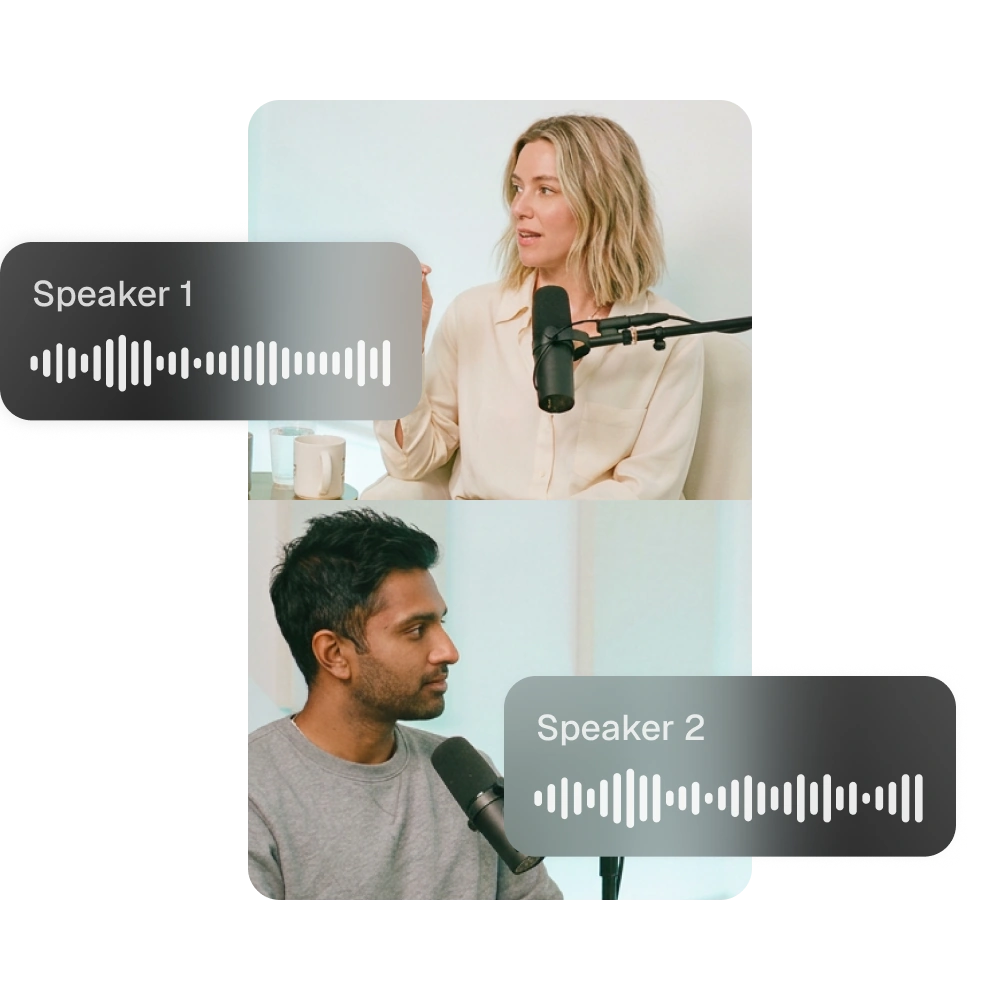
Built for videos with more than one person in them
Multi-speaker detection is on for every plan. OpusClip finds each speaker in your footage and dubs them all, so interviews and podcasts do not collapse into one flat voiceover.
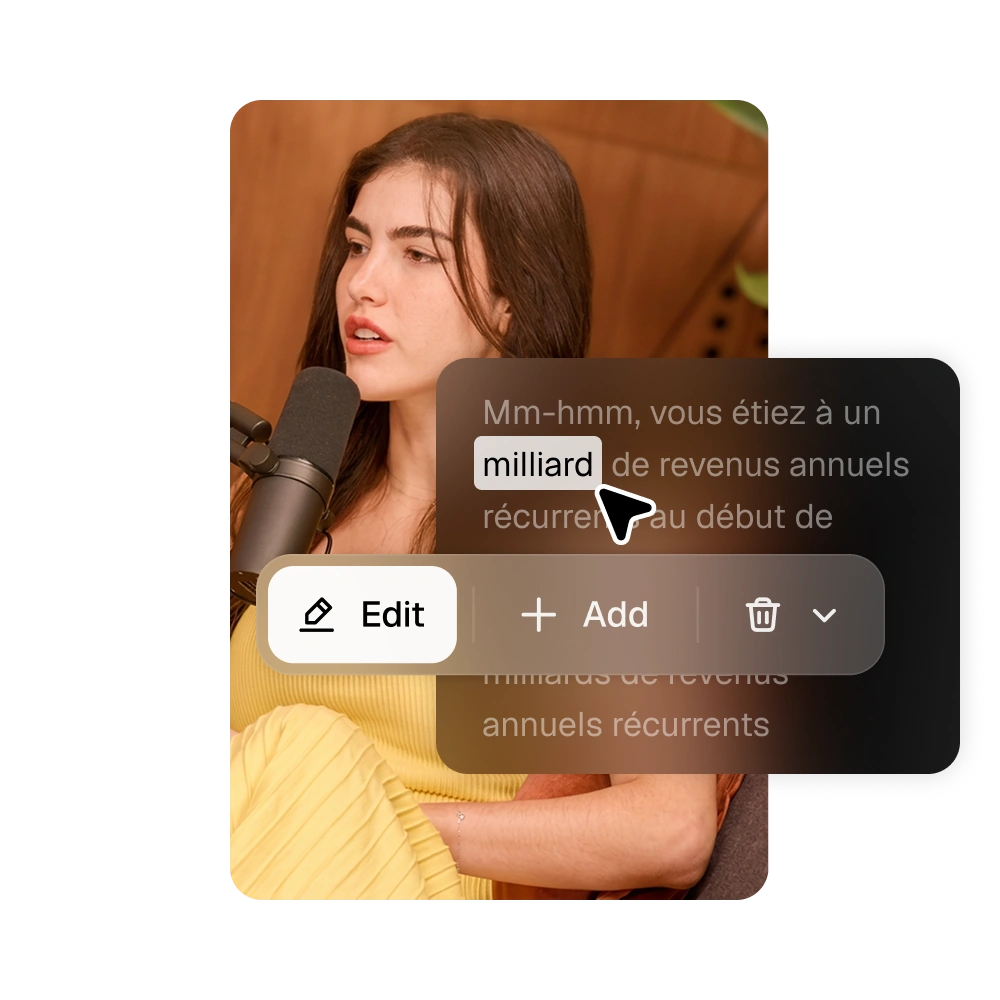
Fix a translation without redoing the dub
The translated transcript sits in the editor, editable word by word. Change a line and your subtitles update instantly. Apply to all fixes a name or a term everywhere at once. Your dubbed audio stays exactly as it was.
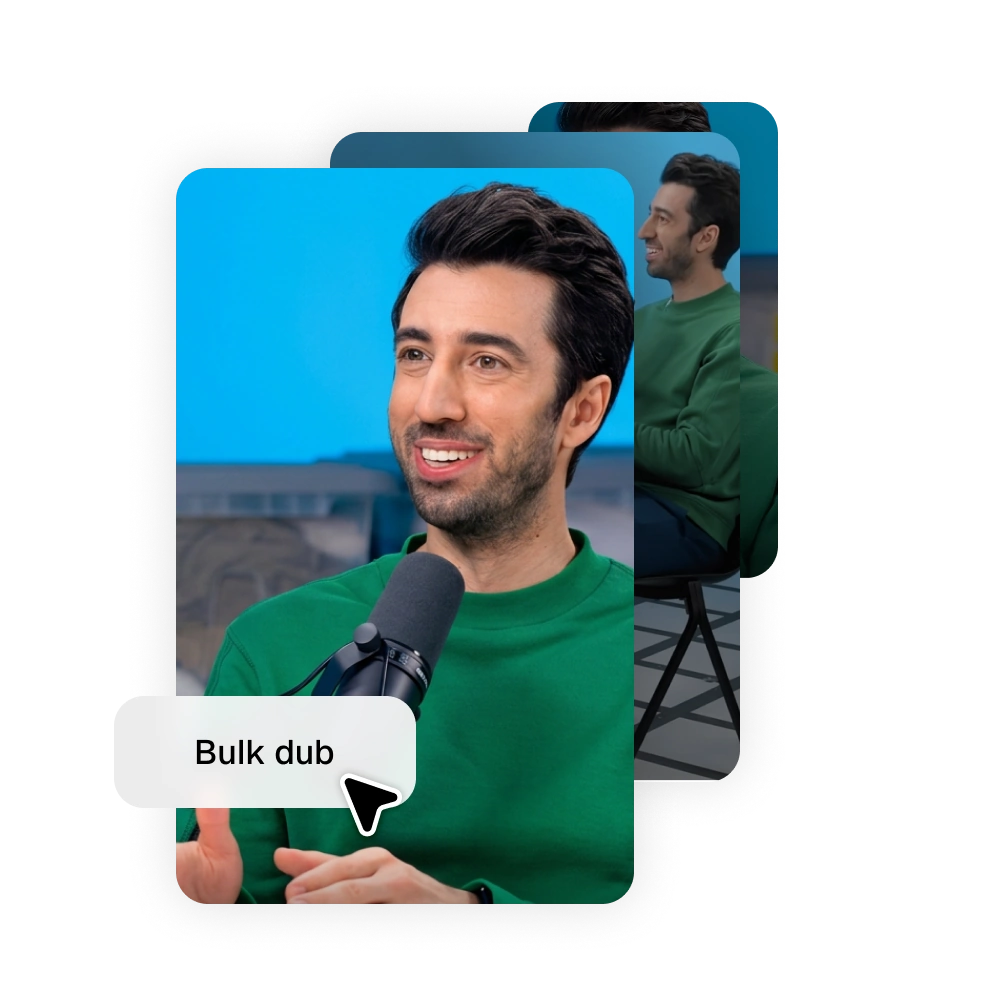
Dub every clip from one video at once
Select the clips you want, pick a language, and OpusClip dubs the whole batch. You see the credit cost before it runs, each clip processes on its own, and anything that fails refunds automatically.
25 languages, and counting
Dub once. Publish everywhere.
English
German
Spanish
French
Portuguese
Italian
Dutch
Russian
Polish
Indonesian
Ukrainian
Swedish
Turkish
Norwegian
Croatian
Romanian
Slovak
Greek
Danish
Finnish
Hungarian
Czech
Japanese
Korean
Vietnamese
Dub your first video in three steps
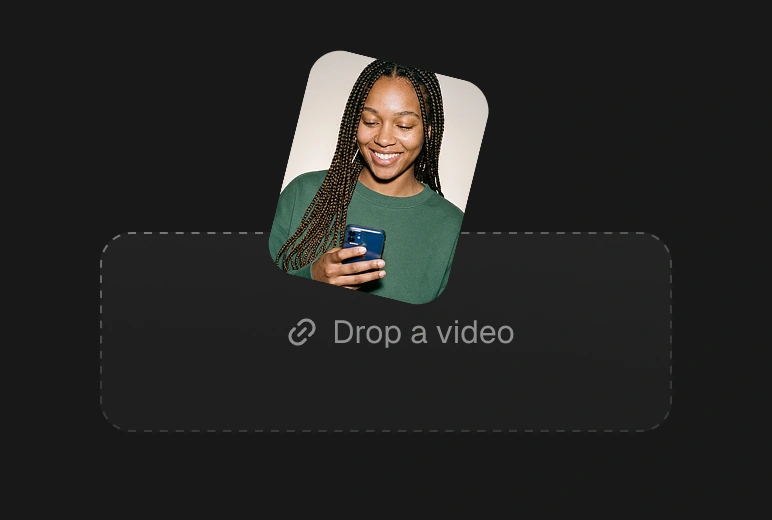
01. Add your video
Paste a YouTube link, upload a file, or pull one from Google Drive.
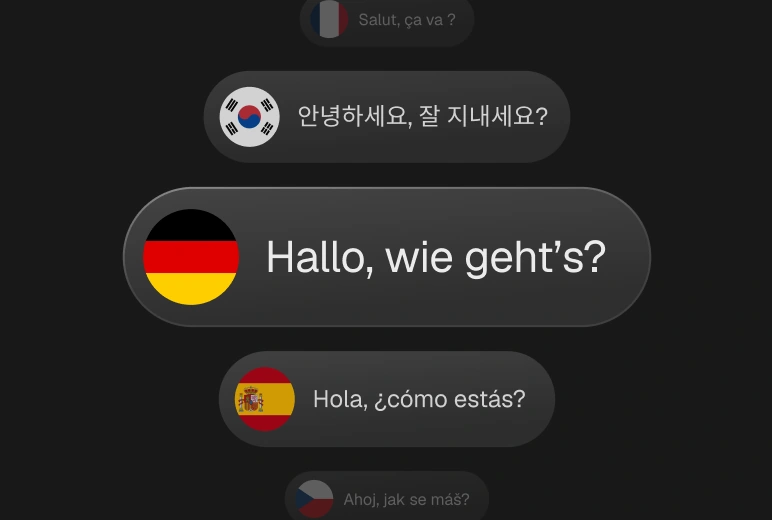
02. Pick a language
Choose from 25. Your voice is cloned automatically, with nothing to set up.
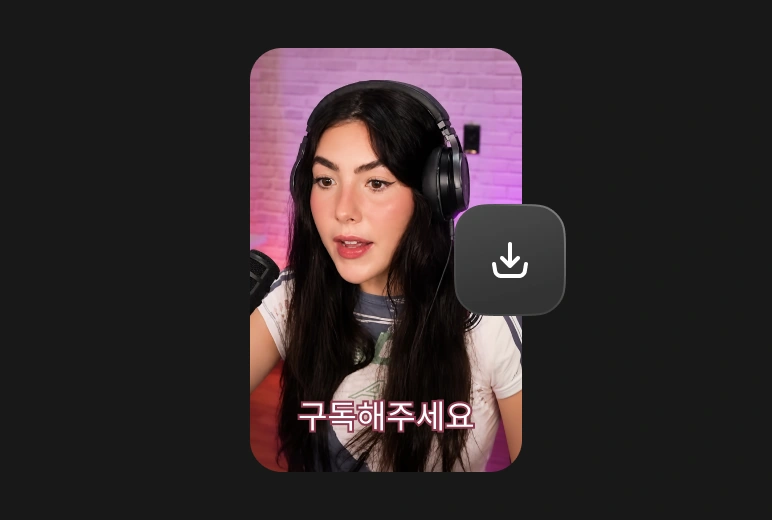
03. Preview and export
Your dub arrives as its own asset, ready to edit, schedule, or download.
25
languages
minutes
not a multi-day studio wait
$0
voice actors or studio fees
100%
your own voice, cloned
Clip, edit, post, analyze.
All in one platform
No more app-hopping or needing to pay for separate tools.
Get everything you need all in one platform.

AI clipping

AI captioning

AI B-Roll
AI Dubbing

AI voiceover

Audio cleaning

AI reframe

Social media calendar
Got questions?
Does voice cloning happen automatically?
Yes. OpusClip clones the voice from your source video during dubbing. There is no setup and no voice training.
What if my video has several speakers?
Multi-speaker detection works on all plans. Every speaker is dubbed using the cloned voice of the primary speaker.
Can I edit the translation after dubbing?
Yes. The translated transcript is editable inline and your changes appear in the subtitles straight away. The dubbed audio track is not regenerated.
How many languages can I dub into?
25, listed above.
What does dubbing cost?
10 credits per minute on Pro and Business plans.
What if my audio is too noisy to clone?
Dubbing needs at least 30 seconds of reasonably clean speech. We show an error instead of shipping a poor clone, and your credits are not spent.
Can I dub a YouTube video?
Yes. Paste the link, upload a file, or connect Google Drive.
Your voice. Every language. One click.
Dub your next video in your own voice and publish it everywhere.