Pro-level audio with no additional equipment
Enhance your audio by removing background noise, filler words, pauses, and bad takes in one click.

Used by 20M+ creators and businesses




.jpg)






Fix the sound, tighten the delivery
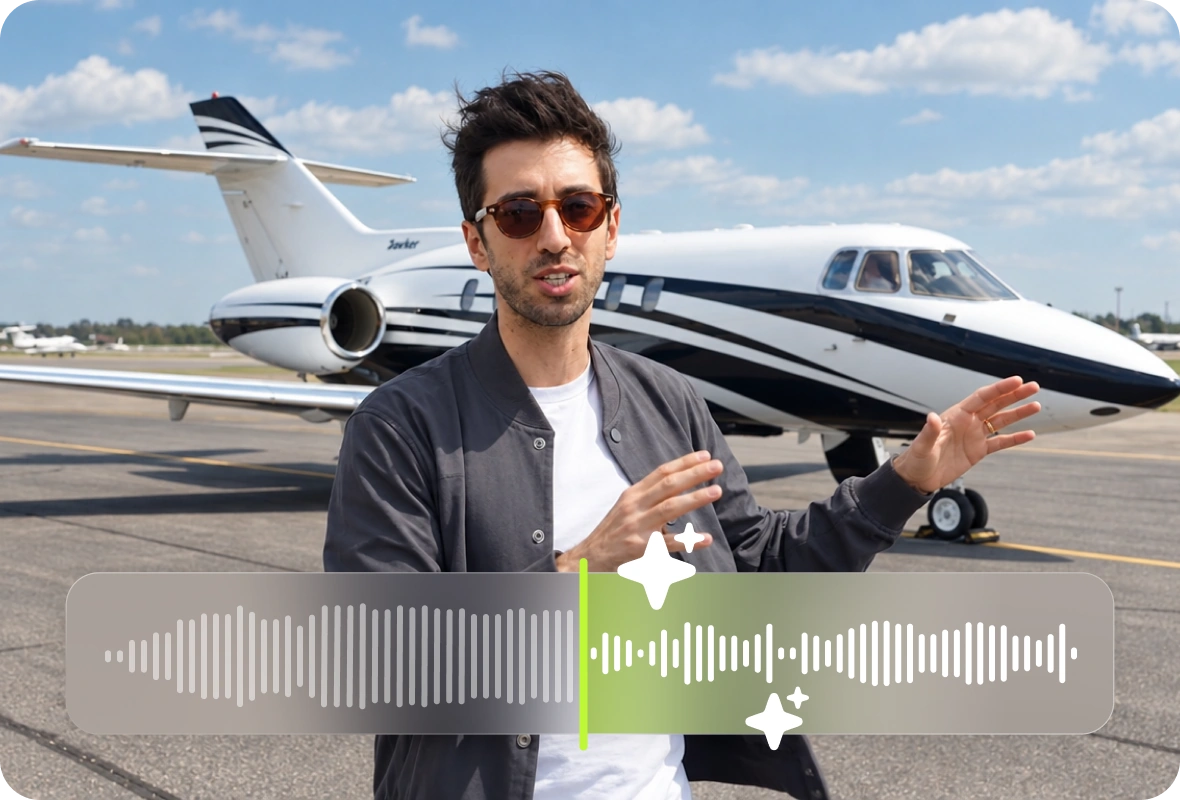
Speech Enhancement
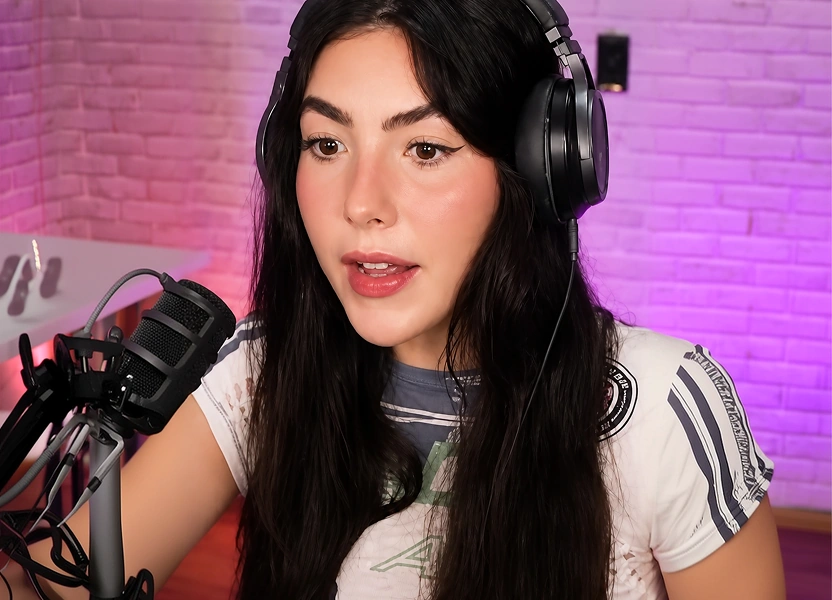
Recordings often happen anywhere — kitchen, car, runway. The voice returns to the front, and the setting stops competing with your words.
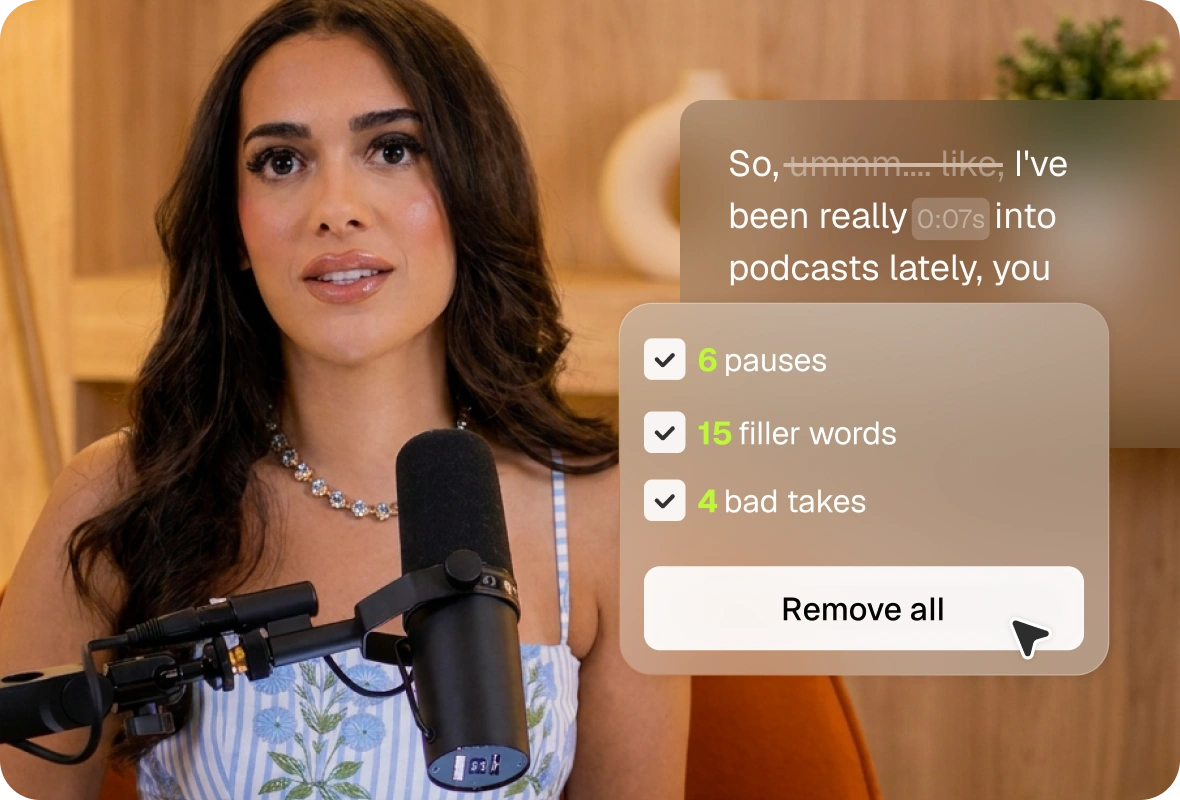
Speech Cleanup
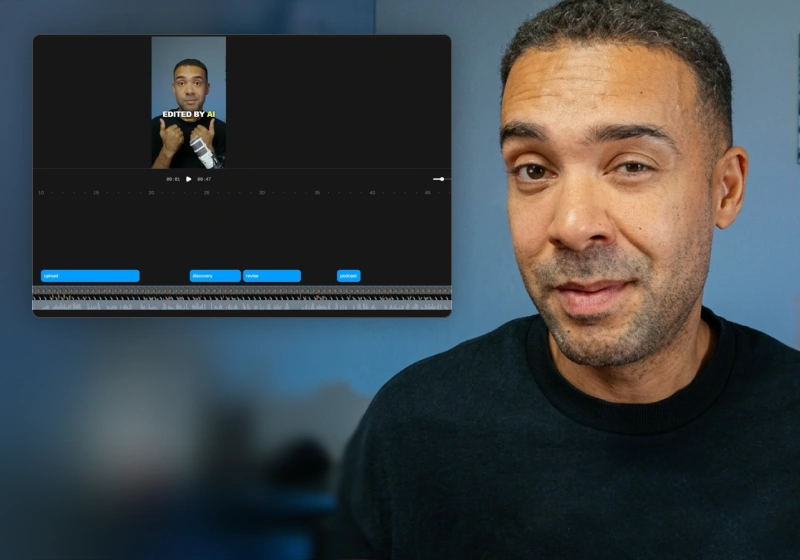
Restarts, dead air, and half-thoughts fill first takes; cutting them out manually is the slowest edit part. That pass is done for you.
The easiest way to sharpen your audio
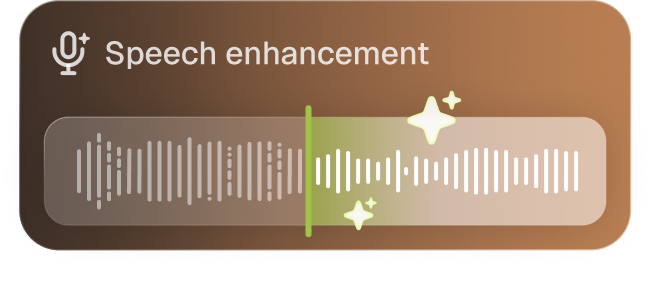
Speech enhancement isolates the speaker vocals and removes any background sound, including music and overlapping voices, allowing you to have crisp audio every single time.

Clean audio, tight delivery and professionally mixed
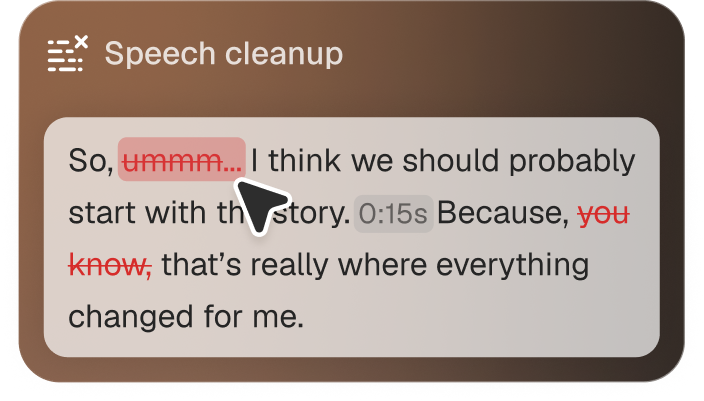
Speech cleanup finds every flub, pause, sigh, and bad take automatically. Each one gets flagged inline, so you can just approve cuts instead of scrubbing a two hour recording manually.
What it removes
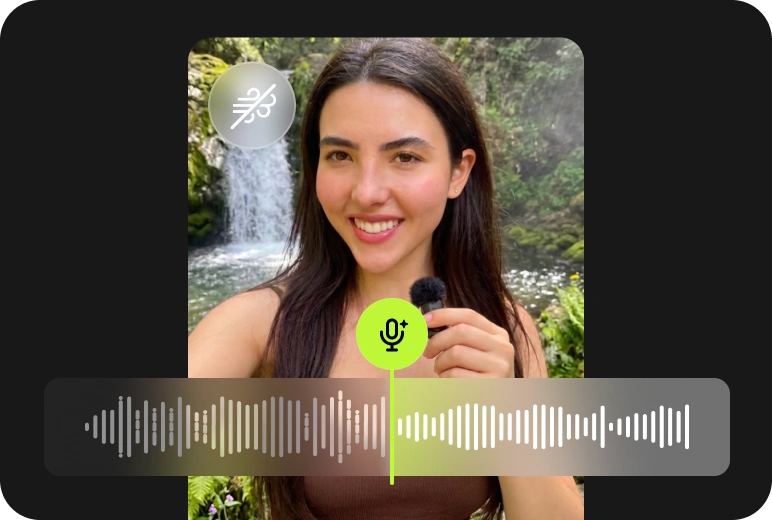
Remove background noise
A waterfall, traffic, the fan behind you. Stripped out without thinning the voice on top.
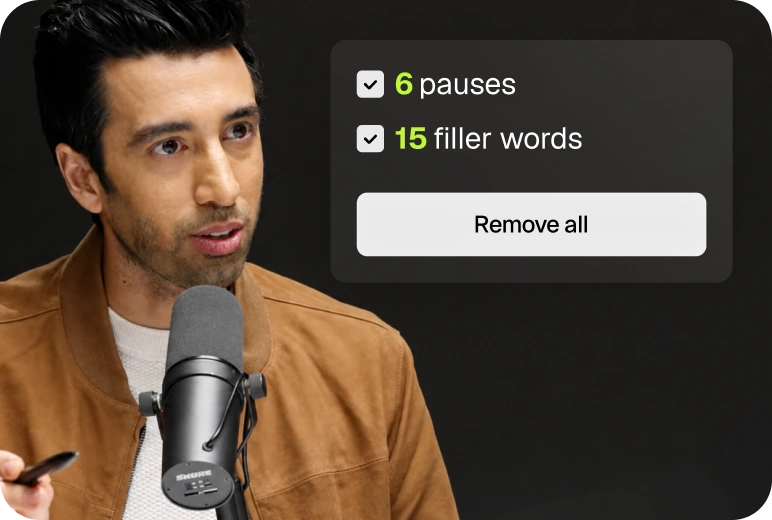
Remove filler words and pauses
“You know”, “like”, stutter repeats, and the dead air between sentences.
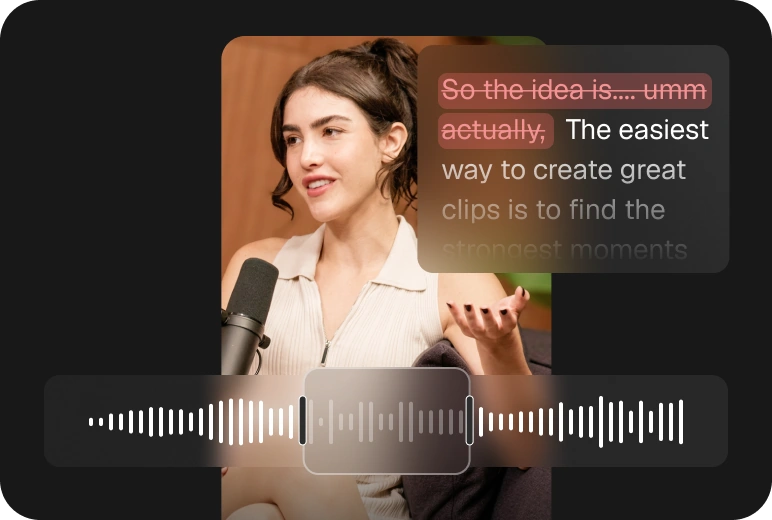
Remove bad takes
Retakes, restarts, and self-corrections — flagged wherever a sentence gets started over.


Also available via API and MCP

OpusClip API
Run AI editing programmatically. One call sends a video in and returns finished clips, no browser in the loop.

OpusClip MCP
Give Claude, Cursor or ChatGPT direct access to AI editing. 25 tools in one connector, from clip to scheduled post.
Clip, edit, post, analyze.
All in one platform
No more app-hopping or needing to pay for separate tools.
Get everything you need all in one platform.

AI clipping

AI captioning

Social media calendar

AI B-Roll

AI voiceover

Analytics

Audio cleaning

AI reframe
Got questions?
Do I need to adjust the settings manually, or does Speech Enhancement work automatically?
When you turn on Speech Enhancement, OpusClip automatically applies the default levels for Noise Reduction and Voice Volume Enhancement. If you want more control, you can adjust each setting independently to fine-tune the result.
What does Speech Enhancement improve?
Speech Enhancement reduces background noise while improving voice clarity and volume, helping low-quality recordings sound clearer, louder, and more professional.
What languages are supported?
All languages are supported. It improves overall audio quality by reducing background noise and enhancing voice clarity and volume, regardless of the language being spoken.
Does it work on long recordings and podcasts?
Yes, Speech Enhancement supports both long recordings and podcasts. If you'd like to enhance multiple clips, simply select and enhance each clip individually.
Is Enhance Speech included in the free plan?
Currently, Speech Enhancement is not available on the Free plan. Users on the Pro plan and above can use Speech Enhancement for free up to 10 times per day.
No more manual audio fixes or extra equipment
Enhance your audio by removing background noise, filler words, pauses, and bad takes in one click.