MODEL CONTEXT PROTOCOL
Video MCP for any agent
The OpusClip MCP server lets any AI agent — Claude, Cursor, ChatGPT, and more — clip, caption, reframe, edit, and repurpose video.
- Open Customize in your client and select “Connectors”
- Find OpusClip and click "Add"
- Sign in with your OpusClip account in the OAuth window
- Run the command below in your terminal
claude mcp add --transport http opusclip https://mcp.opus.pro/mcp - Start Claude Code and run
/mcp - Approve the OAuth sign-in with your OpusClip account
claude mcp add --transport http opusclip https://mcp.opus.pro/mcp- Open Settings → Plugins → MCPs, then click "+ Add server"
- Name it "OpusClip", switch Type to Streamable HTTP, and paste the URL below
- Save — the server appears in the list with an "Authenticate" button
- Click "Authenticate" and allow access with your OpusClip account
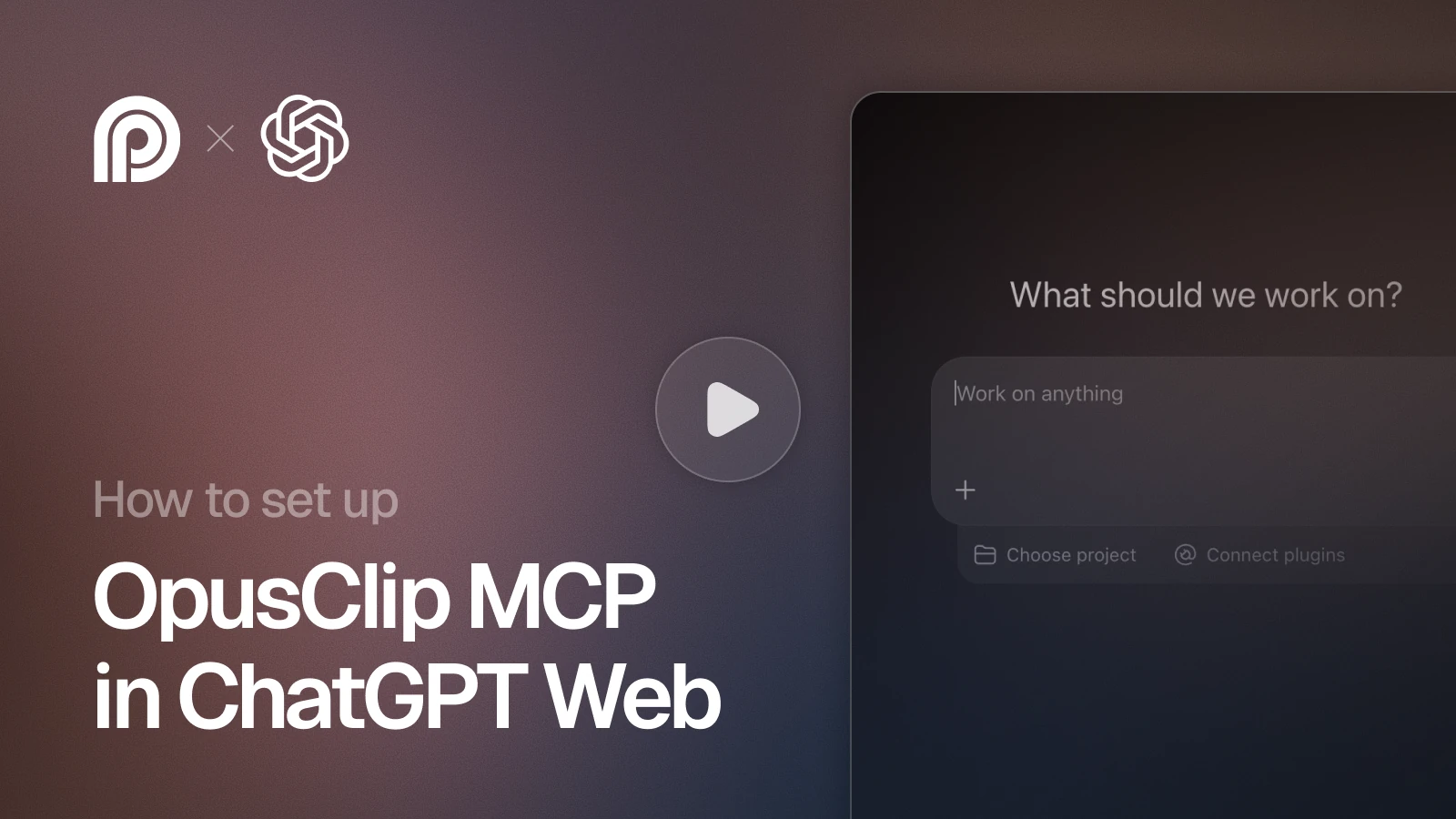
https://mcp.opus.pro/mcp- Open Settings → Plugins → Click on “Developer mode” and toggle it on
- Go back to Plugins → Browse plugins → Click the “+” icon
- Name it "OpusClip" and paste the URL below for the Connection Server URL
- Click the checkbox “I understand and want to continue”. Then click the “Create” button
- Select your OpusClip account in the OAuth window and click “Allow access”
https://mcp.opus.pro/mcp- Open Customize in the left panel, then select MCPs
- Add New MCP Server
- Paste the configuration below
- Save the file (Cmd+S / Ctrl+S), then approve the sign-in request in your browser
{"mcpServers": {"opusclip": {"url": "https://mcp.opus.pro/mcp"}}}- Open Extensions ⇧⌘X → search @mcp opusclip
- Pick the opus-pro entry
- Install → OAuth sign-in
Clip and edit from any agent
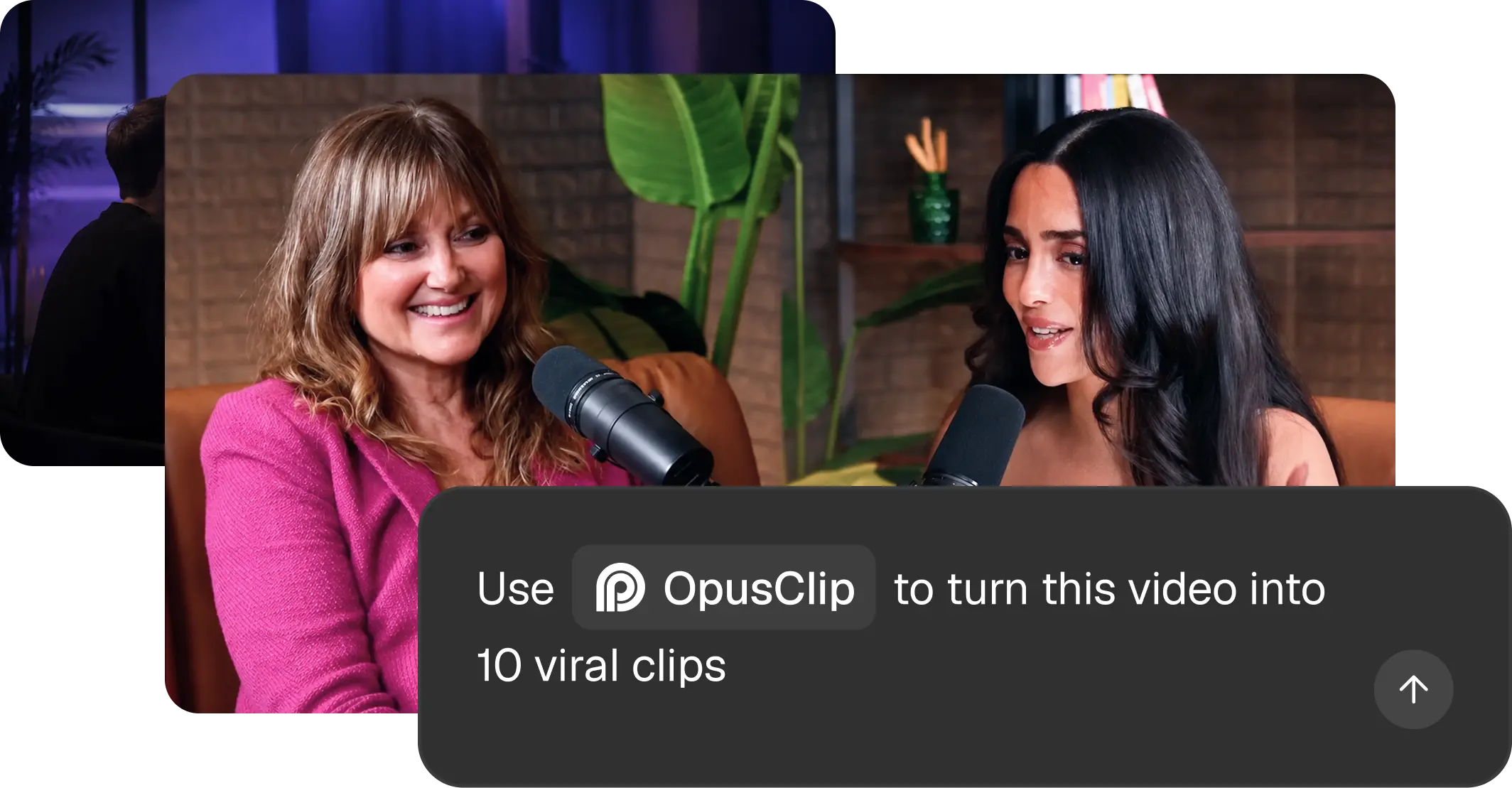
The video MCP server
Turns long videos into short, ready‑to‑post clips right inside your AI assistant.

For developers and agent users
Your agent calls OpusClip like any other tool. No custom integration, no extra app.
2-minute setup
Connect once and sign in — that's it. Nothing to download or configure.
Free to start
Try it for free, upgrade when you need more. You only pay for what you make.
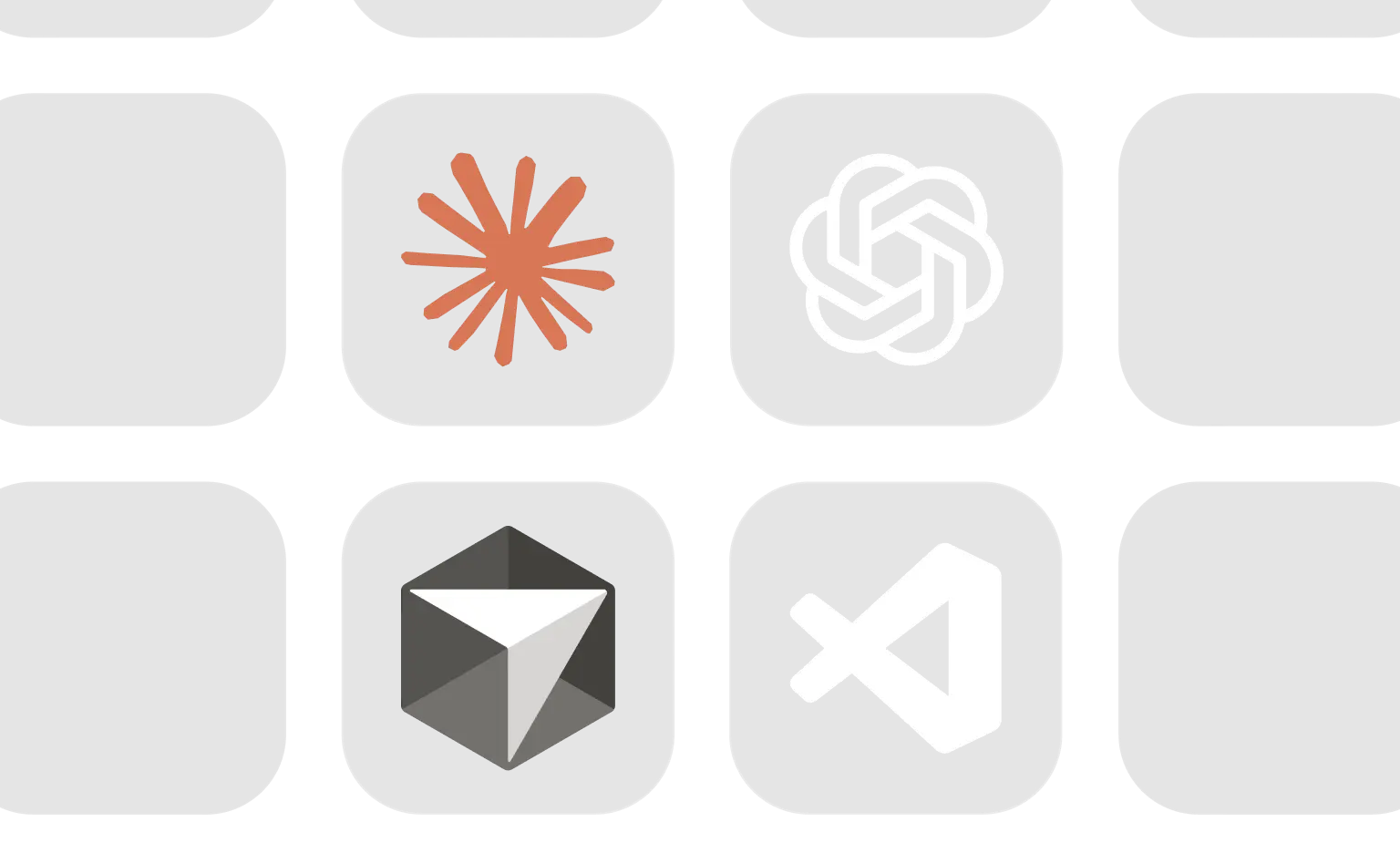
Works in Claude, Cursor, ChatGPT, VS Code
The same setup runs in every AI tool you already use — no extra steps.


Six tools your agent can call





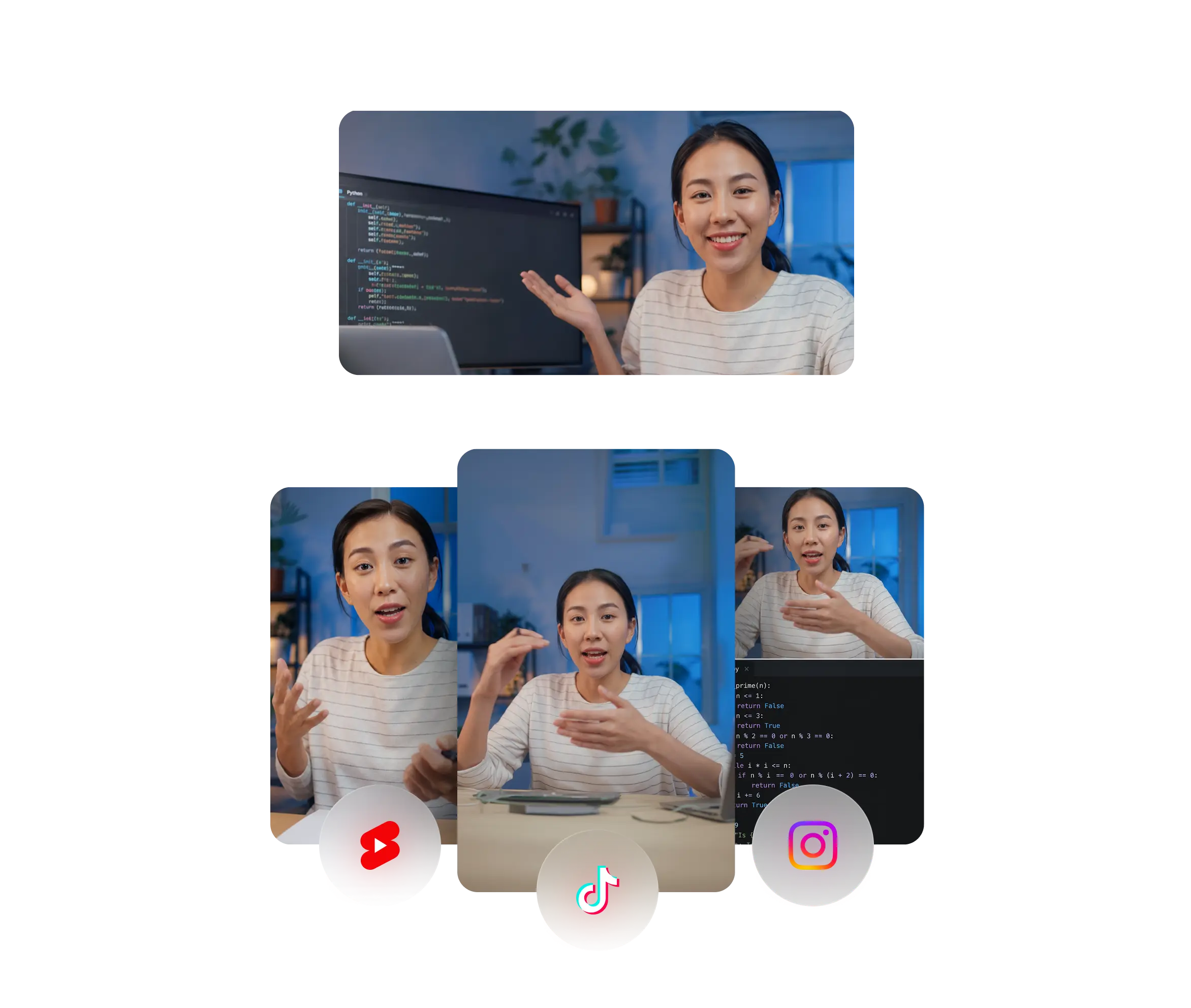



Clip
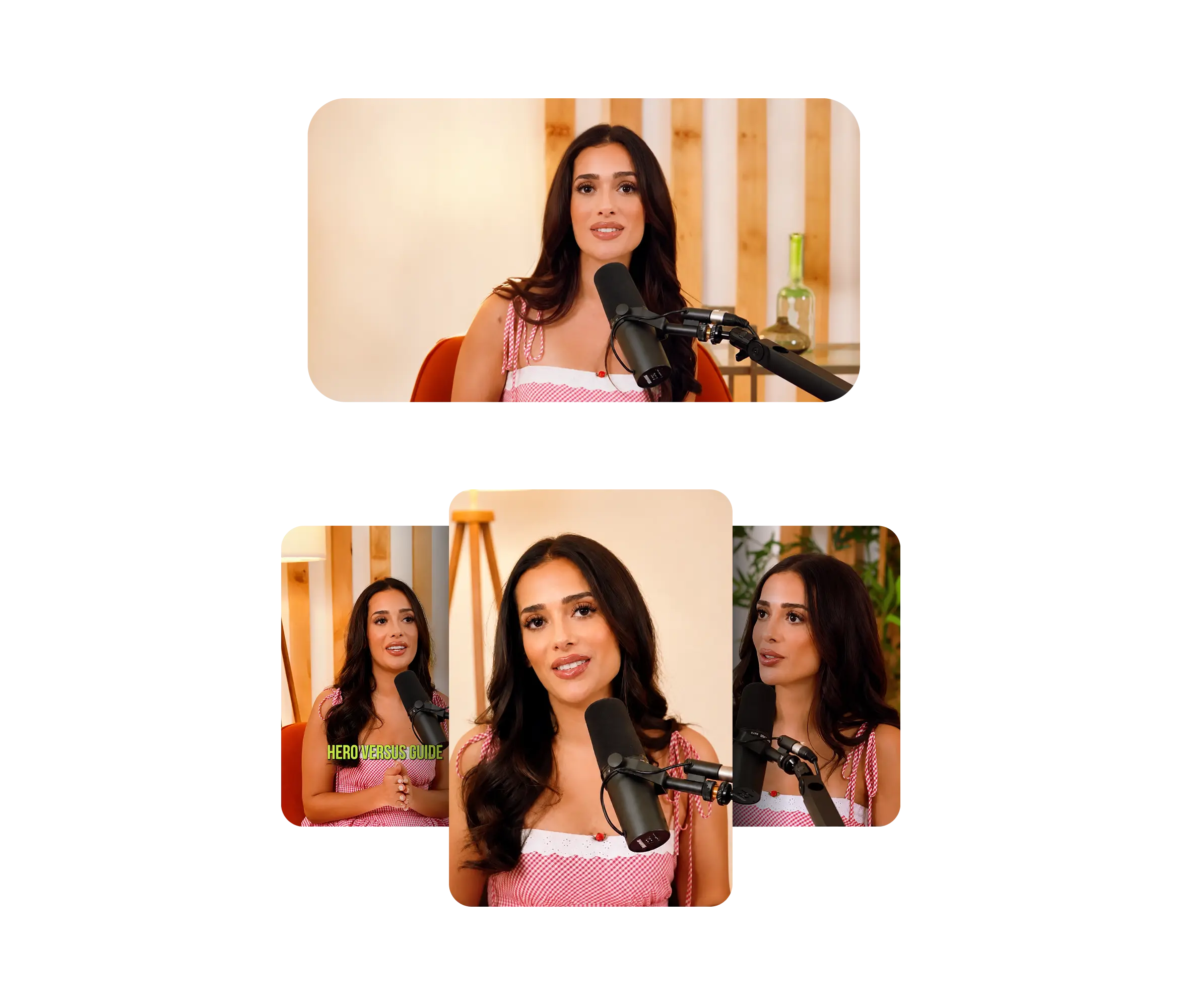
Find highlights and cut short clips from a long video

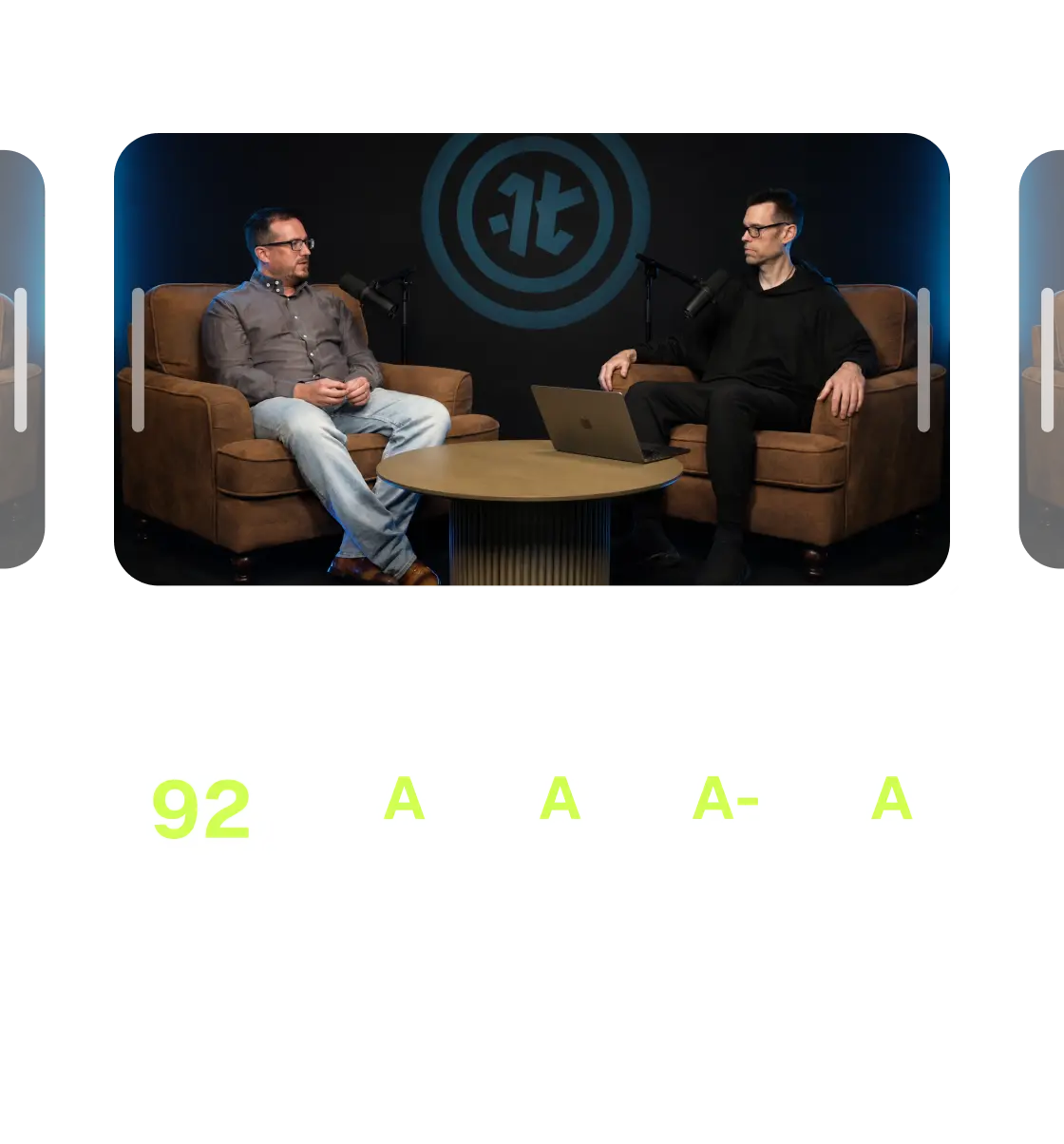
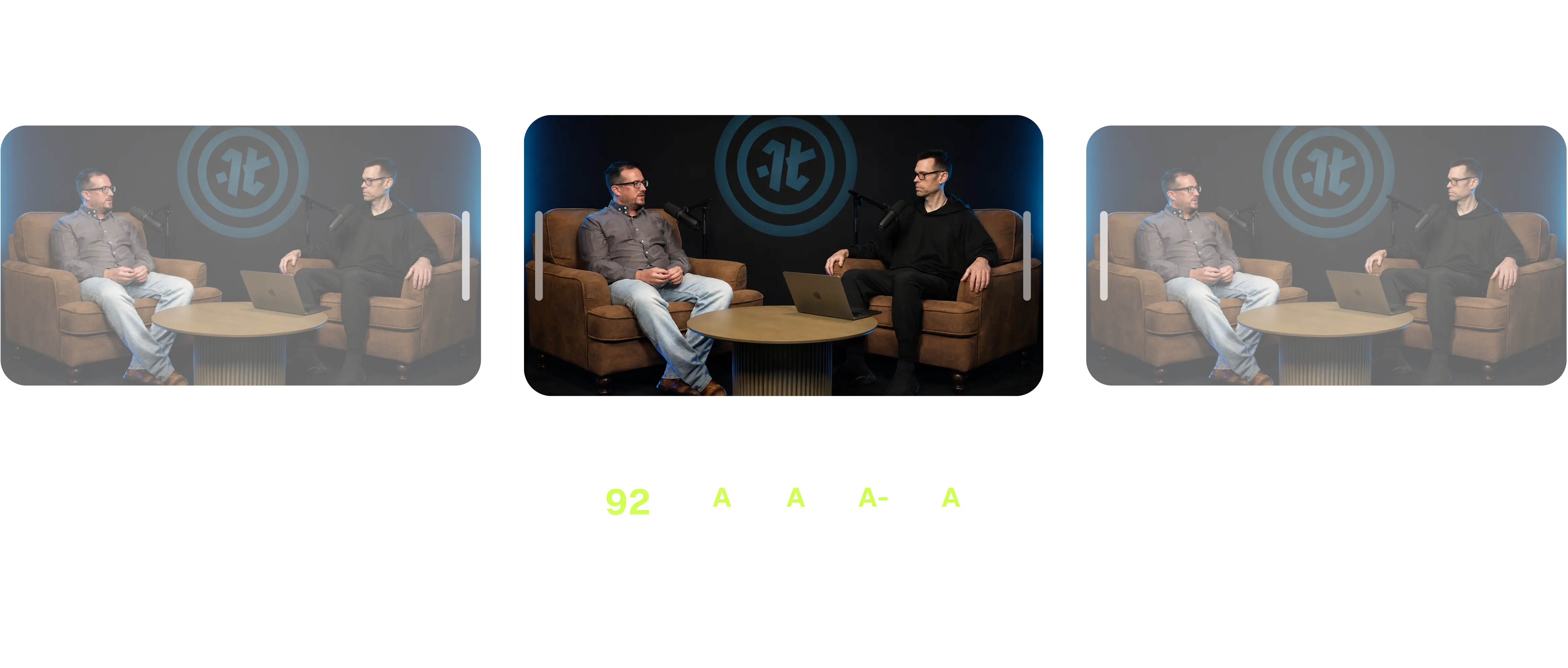
Find viral moments
Score a video and return the highest-engagement moments

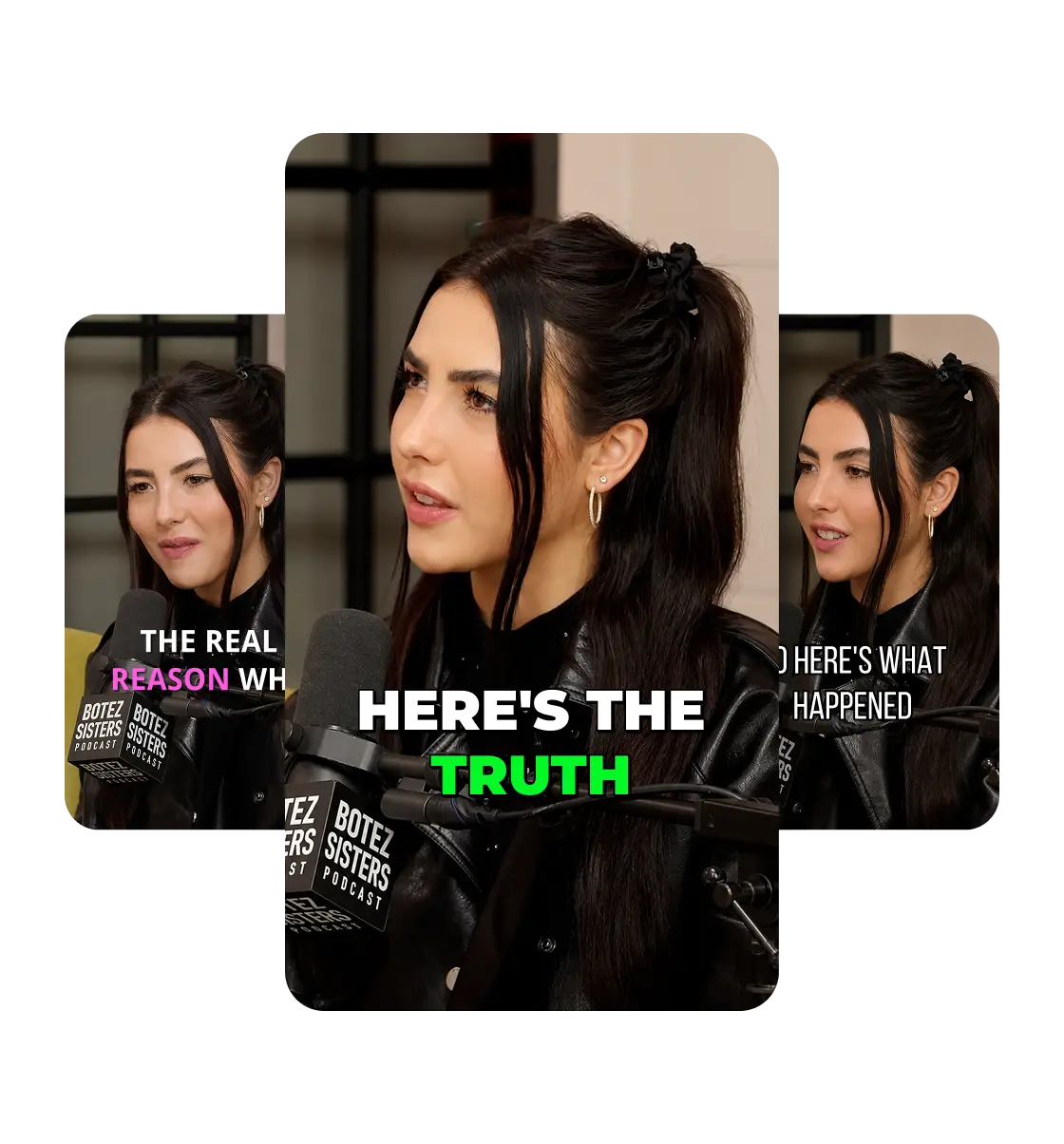
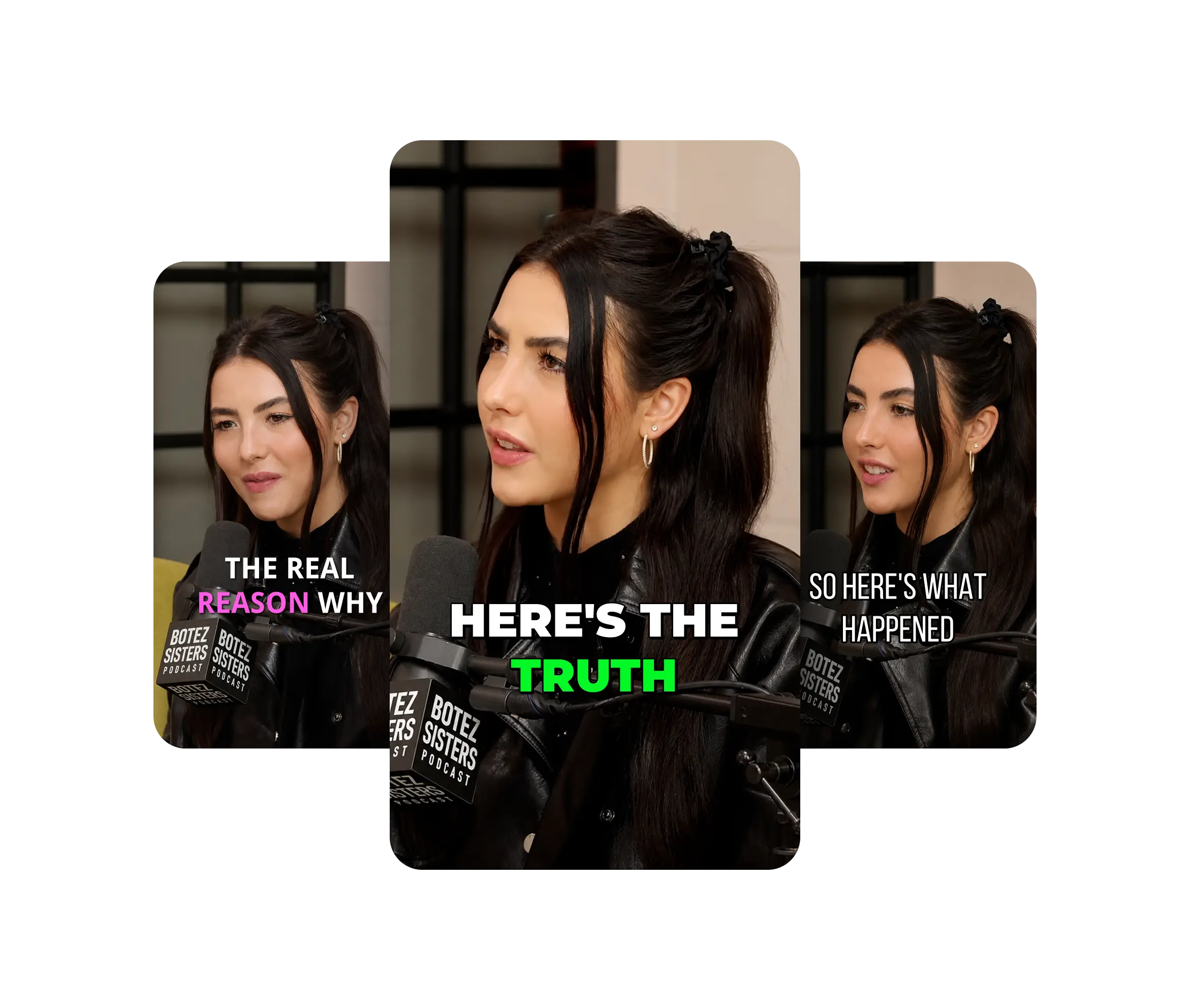
Caption
Burn in animated, styled subtitles

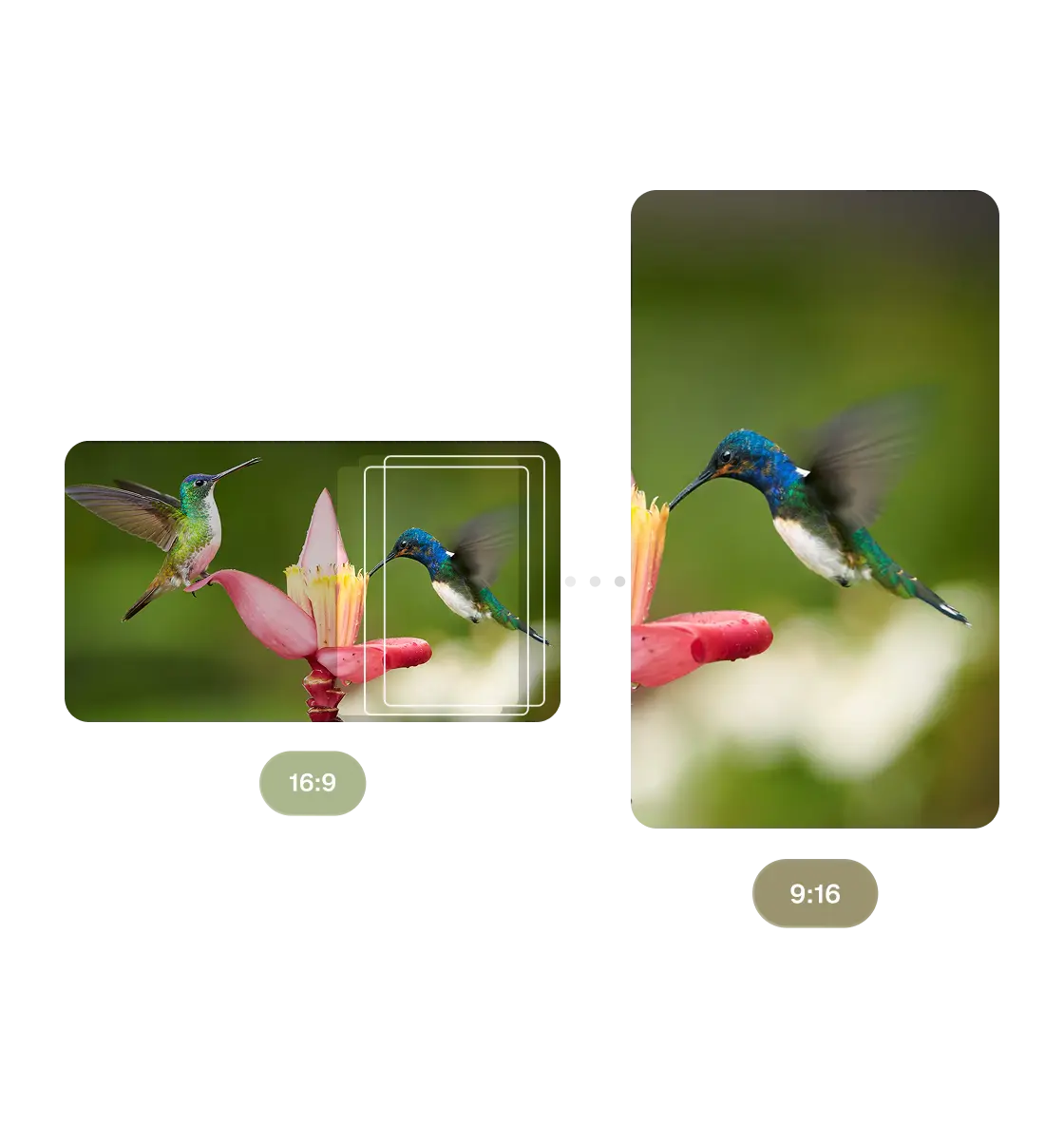
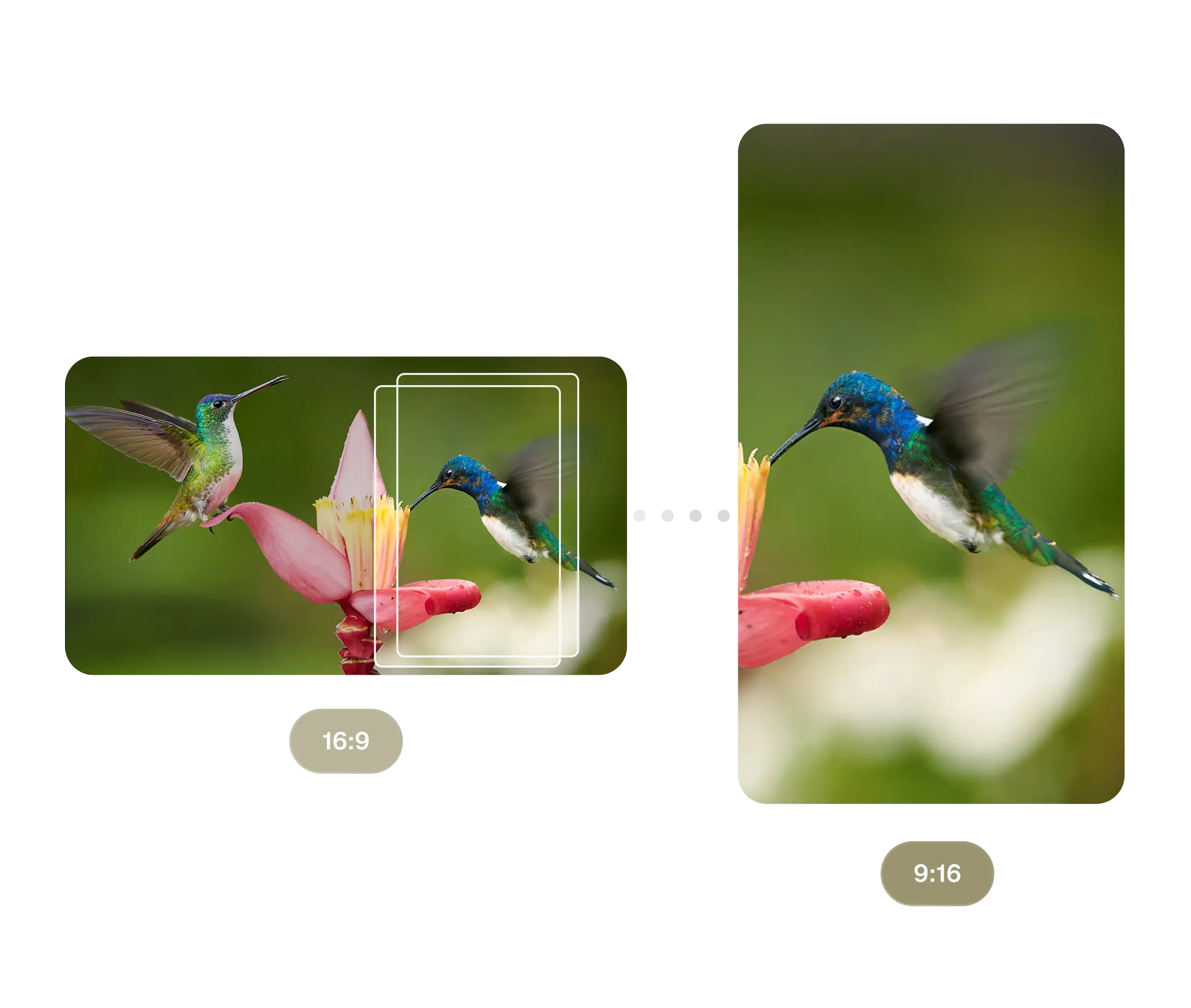
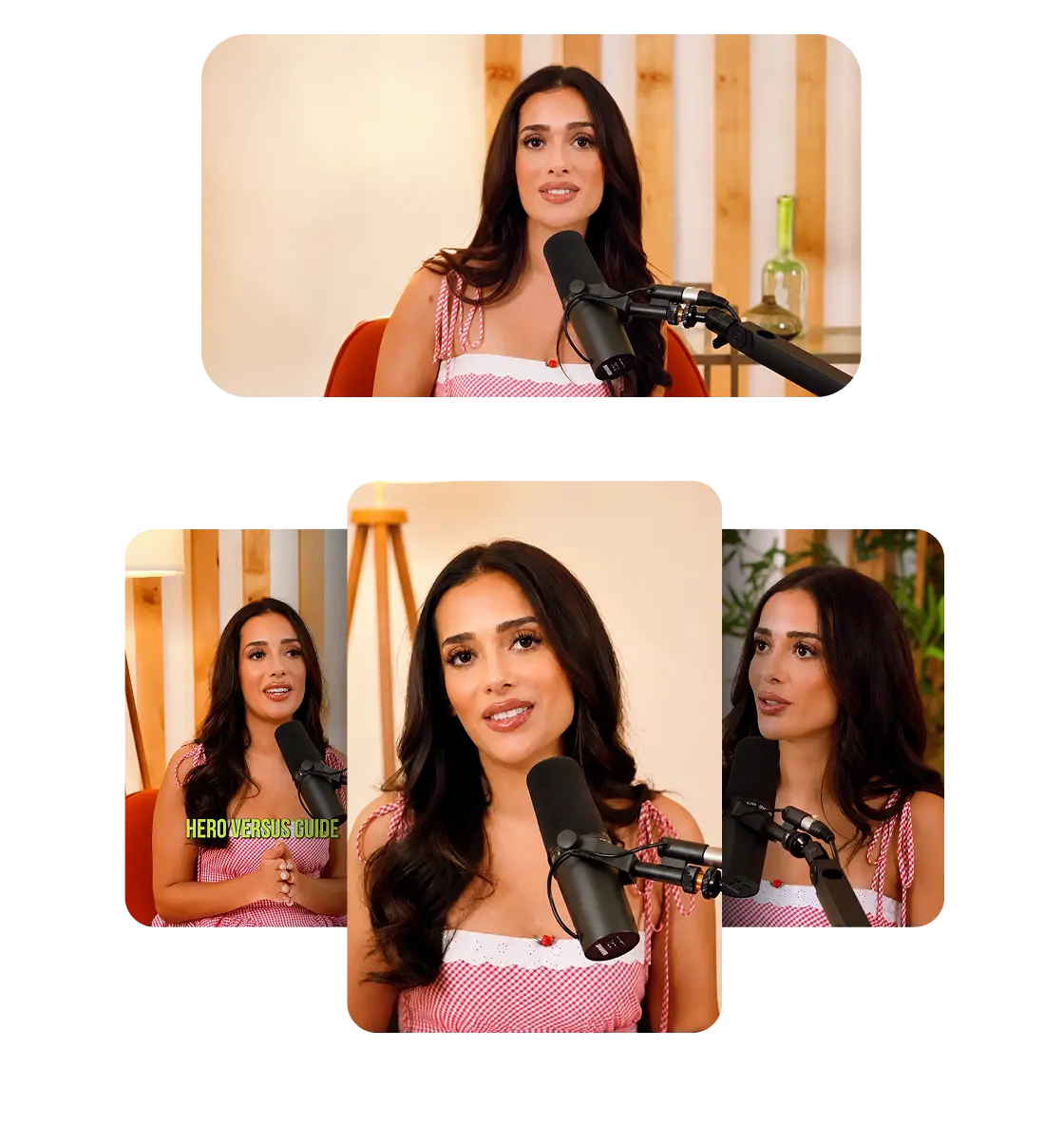
Reframe
Convert to 9:16 / 1:1 / 16:9 with subject tracking

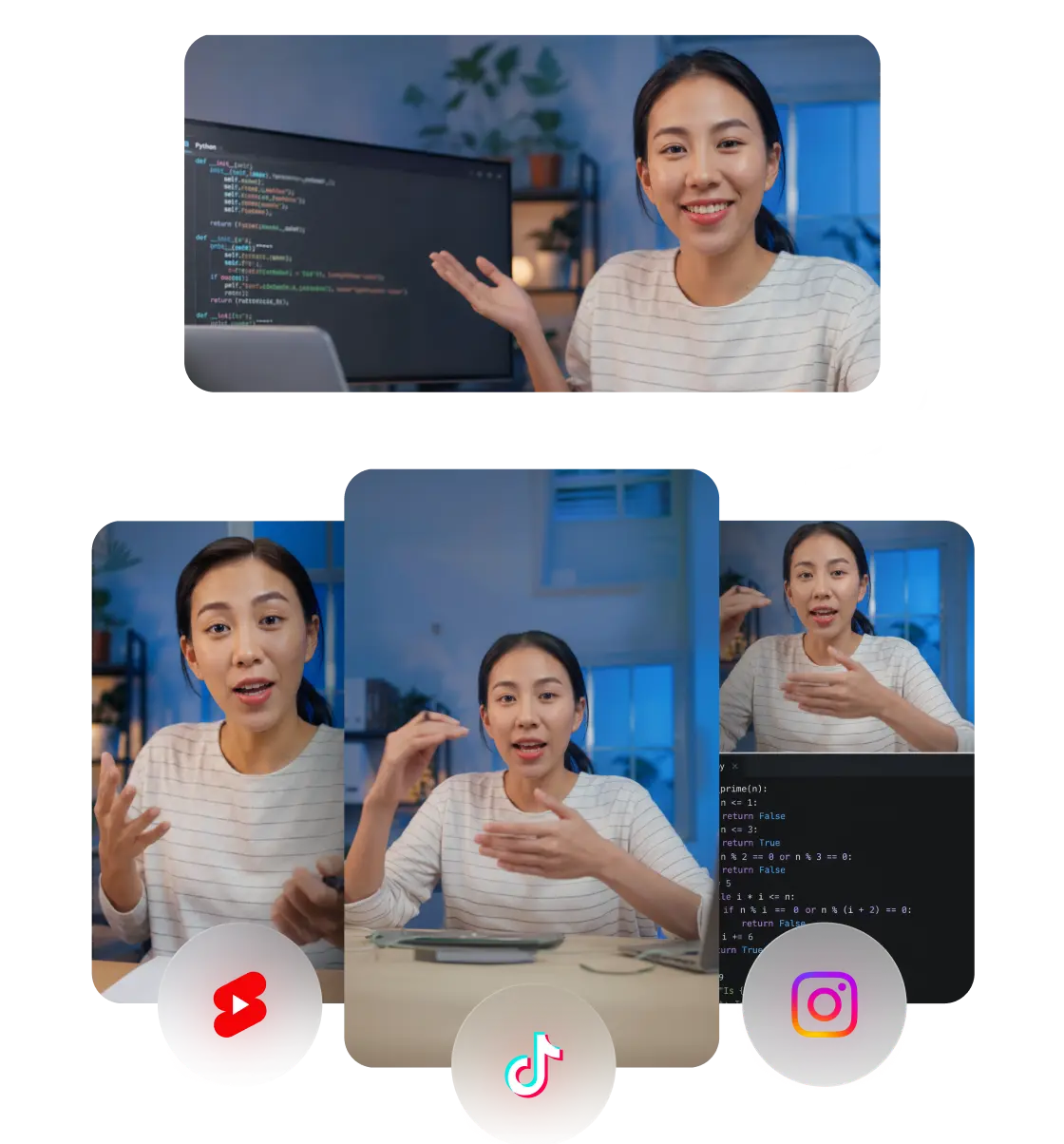
Repurpose
Re-edit a clip for TikTok / Reels / Shorts / LinkedIn


Schedule
Queue finished clips to connected social accounts
Try it with one prompt
Ask in plain language. Works on podcasts, webinars, sales calls, and livestreams.
Clip
Turn this YouTube video into 10 viral clips.
Reframe and caption
Reframe my webinar to 9:16 and caption it.
Find viral moments
Find the best moment in this podcast and translate it to Spanish.
What people are building
Try these copy and paste templates for the most popular workflows with our MCP.
.jpg)

Best video MCP servers
| MCP server | Clipping intelligence | OAuth (no keys) | Free tier | Clients |
|---|---|---|---|---|
| OpusClip | Yes (virality scoring) | Yes | Yes | Claude, Cursor, Cline, ChatGPT |
| HeyGen | No (generation / avatars) | Yes | Yes | Claude, Cursor, ChatGPT |
| VEED | No (generation) | Partial | Trial | MCP clients |
| Submagic | Yes | API key | Trial | Claude, Cursor |
| FFmpeg (DIY) | No — manual | N/A | Self-host | N/A |
Trusted at scale
The most powerful video editing MCP that works on any video. Built for speed, accuracy, and creative flexibility.
1B+
clips generated
~90s
for 10 clips
10x
faster than real-time
Connect your AI agent to video clipping and editing
The MCP server for turning long video into viral-ready shorts
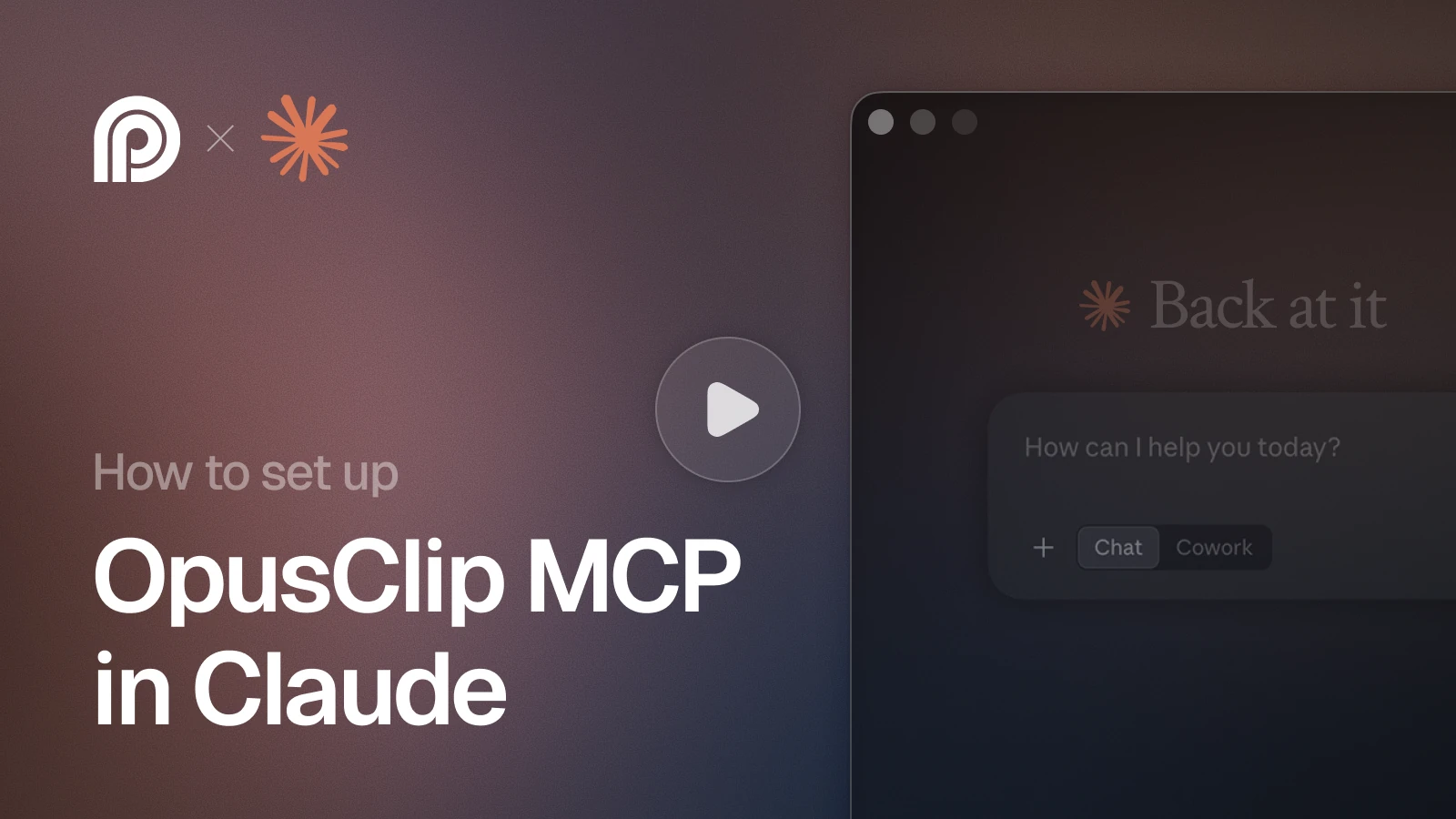
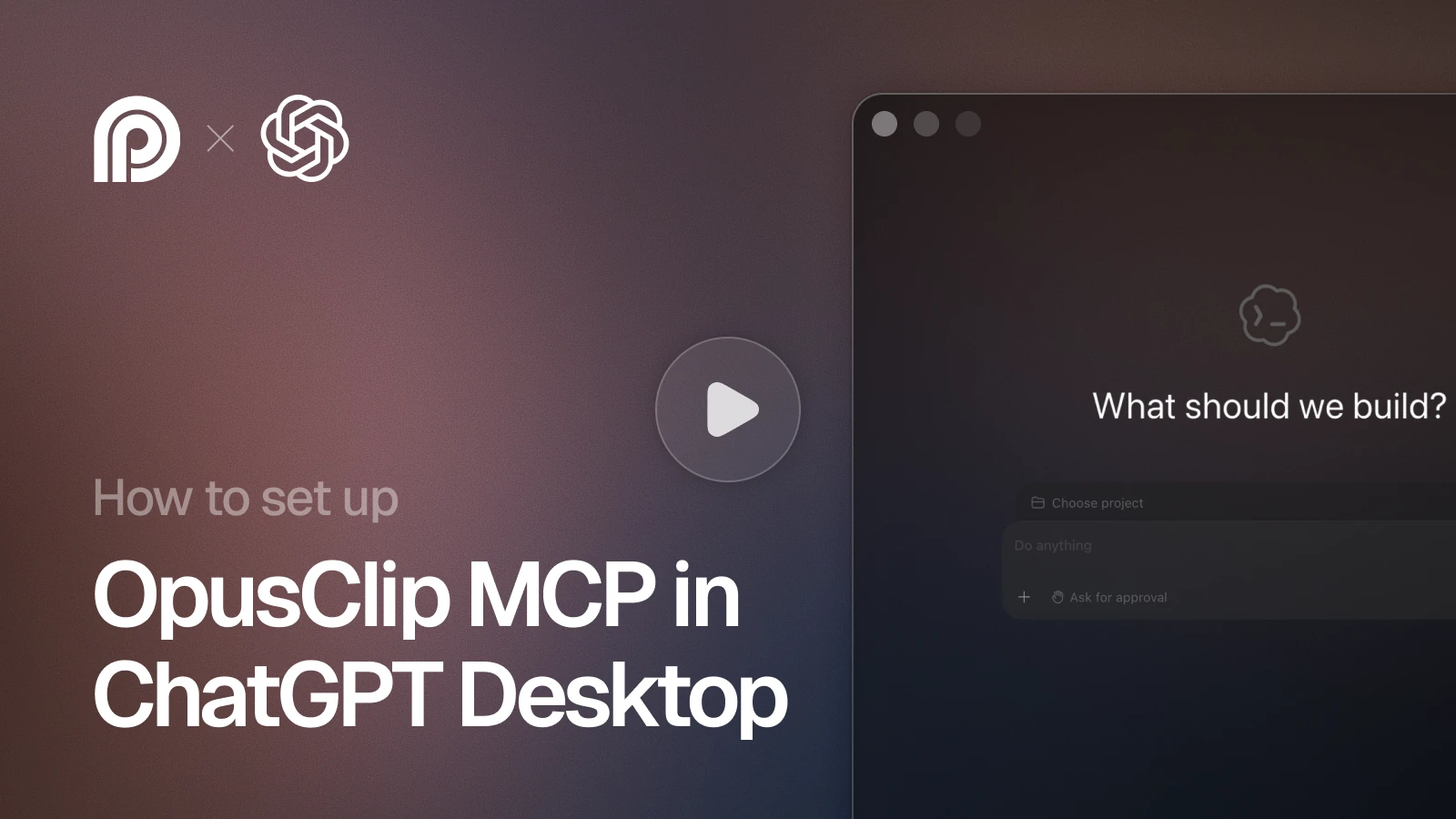
Installation guides
Got questions?
What is the OpusClip MCP server?
It’s a Model Context Protocol server that exposes OpusClip’s video tools — clip, caption, reframe, edit, repurpose, schedule_post to AI agents. Any MCP-compatible client (Claude, Cursor, ChatGPT) can call it to turn long video into short, captioned, vertical clips in one conversation.
What is a video MCP (and why use one)?
A video MCP server lets an AI agent create or edit video by calling a standard protocol instead of a custom integration. You install it once, and the agent gains video tools it can invoke on command, no separate app, no leaving the chat or editor.
How do I install the OpusClip MCP server?
Run one command — for Claude Code: ‘claude mcp add --transport http opusclip https://mcp.opus.pro/mcp’ or add the URL in your client’s MCP settings. Sign in with OAuth and you’re done in about two minutes. The same server works across Claude, Cursor, and ChatGPT.
Which clients and agents are supported?
Claude (Desktop, web, Code), Cursor, and ChatGPT via the Apps SDK, plus any MCP-compatible client. The same tools are available everywhere; only the install step differs per client.
Do I need an API key?
No, the MCP connection uses OAuth, so you sign in once and your account and credits carry through. API keys (opk_) are only needed if you call the OpusClip REST API directly outside of an MCP client.
What tools does the OpusClip MCP expose?
27, all prefixed opusclip_. The ones agents call most: submit_project (clip a video URL, with captions, reframe, filler-word removal, and brand template as parameters), list_clips (ranked clips with virality scores), get_transcript (per-word timing), get_editing_script and apply_editing_script (frame-level edits: trims, caption fixes, retiming), create_censor_job (profanity censor), export_clip (HD, 4K, or an Adobe Premiere XML project file), create_social_copy_job (titles, descriptions, hashtags), and schedule_publish (queue to connected social accounts). The rest cover projects, collections, brand templates, social accounts, and usage. Agents chain them in one request.
Is the OpusClip MCP server free?
Yes, there’s a free trial so you can clip videos through the MCP without paying, then a Pro plan for higher volume with metered, per-render-minute pricing and no per-seat fees. You connect with your existing OpusClip account.
What’s the difference between a video clipping/video editing MCP and generation MCP?
OpusClip is a video clipping and editing MCP that turns existing long video into short, ready-to-post clips with viral-moment detection. A generation MCP (e.g. Agent Opus) creates new video from prompts.
How is OpusClip’s MCP different from HeyGen’s or VEED’s?
HeyGen and VEED MCPs focus on generating video (avatars, text-to-video). OpusClip’s MCP repurposes video you already have into short clips with virality scoring, captions, and reframing, the ‘turn this long video into shorts’ job, which those generation MCPs don’t do. It also provides video editing capabilities.
What are the rate limits and pricing?
The free trial covers prototyping; Pro scales with metered per-render-minute pricing. Rate limits scale with your plan, and the server returns standard 429s with retry headers so agents can back off gracefully.
Is my video data private?
Yes. Work is tied to your authenticated OpusClip account, renders are sandboxed, and nothing is published until you approve it. Review OpusClip’s data-handling and retention terms for specifics.
How do I use the OpusClip MCP in my own agent?
Point your MCP-compatible framework (OpenAI Agents SDK, LangChain, CrewAI, or any client) at https://mcp.opus.pro/mcp and authenticate. The server advertises its tools automatically, so your agent can discover and call clip, caption, reframe, and more.