OpusClip Mobile App
Turn long videos into viral-ready shorts right from your phone.
Your on-the-go AI video clipping tool
OpusClip on mobile helps you upload a long video, generate short clips with captions, apply your look, edit, and share immediately, wherever you are.
Edit and style captions with the built-in editor. Choose fonts, colors and caption styles

Transcript editor for quick, clean subtitle fixes

One-tap sharing — publish or save instantly

Brand Templates — keep every clip on-brand

Create short clips in minutes


A built-in editor for captions and transcripts
Don’t just generate clips, finish them. On mobile, you can make quick edits to captions (fix typos, adjust styles, and refine highlights) and use an editor to clean up the final output before posting.
- Edit caption text quickly (typos, phrasing, timing)
- Apply caption styles (fonts, colors, layout)
- Transcript edits with a dedicated editor
- Refine key moments or highlights without starting over

Everything you need to turn videos into viral clips


Loved by creators on the go

It's about time we got the app. But I think I like it better than desktop
This is the app I was looking for. It's the best better than some editors. If you don't believe me, try it out.
This app really breaks the videos down for you!!!! It's worth the wait for uploading and downloading. This is going to change the game of content creation for me dramatically!!!
I'm a small content creator and this app helps me infinitly and it does not lie using this app gave me 100 views in like 10 minutes 10/19
I run a business and a YouTube channel in my spare time being able to automatically create short form for promotion from my YouTube videos is an absolute life saver click pick and post
Really easy to use and best part is it's free
Love this app very good and easy app took 2 minutes to understand
Great to see an app finally. A bit barebones but it's coming along!
Posted 5 clips in one day
This app has help me cut down my time and save hours of scrubbing through the videos and searching 10/10 would highly recommend it !
What’s included in the mobile app
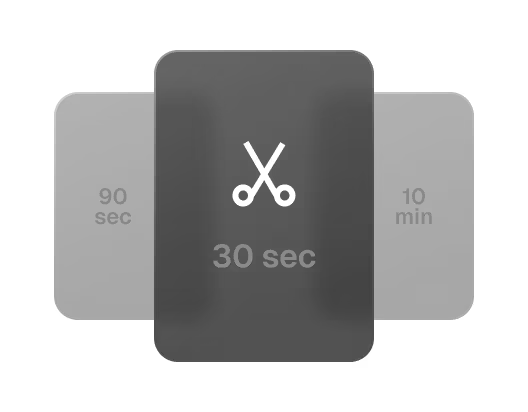
AI clipping on mobile

Captions
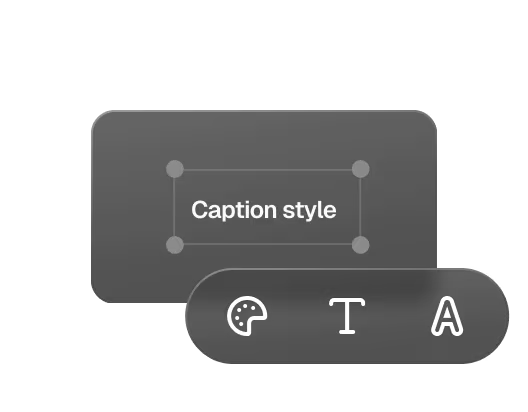
Edit and style captions
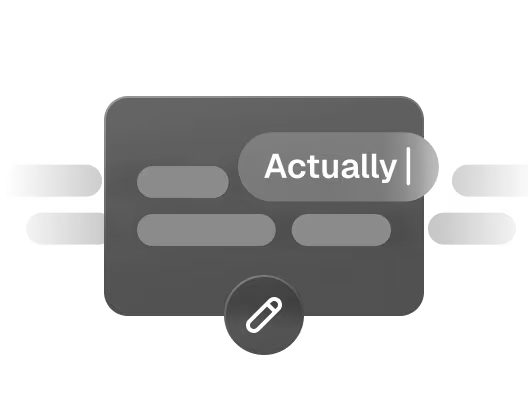
Transcript editor
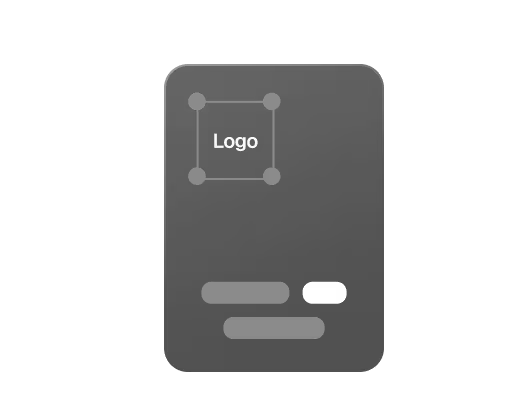
Brand Templates
iOS native sharing


Get started in under 2 minutes


OpusClip mobile app FAQ
Is this the official OpusClip mobile app?
Yes, this is the official OpusClip mobile app. Download it from the Apple App Store to get the latest version, updates, and support.
Can I edit videos in the OpusClip mobile app?
Yes. OpusClip mobile includes a built-in editor so you can polish your clips without leaving your phone. After you generate clips, you can jump into editing to refine the output before you publish.
Does OpusClip mobile have a subtitle editor?
Yes. The app includes a subtitle editor so you can quickly clean up transcripts, fix wording, correct mistakes, and make sure everything reads naturally before posting.
Can I style captions (fonts/colors/caption styles) on mobile?
Yes. You can edit and style captions directly in the built-in editor, adjust caption text and apply caption styles (like fonts and colors) to match your brand or personal look.
What can I do in the mobile app?
Upload a long video, generate multiple short clips with AI, preview results, edit and style captions, apply templates, and save to your camera roll to share on social media.
What devices are supported?
The iOS app works on iPhone running iOS 16 or newer. (Your App Store listing has the full compatibility details.)
Is OpusClip mobile available on Android?
If you don’t see the official OpusClip listing in Google Play yet, Android isn’t available in your region/account right now.
Is the OpusClip mobile app free?
You can start for free, and your credits renew monthly. If you need more volume or advanced options, you can upgrade via in-app purchases.
