
The easiest way to sharpen your audio
Remove filler words, pauses and bad takes in just one click.

Used by 16M+ creators and businesses




.jpg)






Clean up every take automatically
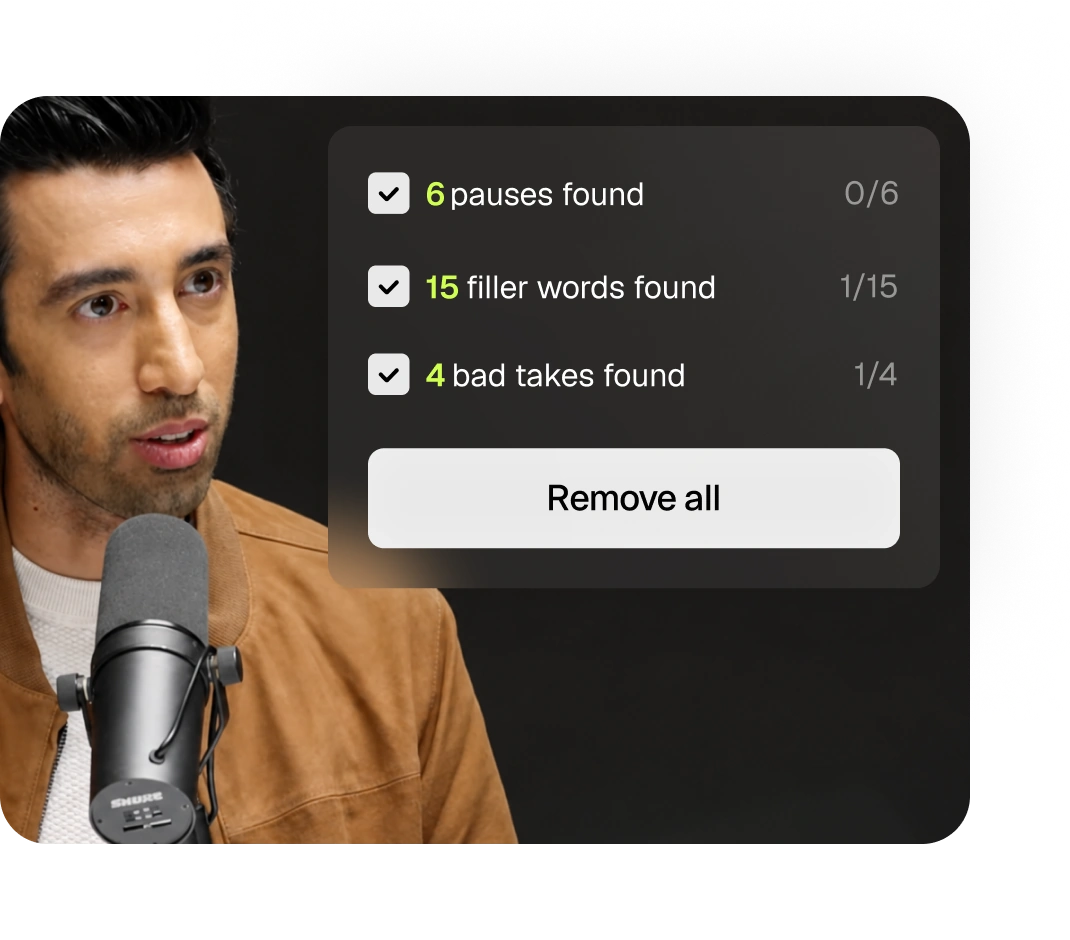
Speech Cleanup finds every flub, pause, sigh, and retake. Each one gets flagged inline, so you can just approve cuts instead of scrubbing a two hour recording manually.
Make your audio sound professionally mixed
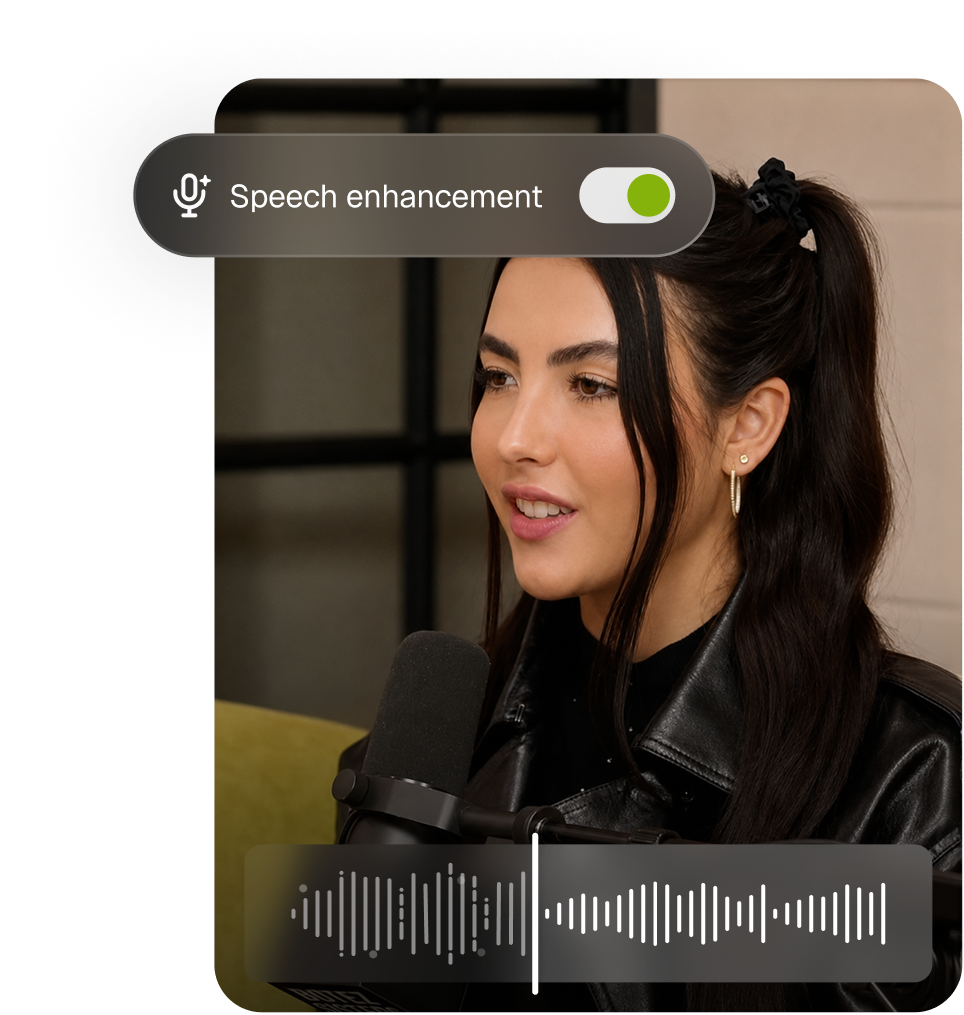
Speech enhancement isolates the speaker vocals and removes background sound, including music and overlapping voices, so you get crisp audio every single time.
One panel, one click
Copy AI enhance in the editor and switch on what you need. Every filler word, pause and bad take is flagged inline, so you approve the cuts instead of hunting for them.
No more manually editing your audio
Filler words, dead air, and bad takes, found for you in one click.

AI clipping

AI captioning

Social media calendar

AI B-Roll

AI voiceover

Analytics

Audio cleaning

AI reframe
Also available via API and MCP
OpusClip API
Run AI editing programmatically. One call sends a video in and returns finished clips, no browser in the loop.

OpusClip MCP
Give Claude, Cursor or ChatGPT direct access to AI editing. 25 tools in one connector, from clip to scheduled post.
Got questions?
Do I need to adjust the settings manually, or does Speech Enhancement work automatically?
When you turn on Speech Enhancement, OpusClip automatically applies the default levels for Noise Reduction and Voice Volume Enhancement. If you want more control, you can adjust each setting independently to fine-tune the result.
What does Speech Enhancement improve?
Speech Enhancement reduces background noise while improving voice clarity and volume, helping low-quality recordings sound clearer, louder, and more professional.
What languages are supported?
All languages are supported. It improves overall audio quality by reducing background noise and enhancing voice clarity and volume, regardless of the language being spoken.
Does it work on long recordings and podcasts?
Yes, Speech Enhancement supports both long recordings and podcasts. If you'd like to enhance multiple clips, simply select and enhance each clip individually.
Is Enhance Speech included in the free plan?
Currently, Speech Enhancement is not available on the Free plan. Users on the Pro plan and above can use Speech Enhancement for free up to 10 times per day.