Turn your gaming footage into clips with AI and grow faster
OpusClip turns your gameplay, livestreams, and more into ready-to-post shorts with just 1 click. Try it and get your first 90 minutes of clip processing totally free, no credit card required.
%20(1).png)
Join over 200,000 gaming creators using OpusClip to grow their social channels
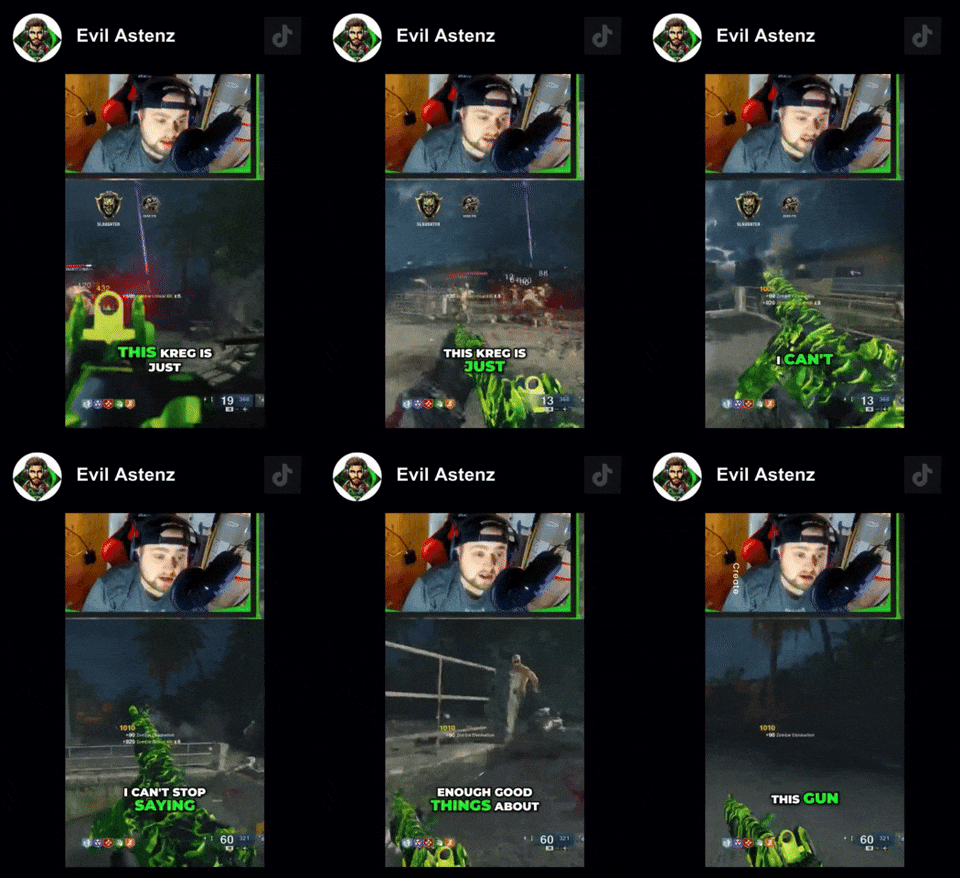
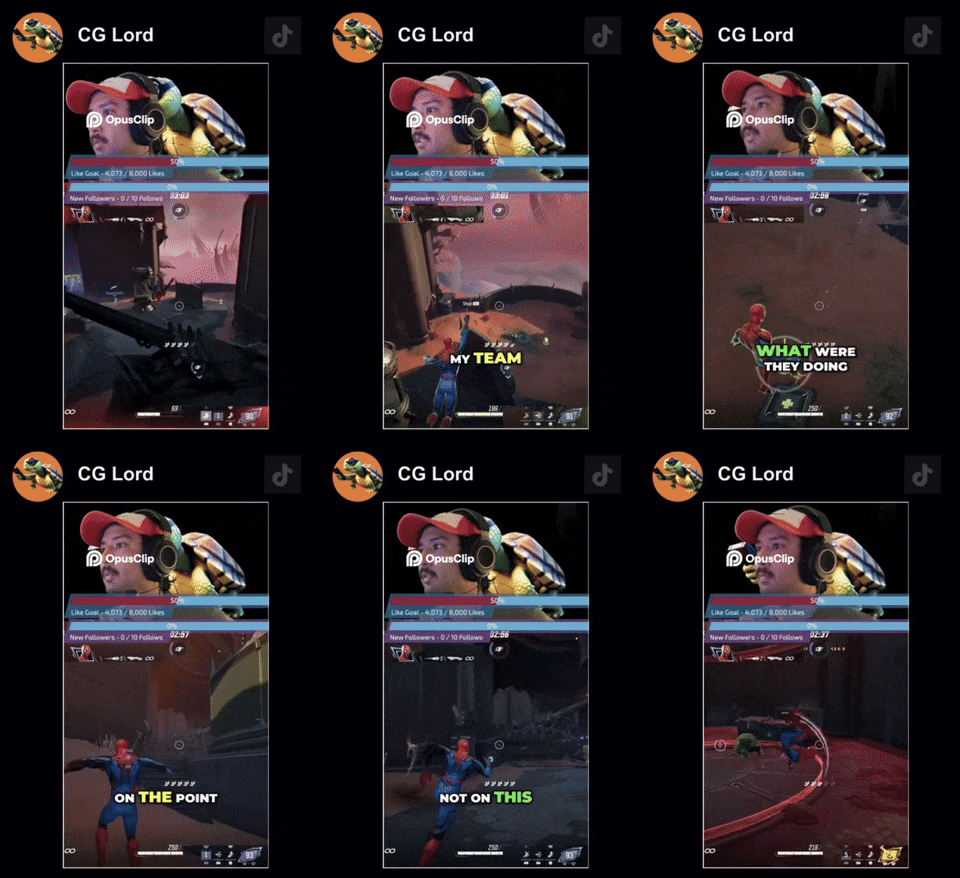


Gaming creators using OpusClip get more views, faster
3x
400%
96%
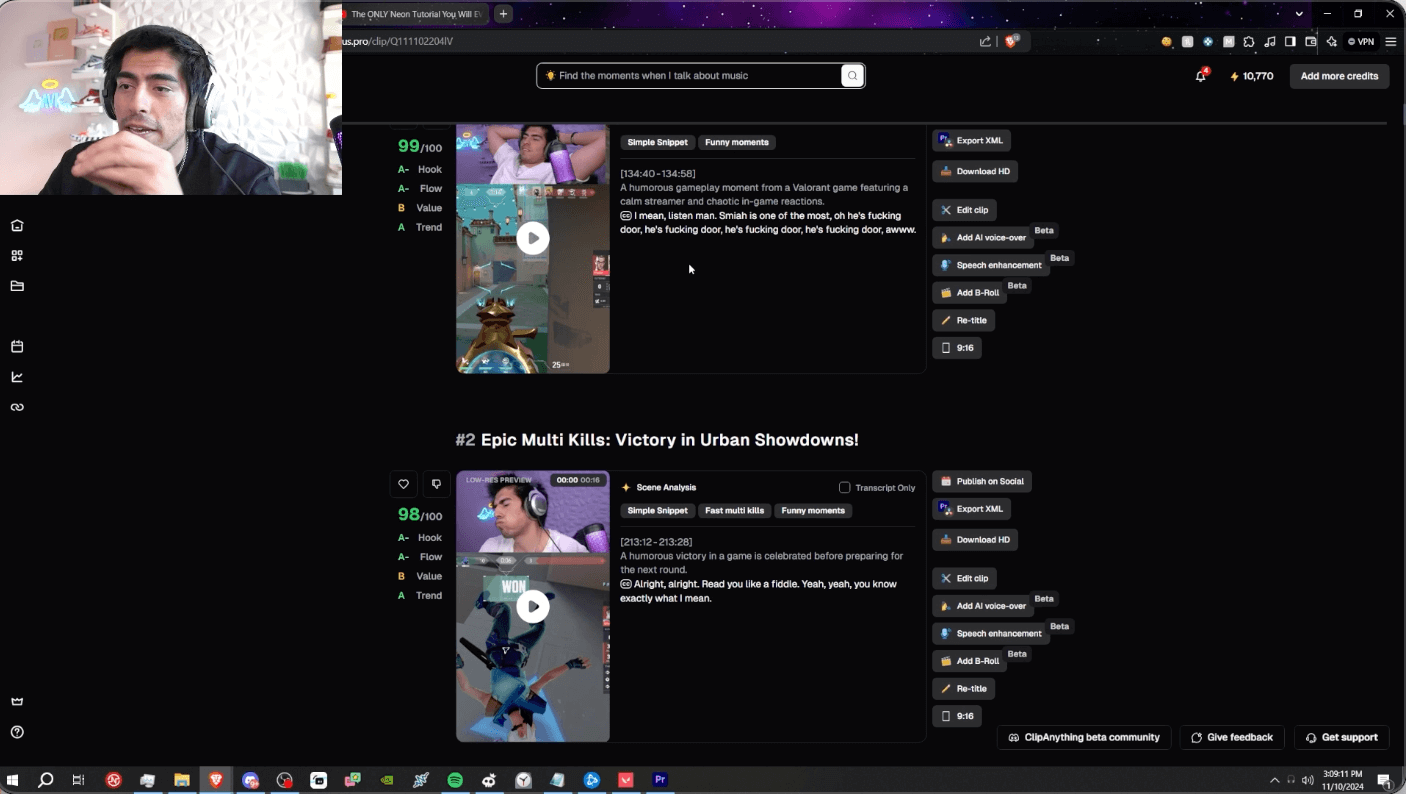
See how Avi Akbar (1.5 million subscribers) uses OpusClip to turn his gameplay into social clips.
Create high-performing clips with our AI features designed for gaming content
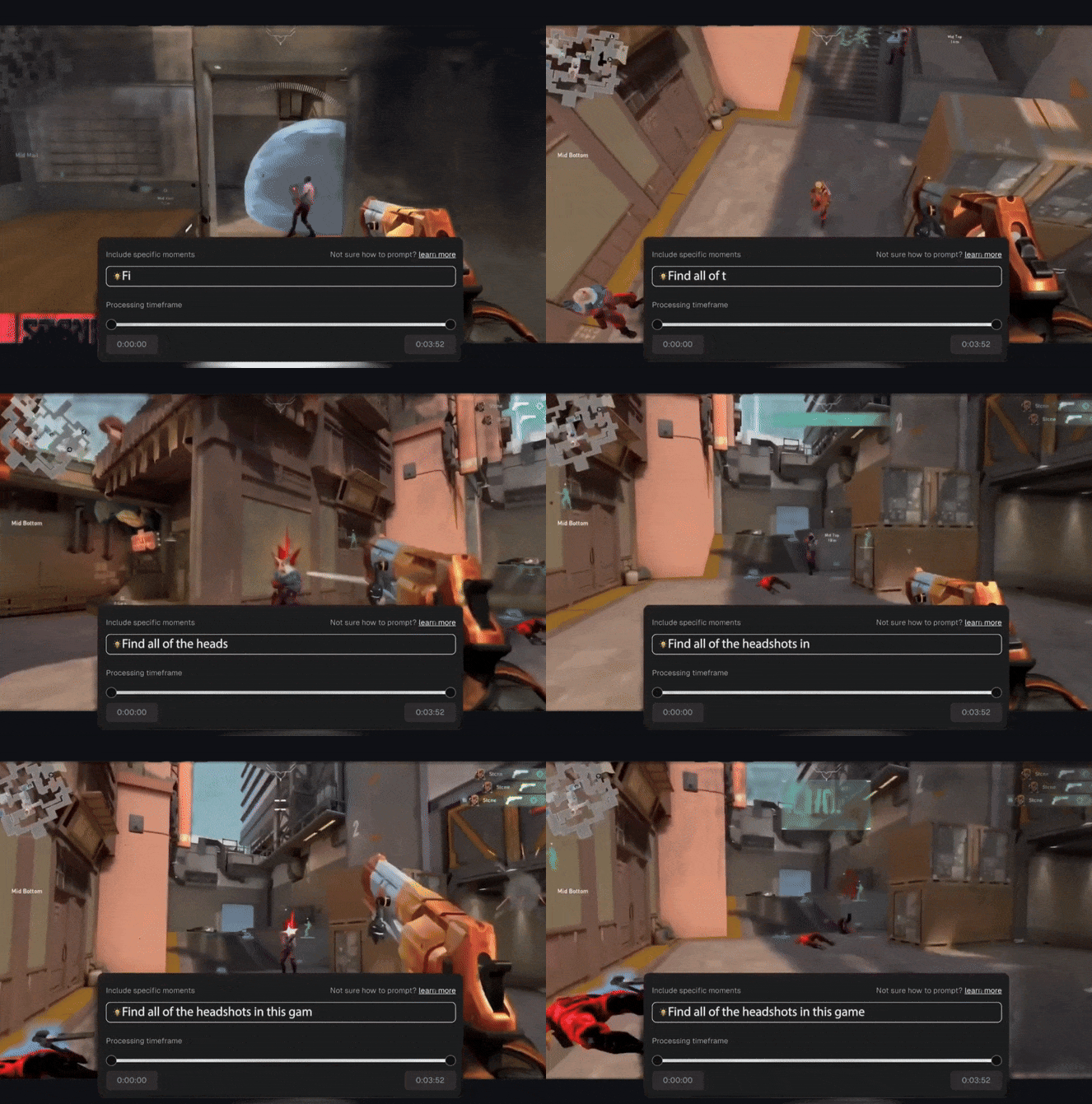
Use prompting like ChatGPT
Select our new model ClipAnything to prompt for different objects, emotions, and more from your gameplay.
AI reframing made for gaming
Our AI recognizes the important visual elements inside your gameplay and adjusts the cropping accordingly.
Engaging auto captions
Add stylish captions to any of your clips with 1 click.
Livestreamer layout
Our AI can detect your facecam and gameplay separately, and arrange them in the classic top-and-bottom format.
Create high-performing clips with our AI features designed for gaming content
Customization for making recognizable clips your followers will love
.png)
Customization for making recognizable clips your followers will love
Add a branded overlay
Upload your own overlay with your Twitch handle, other brand elements, or sponsors.
Upload your own media
Add your own background music, sound effects, memes and more.
Customizable captions
Change your captions’ font, colors, and animation style.
Take your gaming content’s growth to the next level
AI Virality Score
Autopost and schedule your shorts to YouTube, TikTok, Instagram, and LinkedIn.
Social media scheduler
Autopost or schedule your clips ahead to YouTube Shorts, TikTok, Instagram Reels, and more.
Never write your own posts again
OpusClip writes your social post titles, descriptions, and even hashtags
Analytics Coming soon
Easily tracks your performance across published social posts, and give you personalized suggestions to optimize results.
Take your gaming content’s growth to the next level


"I'll stream, plug it into OpusClip with the prompt that I like, and it cuts down the hours of footage into dozens of clips. I think OpusClip is a great tool for all streamers that want to grow their audience. "

Got questions?
How does OpusClip work?
OpusClip leverages big data to analyze your video content in relation to the latest social and marketing trends from major platforms, and generates a comprehensive understanding of your video for a data-driven decision on content repurposing. It then picks the highlighting moments of your long video, rearranges them into a viral-worthy short and polishes it with dynamic captions, AI-relayout, smooth transition to ensure that the clip is coherent and attention-grabbing, and ends with a strong call-to-action. Learn more
What types of videos can I upload?
You can use OpusClip to clip any video type that you have with our newest model ClipAnything. Whether it's talking-head videos like podcasts and interviews, vlogs, sports, TV shows, or videos with little to no dialogue, ClipAnything understands all the visual, audio and sentiment cues throughout the video, and can clip the best moments from your video. You can also use natural language prompts to clip a specific moment. To learn more about it, please visit the ClipAnything page.
Which languages are supported?
We support English, German, Spanish, French, Portuguese, Italian, Dutch, Russian, Polish, Indonesian, Ukrainian, Swedish, Turkish, Norwegian, Croatian, Romanian, Slovak, Greek, Danish, Finnish and more to come.
Can I add captions?
Absolutely! In fact, OpusClip automatically adds captions for you with over 97% accuracy! You can change text and edit it freely.
Is OpusClip free to use?
OpusClip is free to use.
If you are a new user, you will enjoy a 7-day free trial of our Pro Plan, which gives you 90 minutes of video processing time (~30 downloadable clips).
Once your free trial ends, you can either upgrade to paid subscription, or use our free-forever plan with 60 minutes of video processing time refreshed monthly.
We offer paid subscription plans with flexible upload credits, available on both a monthly and yearly basis. Please check out further details above.
I have more questions!
Please join our Discord or email us at contact@opus.pro if you need help or have any questions or advice for us.

