Turn your paid course into a TikTok funnel
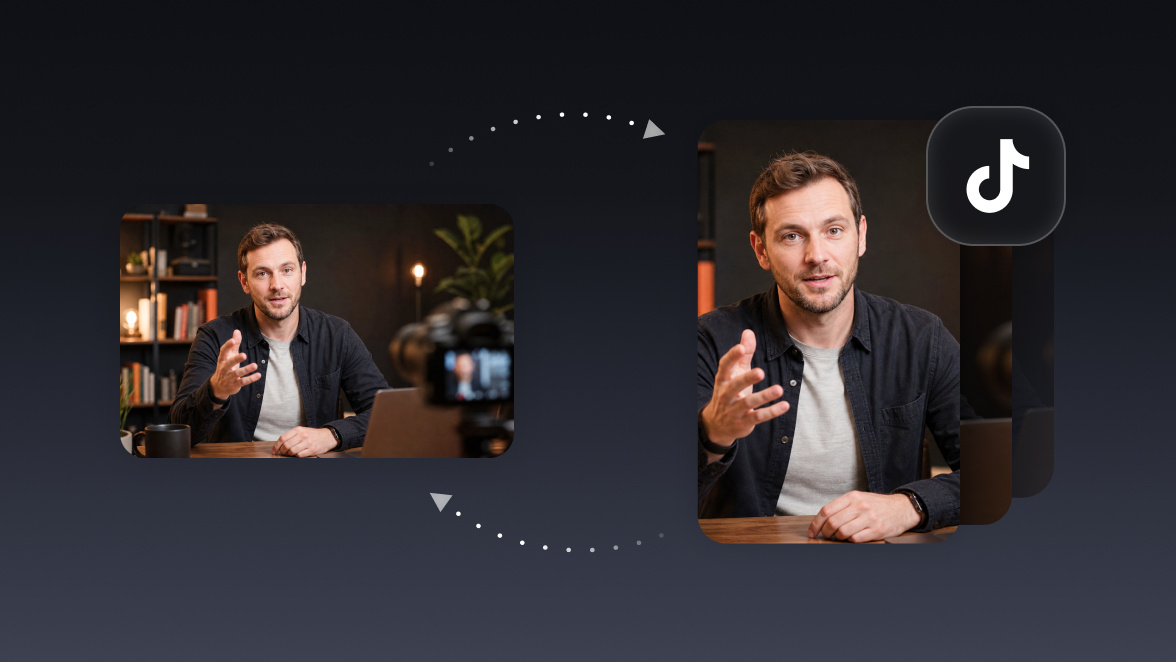
Your course library is full of moments good enough to sell the course, if anyone ever saw them. Your agent clips the best free-value teaching moments and schedules them as TikTok teasers pointing straight back to your checkout page.
Run it with your agent
- Open Customize in your client and select “Connectors”
- Find OpusClip and click "Add"
- Sign in with your OpusClip account in the OAuth window
- Run the command below in your terminal
claude mcp add --transport http opusclip https://mcp.opus.pro/mcp - Start Claude Code and run
/mcp - Approve the OAuth sign-in with your OpusClip account
claude mcp add --transport http opusclip https://mcp.opus.pro/mcp- Open the ChatGPT desktop app and select "Plugins" in the sidebar
- Search for OpusClip, then click the + icon
- Click "Connect" and sign in with your OpusClip account
- Open ChatGPT and select "Plugins" in the sidebar
- Search for OpusClip, then click the + icon
- Click "Connect" and sign in with your OpusClip account
- Open Customize in the left panel, then select MCPs
- Add New MCP Server
- Paste the configuration below
- Save the file (Cmd+S / Ctrl+S), then approve the sign-in request in your browser
{"mcpServers": {"opusclip": {"url": "https://mcp.opus.pro/mcp"}}}- Open Extensions ⇧⌘X → search @mcp opusclip
- Pick the opus-pro entry
- Install → OAuth sign-in
What this workflow does
Course creators sit on hours of polished, high-value video that only paying students ever see. This workflow turns that locked library into a marketing engine: the agent goes through your course videos, finds the moments that deliver real standalone value (a complete tip, a myth-bust, a before/after) and schedules them as TikTok teasers with captions pointing back to the full course.
Why it works
The best ad for a paid course is the teaching itself. A teaser that actually solves a small problem proves the course can solve the big one, which is why free-value clips consistently outperform "link in bio" promo videos. And because the source material already exists, the funnel costs you zero new recording time: every course module is a month of top-of-funnel content you already made.
What you need
- OpusClip MCP (api.opus.pro/api/mcp): clipping, captions, vertical reframing, and scheduling (Pro plan required for tool calls)
- Your course video files: exported locally or accessible via a link; the agent submits them like any other footage
- Your TikTok account connected in OpusClip: so teasers schedule straight to the platform
- Claude, Cursor, or any MCP-enabled agent to pick the moments and run the pipeline
How it works
- Point the agent at a course module. One video or the whole curriculum.
- It hunts for free-value moments. Using the transcript, it looks for self-contained lessons: advice that pays off inside 60 seconds without needing the surrounding context.
- It filters out the crown jewels. You tell it what's off-limits (frameworks, templates, the paid "secret sauce") and it teases those topics without giving them away.
- Each teaser gets funnel copy. Captions end with a pointer to the full course, and the agent drafts platform copy that frames the clip as a sample, not the whole meal.
- A month gets scheduled. Teasers go out on a steady TikTok cadence, each one a small proof that the course delivers.
Try this prompt
Here are the videos from module 2 of my course: ~/Courses/module-2/. Find the moments that deliver complete standalone value in under 60 seconds, but don't give away the full framework I sell in module 4. Clip the top 8 with captions, add copy that points to [course URL], and schedule them to TikTok two per week starting Monday.
Tips
- Tease outcomes, protect methods: a clip can show that something works without showing the full how.
- Ask the agent to end each caption with the same call to action so the funnel is consistent across every teaser.
- Track which teaser topics drive course clicks, then have the agent cut more from those modules; the funnel tunes itself.