Programmatic Video
In adtech, programmatic video means buying and serving video ads automatically. In production, it means making the video itself with code. OpusClip is the second one.
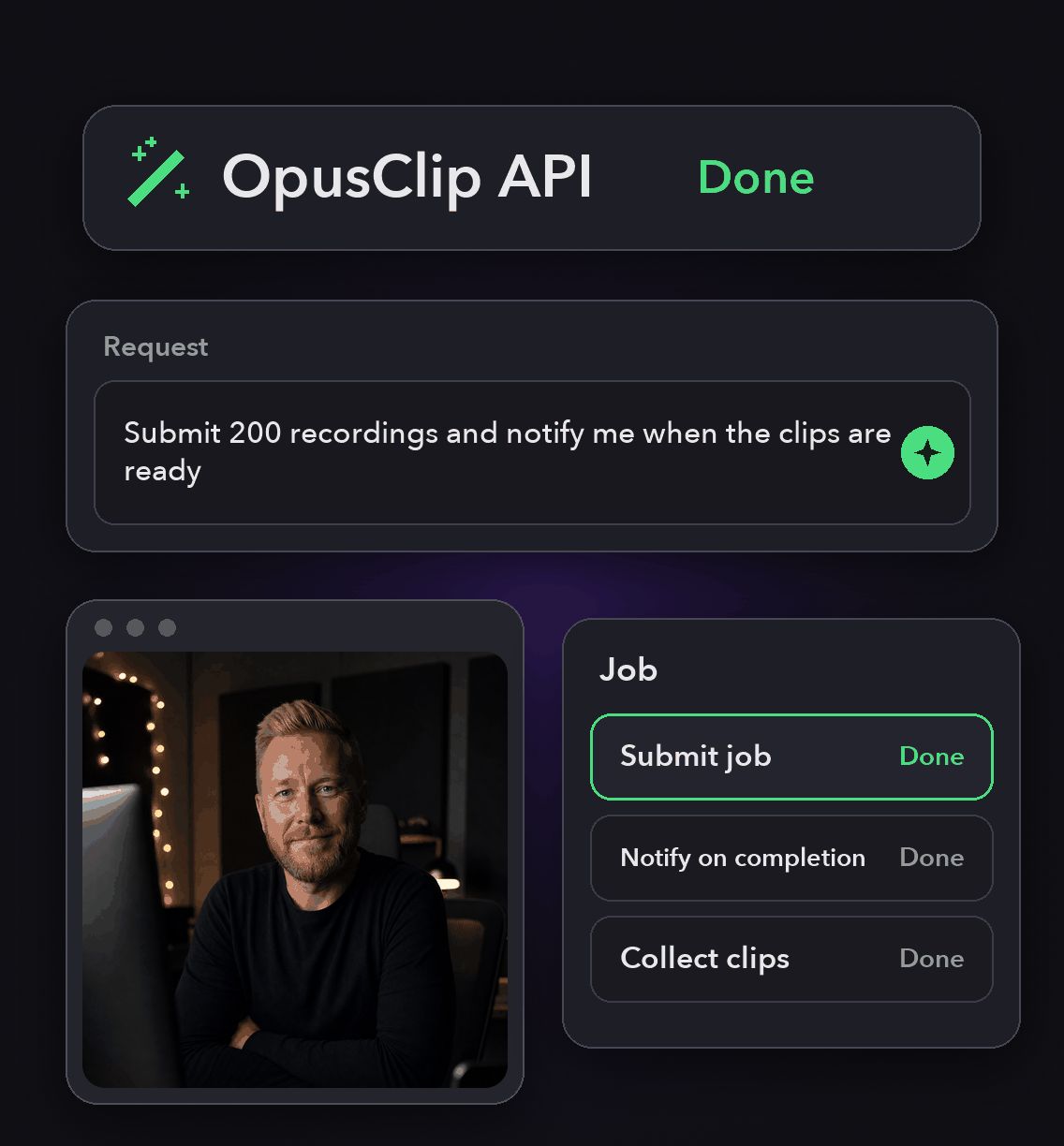
One POST to api.opus.pro/api/clip-projects takes a source URL, a brand template and an aspect ratio, and returns finished clips with captions.


What makes video production programmable
The whole brief fits in one request body
Nine components cover it: video URL, brand template, curation preferences, render preferences, import preferences, conclusion actions, curation model, uploaded video attributes and the response schema.
Output shape is a parameter
Set renderPref.layoutAspectRatio to portrait, landscape or square, and the clips come back in that shape with captions and layout already applied.
Throughput you can plan around
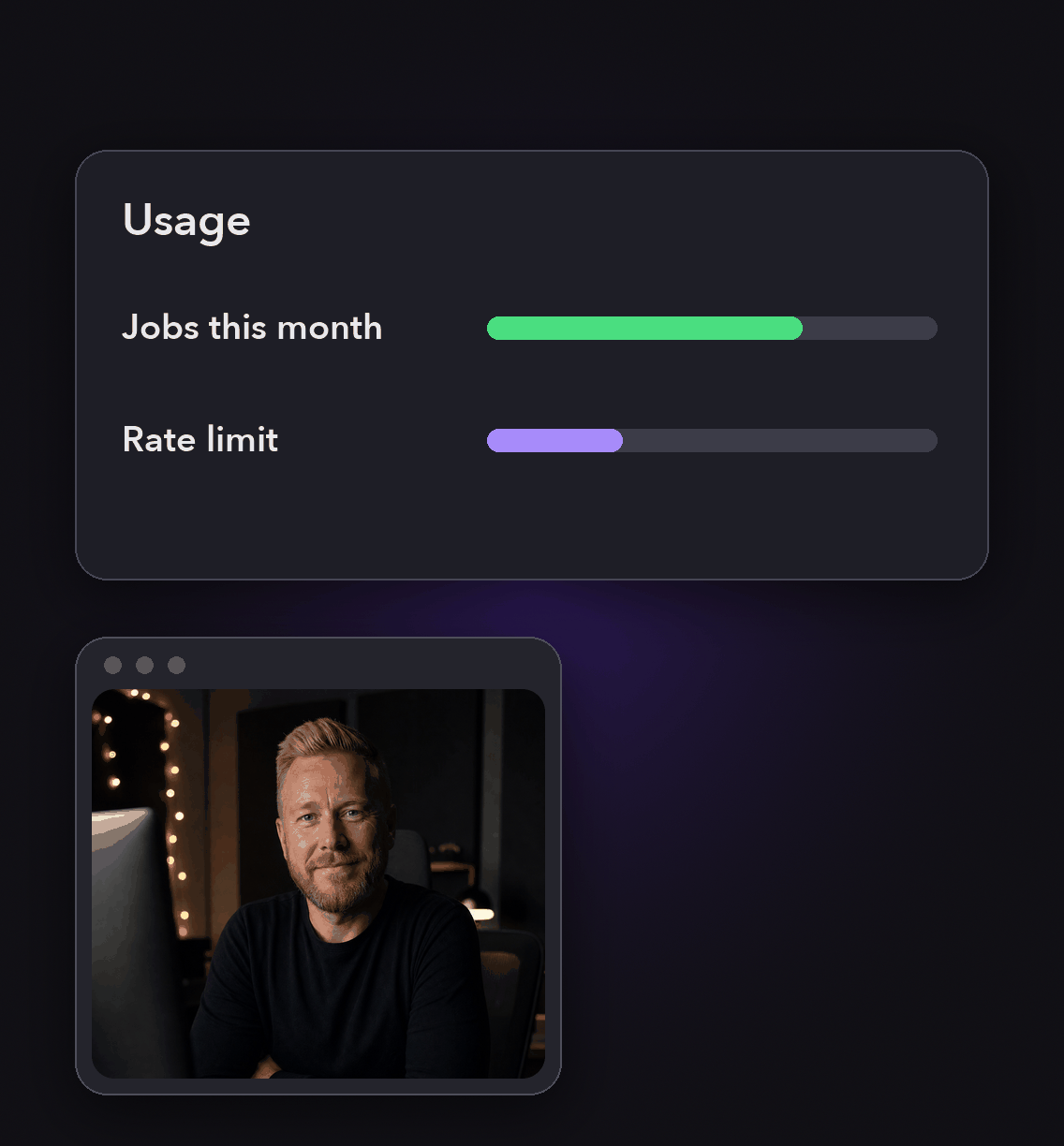
30 requests a minute per API key on the core project and clip endpoints, 4 projects in flight on Pro Beta and Max, and up to 50 on Business plans.
Produce at volume without a seat per video
Submit as many projects as your concurrency allows and collect the results from /api/exportable-clips.
Over-limit calls return 429 with X-Cap-Reason: concurrent, and the limit lifts as soon as an in-flight project finishes, so retry with backoff is the whole pattern.
Produce at volume without a seat per video
Submit as many projects as your concurrency allows and collect the results from /api/exportable-clips.
Over-limit calls return 429 with X-Cap-Reason: concurrent, and the limit lifts as soon as an in-flight project finishes, so retry with backoff is the whole pattern.
Keep 10,000 videos on brand
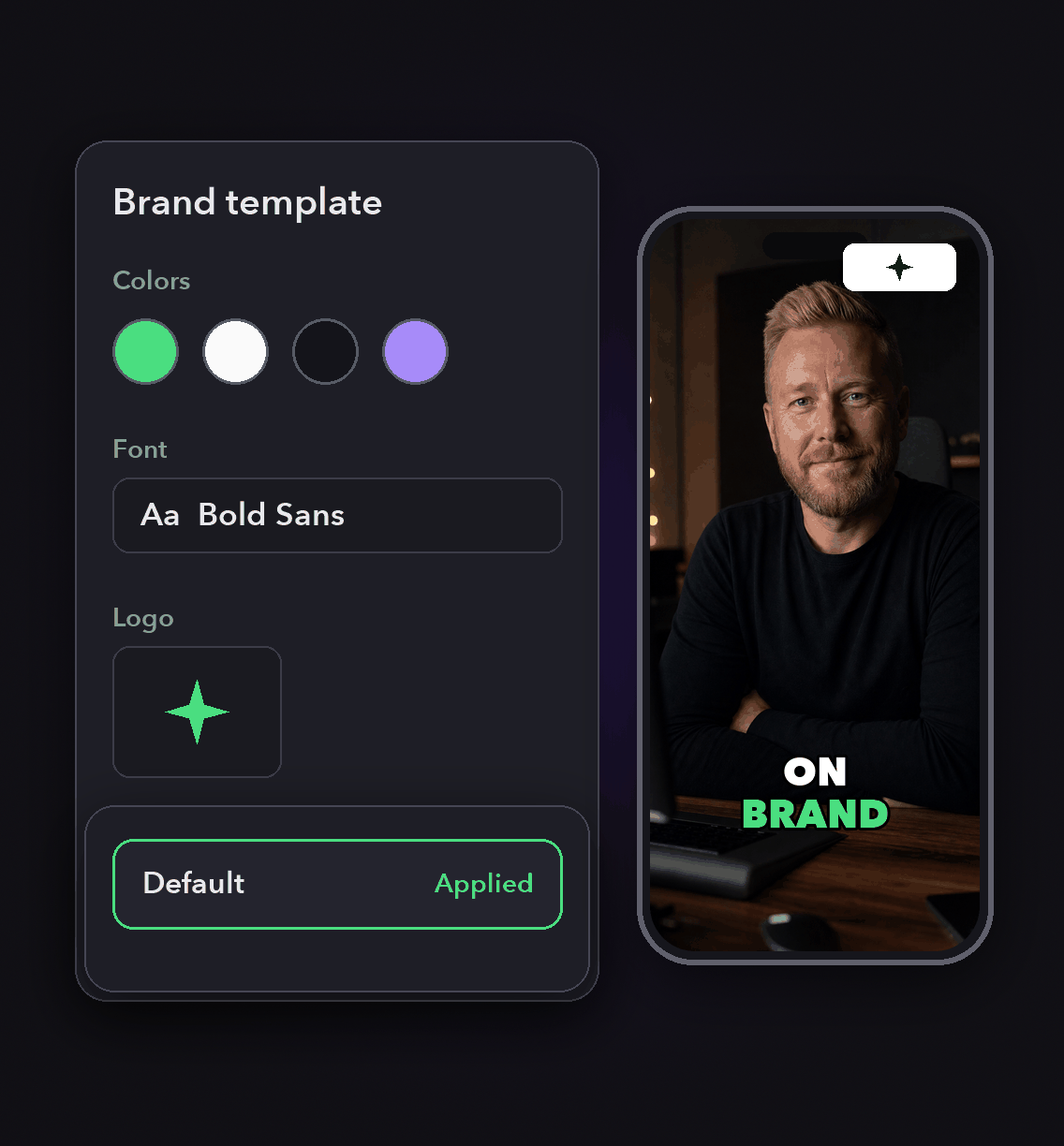
Pass a brandTemplateId per request, or set a default on the account and leave it out.
Preset templates such as preset-fancy-Karaoke work the same way, so a run started by a script looks like a run started by your editor.
Keep 10,000 videos on brand
Pass a brandTemplateId per request, or set a default on the account and leave it out.
Preset templates such as preset-fancy-Karaoke work the same way, so a run started by a script looks like a run started by your editor.
Feed it from almost anywhere
Sources include YouTube, Vimeo, Twitch, Zoom, Loom, Riverside, StreamYard, Frame.io, Google Drive, Dropbox, Apple Podcast, Facebook, LinkedIn, X and Rumble.
Any public S3 link to an MP4 works too, up to 10 hours and 30GB.
Feed it from almost anywhere
Sources include YouTube, Vimeo, Twitch, Zoom, Loom, Riverside, StreamYard, Frame.io, Google Drive, Dropbox, Apple Podcast, Facebook, LinkedIn, X and Rumble.
Any public S3 link to an MP4 works too, up to 10 hours and 30GB.
How a programmatic run works
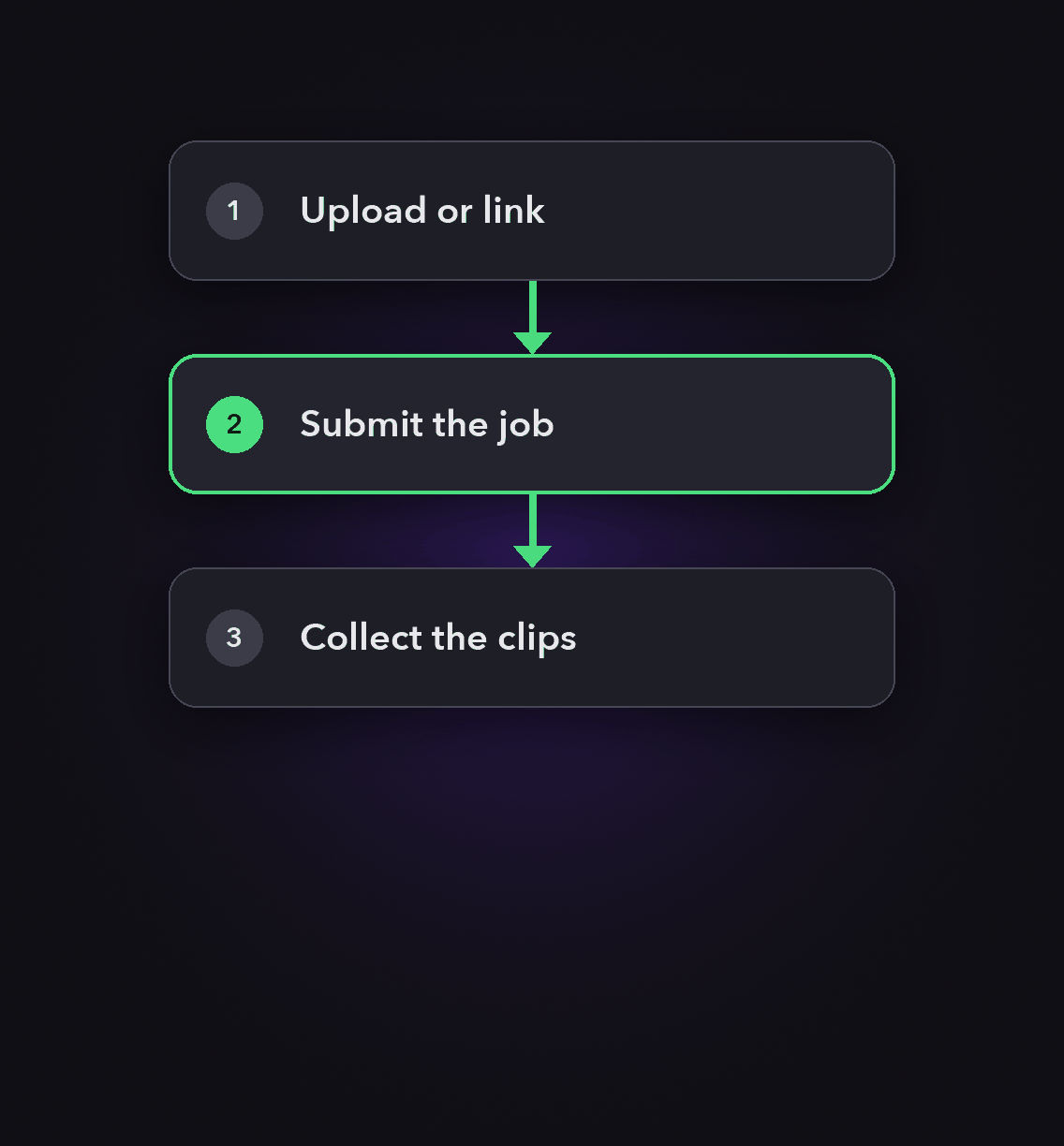
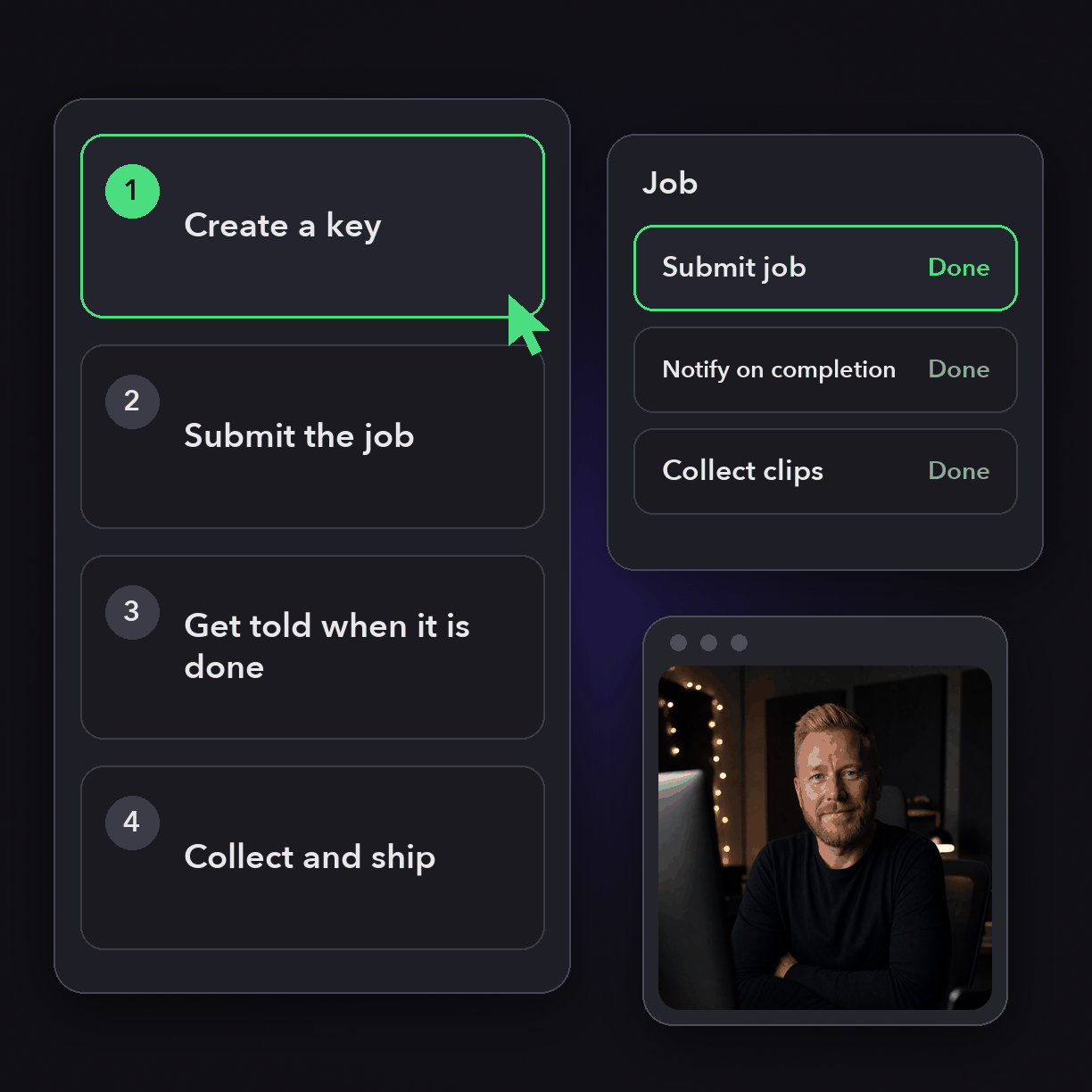
Create a key
API access is available on Pro (Beta), Max and Business plans. Generate the key from the OpusClip dashboard and keep it in your environment, never in prompt text.
Submit the job
POST the source URL with your curation and render preferences. Choose ClipBasic for talk-driven footage or ClipAnything for anything else.
Get told when it is done
Attach a conclusion action so we call your signed webhook, then fetch clips for that projectId instead of polling on a timer.
Collect and ship
Read the clips, export HD downloads, and hand them to your CDN, your CMS or straight to the social posting endpoints.
Heading
Heading 1
Heading 2
Heading 3
Heading 4
Heading 5
Heading 6
Lorem ipsum dolor sit amet, consectetur adipiscing elit, sed do eiusmod tempor incididunt ut labore et dolore magna aliqua. Ut enim ad minim veniam, quis nostrud exercitation ullamco laboris nisi ut aliquip ex ea commodo consequat. Duis aute irure dolor in reprehenderit in voluptate velit esse cillum dolore eu fugiat nulla pariatur.
Block quote
Ordered list
- Item 1
- Item 2
- Item 3
Unordered list
- Item A
- Item B
- Item C
Bold text
Emphasis
Superscript
Subscript
Parameters that do real work
layoutAspectRatio
Portrait, landscape or square, decided at submit time rather than in an editor.
brandTemplateId
Apply your own template or a preset, and the matching render preferences follow.
Clip duration and keywords
Curation preferences set target length, genre, and the topics you want prioritized.
ClipAnything model
Pulls moments from vlogs, sports, TV, behind-the-scenes, news and music video, not only talking heads.
skipCurate
Skip clipping entirely when you want the render pipeline but not the moment selection.
Conclusion actions
Signed webhook or an email when results are ready, set per project.
Exportable clips
Fetch clips by projectId, then pull HD download URLs for the ones you keep.
Thumbnail jobs
Generate thumbnail options for a clip through the same key, as an asynchronous job.
What people are saying
"The ease of Opusclip is great. I'm a marketer, not a video editor. But OpusClip makes it so easy to look like I know what I'm doing!"
Karim S.
""
Anonymous
"At KMS Studios2 we rely on OpusClip for generating all of our and our client's short form content at scale. Although we may need to tweak things here or there - this gets us very close 90% of the time!"
Joshua M.
Frequently Asked Questions
Is programmatic video the same as programmatic advertising?
No. Programmatic advertising is automated buying and serving of video ad inventory. Programmatic video production, which is what OpusClip does, is creating the videos themselves through an API instead of an editor.
How many videos can I process at once?
Four at a time on Pro Beta and Max, and up to 50 on Business plans. Exceeding it returns 429 with X-Cap-Reason: concurrent, and capacity frees up as projects finish.
What is the minimum charge for an API project?
10 credits, about 10 minutes of clip time, where 1 credit is 1 minute of video processing. Submissions made in the web app are not subject to that API-only minimum.
How long do results stick around?
Projects expire after 30 days by default. If auto-save is enabled on your account they are saved to your storage instead.
Frequently Asked Questions
What languages does your video transcription tool support?
Our AI free video transcription technology supports over 20 languages, including English, Spanish, French, German, Japanese, and more. The system automatically detects the spoken language or allows you to specify it before processing. This makes transcribing multilingual video content simple and accurate.
Can I edit my video transcription after it's generated?
Yes, our platform includes a built-in editor for your free video transcription. You can correct any inaccuracies, format text, and add speaker labels directly in the interface. The editor synchronizes with timestamps, making it easy to perfect your transcript before exporting it for use.
What makes AI video transcription faster than manual methods?
AI video transcription processes speech in minutes rather than hours of manual typing. Our advanced algorithms recognize speech patterns across different accents and languages, providing time-stamped text with speaker identification. This technology lets you transcribe a 60-minute video in just a few minutes.
How much does it cost to transcribe a video?
Video transcription costs vary based on video length and features needed. Our platform offers a free trial transcription so you can experience the quality before committing. After that, we provide affordable pricing plans for regular video transcription needs with multi-language support and speaker detection.
How can I transcribe a video?
Upload your video file or paste a link to our AI free video transcription tool. The system automatically converts speech to text with over 95% accuracy. Once complete, you can download your transcript in various formats like TXT, SRT, or VTT for captions, blog posts, or other content.
How accurate are AI YouTube video transcription tools?
AI YouTube video transcript extractors typically achieve 95%+ accuracy for clear audio in English, with strong performance in over 50 other languages. For best results, videos with clear audio and minimal background noise produce the most accurate transcripts, though you can edit any errors afterward.
What formats can I download YouTube video transcripts in?
YouTube video transcript generators typically allow you to download transcripts in multiple formats including TXT (plain text), SRT (SubRip Subtitle), and VTT (Web Video Text Tracks) files. These different formats support various use cases from content creation to adding captions to videos.
Can I transcribe someone else's YouTube video?
Yes, you can transcribe anyone's public YouTube video using a YouTube video transcript generator. Simply copy the video URL, paste it into the transcription tool, and the AI will extract the spoken content into text format. This is useful for research, content repurposing, or accessibility purposes.
How to get a YouTube video transcript from any video?
To get a YouTube video transcript, copy the video URL and paste it into a transcript generator tool. Click "Generate Transcript" and the AI will process the audio, delivering a complete text version in under a minute. You can then edit, format, and download the transcript in your preferred format.
Does YouTube have auto transcription?
Yes, YouTube offers auto transcription for many videos, but these transcripts often contain errors. For more accurate results, use a dedicated YouTube video transcript generator that employs advanced AI to deliver 95%+ accuracy, proper formatting, and additional features like timestamp integration and multiple export formats.
Can I get a transcript of a YouTube video?
Yes, you can get a transcript of any YouTube video by using an AI-powered YouTube video transcript extractor. Simply paste the video URL into the tool, and it will automatically convert the spoken content into text format with high accuracy, allowing you to download the transcript in seconds.


