



No items found.
Audio-Reactive Video: How to Make AI Music Videos That Sync to the Beat
May 6, 2026
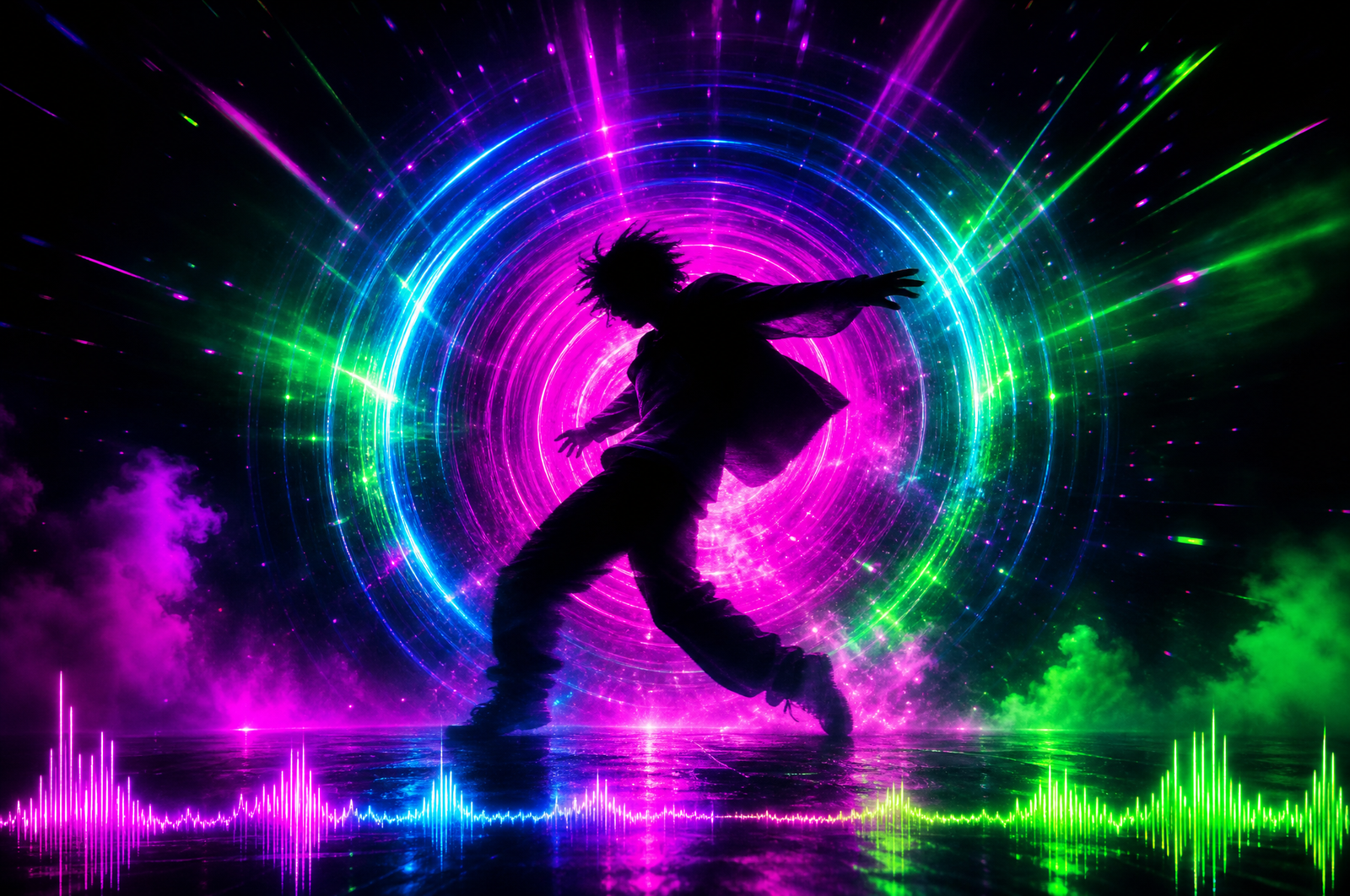
A figure dances and the colors of the world shift on every snare hit. A landscape morphs frame by frame in time with a kick drum. A character's silhouette ripples with the bassline. Audio-reactive video is the AI music video format that exploded in 2025 and dominated Reels and TikTok throughout 2026 — and the tooling has finally matured enough that any creator can produce convincing beat-synced AI video without an editing wizard's skill set.
This guide covers what audio-reactive video actually is, the AI tools that handle it best in 2026, and the prompt-and-edit workflow that turns a track and a vibe into a 30-second clip the algorithm rewards.
Key takeaways
• Audio-reactive video is video where visual elements — color, movement, transitions, frame composition — sync precisely to the beats and dynamic peaks of an audio track.
• The format went mainstream in 2025 with Kaiber's "Audio-Reactive Precision" feature, which syncs every frame to a music track's stems. By 2026, Gemini Omni, Veo 3, and Seedance 2.0 all handle audio reactivity natively. (Note: Sora 2 was discontinued in April 2026; Gemini Omni accepts audio as an input modality and is the closest replacement.)
• Audio-reactive videos perform unusually well on Reels because the algorithm weights trending audio + retention heavily, and beat-synced content scores high on both.
• The strongest niches for the format are music promotion, fitness/movement content, fashion lookbooks, and motivational/aesthetic edits.
• For volume creators, Agent Opus bundles the top audio-reactive AI models so you can compare results across Kaiber, Sora 2, Veo 3, and others without juggling subscriptions.
What is audio-reactive video?
Audio-reactive video is video that responds dynamically to a music track. The "reactivity" can take many forms:
• Beat-synced cuts — frame transitions that happen exactly on kick drums or snare hits
• Color reactivity — the palette shifts intensity in time with audio amplitude
• Motion reactivity — character or environmental motion accelerates with bass, slows with quiet passages
• Frame-level morphing — every individual frame is generated with audio inputs, so the imagery itself changes with the music
• Stem-level syncing — different visual elements respond to different audio stems (drums affect motion, vocals affect colors, bass affects camera movement)
The most advanced version, stem-level syncing, is what Kaiber pioneered with its 2026 Audio-Reactive Precision update. Earlier audio-reactive video used overall audio amplitude as a single input. Stem-level syncing splits the audio into drums, bass, vocals, and instruments, then maps each stem to a different visual layer — producing video that feels musically "scored" rather than just timed.
Why audio-reactive video is winning Reels in 2026
Three structural reasons.
1. Built-in trending audio leverage. The 2026 Reels algorithm gives a meaningful initial distribution boost to videos with trending audio. Audio-reactive videos are built around the audio — they don't just include trending sound, they're optimized for it. That alignment compounds the algorithmic boost.
2. Higher rewatch rate. The synchronization between audio and visuals creates the same compulsion that draws people back to a music video for a second listen. Viewers rewatch audio-reactive videos to catch the visual moments they missed. Rewatches are one of the strongest signals on both TikTok and Reels.
3. Aesthetic vs entertainment positioning. Audio-reactive video occupies a space that pure entertainment content (memes, reactions) can't — it reads as artistic and intentional. That makes it shareable to feeds that mock entertainment formats but welcome aesthetic content. Audio-reactive videos cross over into Pinterest-style saving behavior, which boosts long-tail distribution.

The best AI tools for audio-reactive video in 2026
Kaiber (audio-reactive specialist)
Kaiber pioneered the format and remains the most fluent specialist in 2026. Its Audio-Reactive Precision feature splits audio into stems and maps each to a different visual layer — kick drums affect camera shake, snares affect color shifts, bass affects scene motion, vocals affect character animation.
Best for: dedicated music videos, dance content, abstract visual scenes synced to music.
Sora 2 (OpenAI)
Sora 2 added audio inputs in late 2025. The model now takes a music track as a primary input alongside text prompts and reference images, generating video that paces itself to the audio. Sora's strength is the cinematic quality of its output — even synced to audio, the video feels filmlike rather than VFX-driven.
Best for: cinematic music video moments, narrative-driven beat-synced content, music with strong narrative arcs.
Veo 3 (Google)
Veo 3 handles audio inputs natively and pairs them with the strongest motion fluidity in 2026. For dance content or movement-focused audio-reactive video, Veo 3's natural motion handling produces more believable choreography than Kaiber or Sora.
Best for: dance content, character movement reacting to music, choreographed scenes.
Seedance 2.0
Seedance 2.0's multi-modal input is uniquely useful here — it accepts up to three audio files alongside images and reference videos. You can layer a song, a voiceover, and ambient sound and have the model sync visuals to the composite audio. For complex music+narration projects, Seedance handles the layered audio reactivity better than single-input models.
Best for: layered audio-reactive video, music + voiceover combinations, complex multimodal compositions.
You can A/B test all four inside Agent Opus — useful because the strongest model varies dramatically by track type. Electronic music tends to perform best in Kaiber, cinematic scores in Sora 2, dance tracks in Veo 3, and layered compositions in Seedance.
Audio-reactive video prompt formulas that produce beat-synced output
The prompt structure for audio-reactive video has two parts: the visual prompt (what you want to see) and the audio sync instruction (how the visuals should respond to the audio).
Base prompt template
[Subject] in [setting], [character action]. Visual elements should react to the audio: [color shift instruction] on [audio element], [motion instruction] on [audio element], [camera instruction] on [audio element]. [Aspect ratio]. [Visual style cues].
Specific prompts to copy
The Dancer with Beat-Synced Light:
A silhouetted dancer in a dark void, performing flowing contemporary movements. Visual reactivity: bursts of golden light should pulse outward from the dancer's body on every kick drum. Color shifts to deep red on snare hits. Camera slowly orbits the dancer counter to the bassline. 9:16 vertical, cinematic, neon-saturated, high contrast.
The Landscape Morph:
A wide aerial view of a mountain valley at dusk transitioning through seasons. Visual reactivity: the landscape morphs between summer, autumn, winter, and spring on each major audio peak. Trees grow and shed leaves in sync with the bassline. Sky color shifts from sunset to night to dawn following the vocal melody. 16:9 widescreen, cinematic, painterly aesthetic.
The Abstract Color Field:
An abstract field of flowing liquid color filling the frame. Visual reactivity: amplitude of the audio drives the intensity of motion in the color field. Drums create geometric ripples expanding outward. Bass creates large slow color shifts across the field. Vocals create smaller bright streaks of light. 9:16 vertical, vibrant neon palette, fluid simulation aesthetic.
The Character Lookbook:
A fashion model in a black void, slowly turning to camera. Outfit changes with each major beat in the music. Visual reactivity: outfit colors shift to match the audio's emotional tone. Camera zooms in on details (face, hands, accessories) on snare hits. 9:16 vertical, editorial fashion lighting, high contrast.
The Cinematic Music Moment:
A wide shot of an empty cathedral interior with single shaft of golden light falling from a high window. A figure walks slowly toward the light. Visual reactivity: the cathedral's stained glass colors pulse softly with the bassline. Particles of dust drift in the light beam, accelerating with the drums. The figure's pace matches the song's tempo. 16:9 widescreen, cinematic, painterly aesthetic.
Prompt phrases that improve audio reactivity
Add any of these to push the model toward better beat-syncing:
• "react to the audio," "sync visuals to the music," "beat-synced cuts"
• "pulse on every kick drum," "shift on each snare hit," "flow with the bassline"
• "camera movement matches the tempo"
• "color intensity follows audio amplitude"
• "transition on each major audio peak"
How to make an audio-reactive video: step-by-step workflow
Step 1 — Choose your audio first
Audio-reactive video is fundamentally an audio-driven format. Pick the track before you write the prompt. Best track types for the format:
• Electronic with clear drops — easier for AI models to detect peaks and align visuals
• Trap with heavy bass — bassline-driven motion reads cleanly
• Cinematic scores — slower cuts, more atmospheric reactivity
• Pop hooks with strong choruses — reactive transitions on chorus entry
• Lo-fi or ambient — subtle reactivity, slower visual pace
Avoid tracks with muddy mixes, unclear transients, or constant intensity — the model has nothing distinct to sync to.
Step 2 — Plan the visual concept around the audio's structure
Listen to the track and map its structure: - Where are the drops? - Where are the breakdowns? - Where does the chorus enter? - Where do the bass drops happen?
Your visual concept should have moments that align with these audio moments. The drop = your visual climax. The breakdown = your visual restraint. The chorus entry = your visual transformation.
Step 3 — Generate with audio input
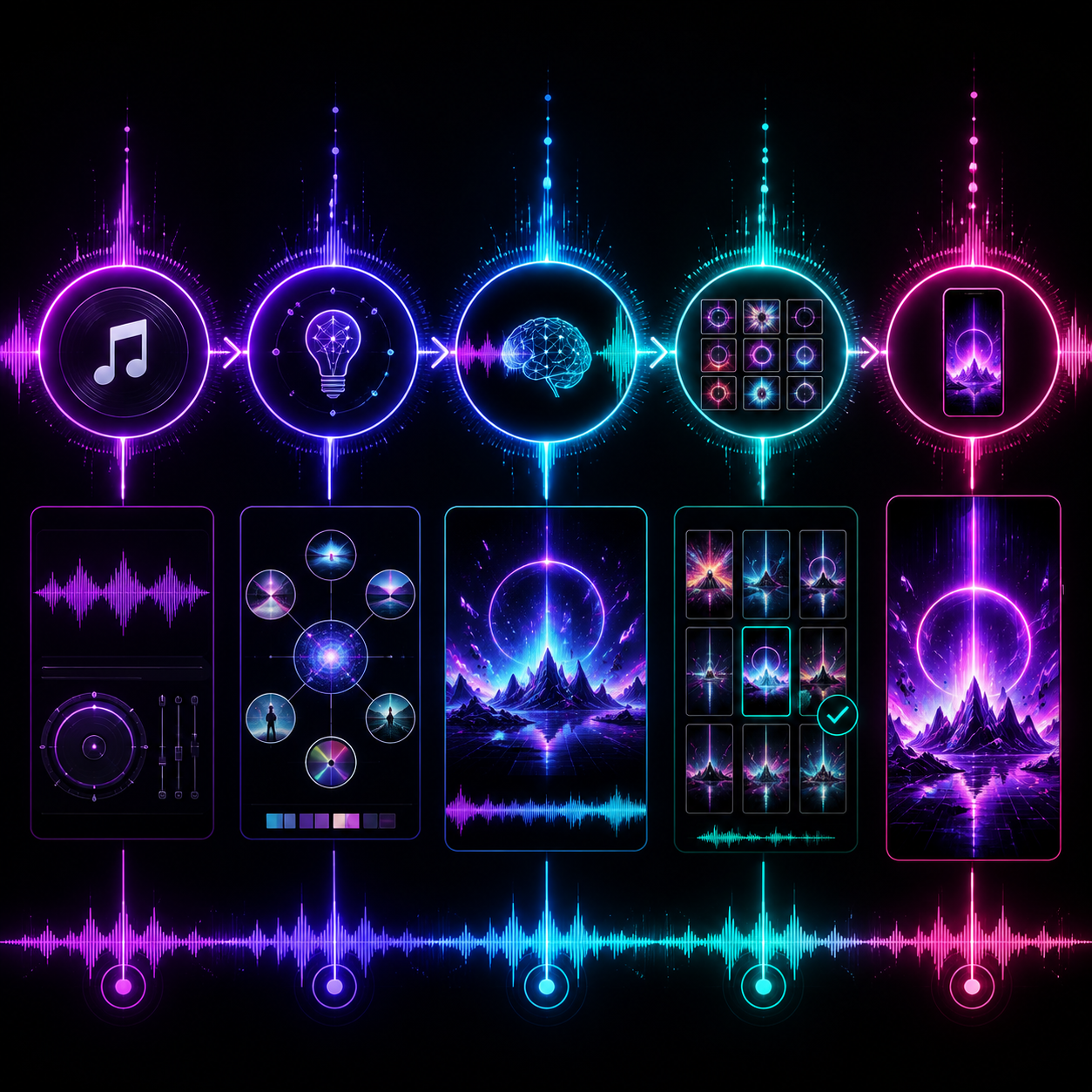
Plug your prompt and your audio file into your chosen model. Generate 3–5 variations. Audio-reactive video benefits even more from variation testing than other formats because the model's interpretation of the audio's structure isn't always correct on the first try.
Step 4 — Refine in a short-form editor
The raw AI output usually needs: - Tighter cuts to align frames precisely with audio peaks (AI sync is close but rarely frame-perfect) - Captions if there are lyrics or voiceover elements - Vertical reframing if the model output 16:9 - Hook frame selection for the first 0.5 seconds
OpusClip handles vertical reframing, AI-generated captions, and hook detection in one pass — useful when you want to ship audio-reactive content at volume without hand-cutting every clip in CapCut.
Step 5 — Caption and distribute
Audio-reactive videos perform best with captions that complement the visual rather than competing with it. Patterns that work:
• A single line of song lyrics overlaid at the climax moment
• A quote from the track's emotional theme
• A creator commentary line ("had to make a video for this")
• No caption at all (the visual carries the load)
Hashtag stack: #audioreactive, #aimusicvideo, #kaiber, #aianimation, #fyp, plus genre-specific tags for the music style (#electronicmusic, #hyperpop, etc.).
When audio-reactive video works — and when it doesn't
Works: music promotion, fitness and dance content, fashion lookbooks, motivational/aesthetic edits, brand mood films, festival content, gaming highlight reels.
Doesn't work: explainer content (the audio reactivity competes with the explanation), comedy (timing is too rigid), interview clips (the format dilutes the spoken content).
Works for ads: lifestyle brands, fashion, music platforms, fitness apps, beauty brands launching to a music-driven audience.
Doesn't work for ads: B2B SaaS, financial services, anything that needs a clear spoken value proposition.
The compounding play: same track, multiple visuals
The leverage move with audio-reactive video is producing multiple visual interpretations of the same track. If one lands, the audio is now familiar to the algorithm — your follow-up videos using the same audio will get distributional carryover.
Top creators in the niche pick a track they want to ride and produce 5–10 different visual concepts against it. Each video earns its own distribution while compounding the audio's algorithmic familiarity.
The bottom line
Audio-reactive video is one of the format-defining trends of 2026 because it stacks two of the strongest distribution signals (trending audio and high retention) into a single content type. The tooling has matured — Kaiber, Sora 2, Veo 3, and Seedance 2.0 all handle the format well, each with its own strengths.
The leverage move is testing the same prompt and audio across multiple models. Agent Opus puts all four top audio-reactive AI models in one platform so you can compare which one renders your specific track best without juggling subscriptions.
Pick your track. Map the structure. Let the visuals dance with the bass.












