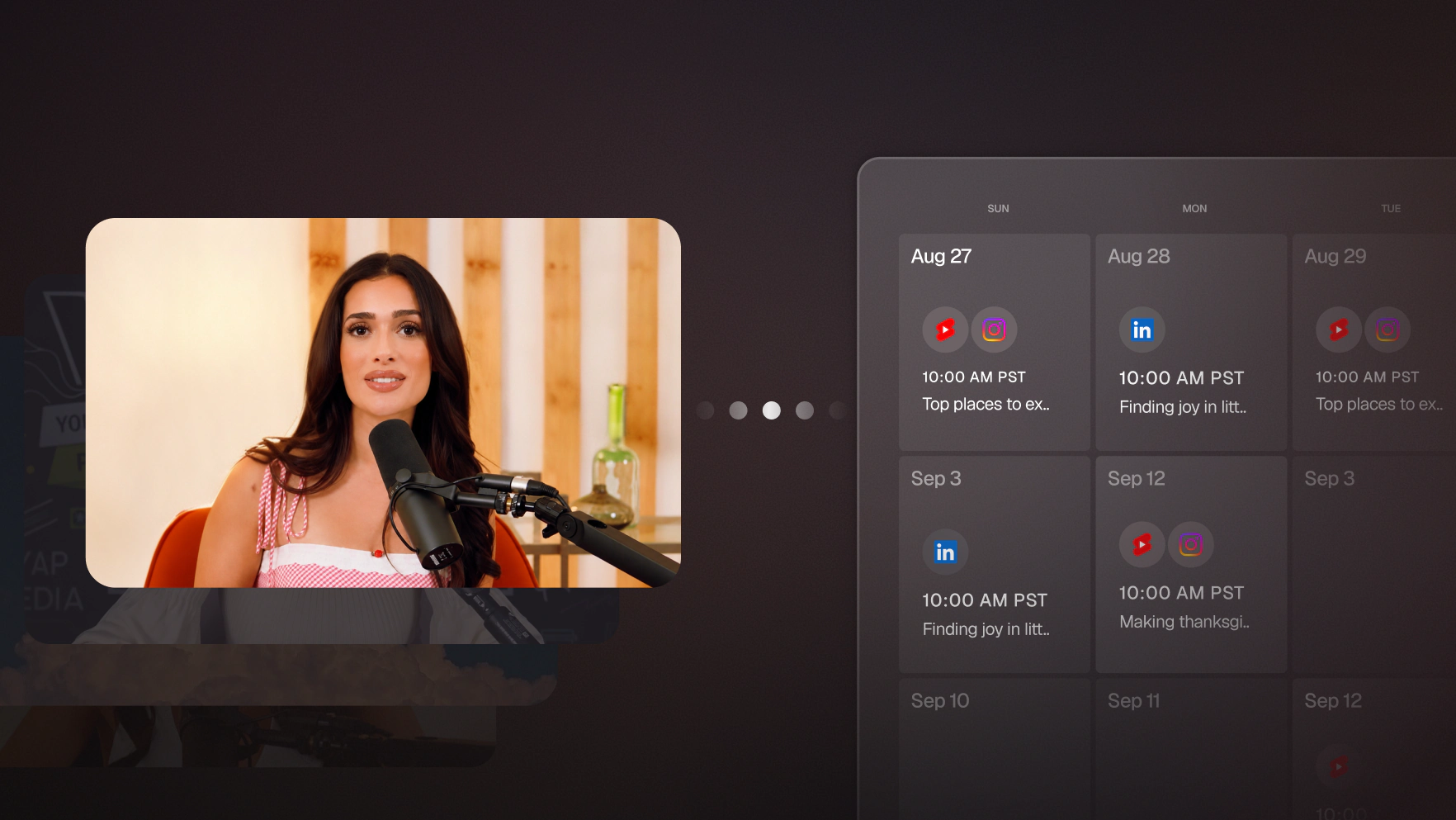
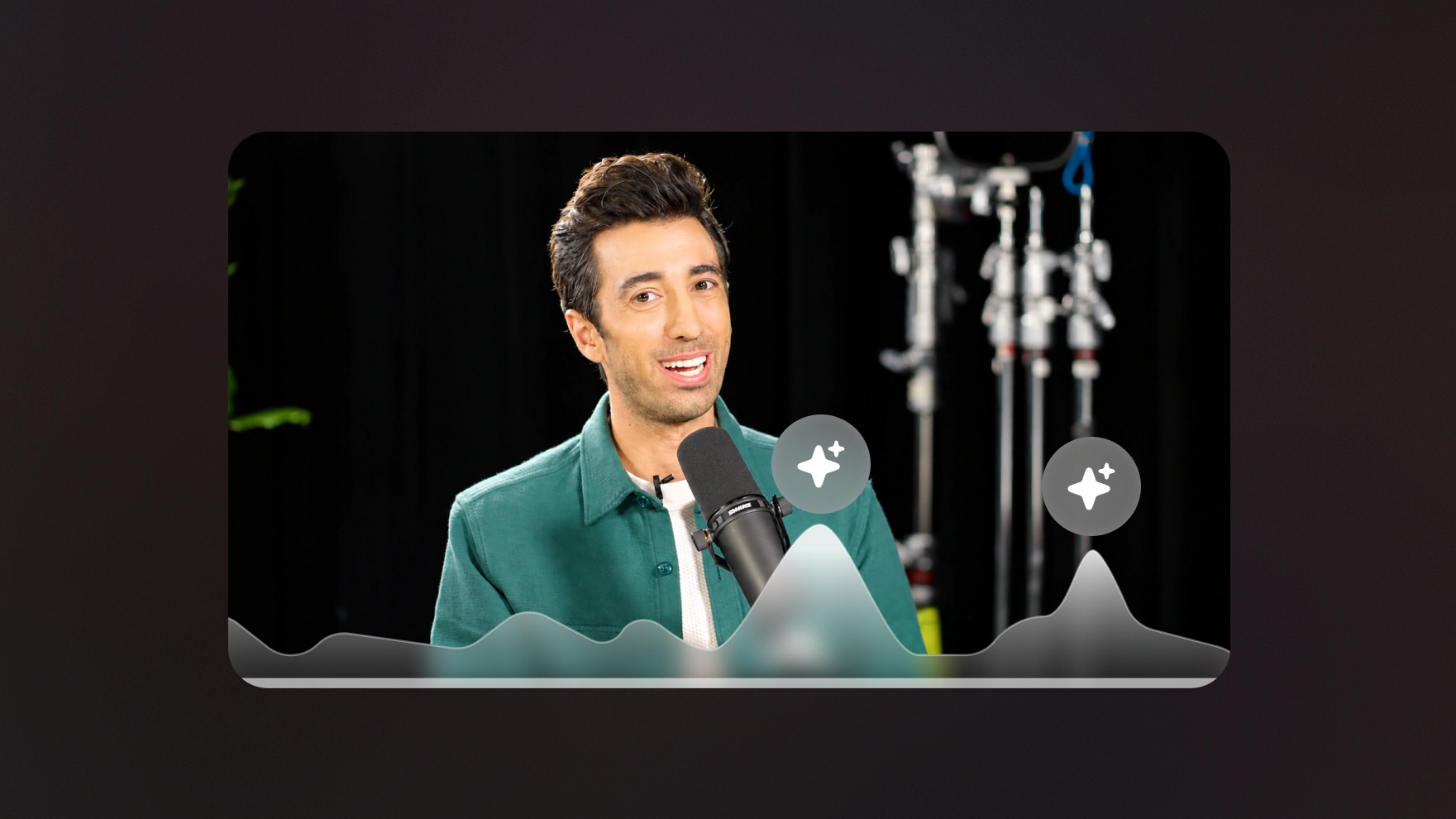
Add a best clips section to every beehiiv issue, automatically
Keep writing your beehiiv newsletter exactly as you do now. Your agent just adds one section you never have to fill again: the week's best clips, pulled from OpusClip by score and formatted into your next draft automatically.

Run it with your agent
- Open Customize in your client and select “Connectors”
- Find OpusClip and click "Add"
- Sign in with your OpusClip account in the OAuth window
- Run the command below in your terminal
claude mcp add --transport http opusclip https://mcp.opus.pro/mcp - Start Claude Code and run
/mcp - Approve the OAuth sign-in with your OpusClip account
claude mcp add --transport http opusclip https://mcp.opus.pro/mcp- Open Settings → Plugins → MCPs, then click "+ Add server"
- Name it "OpusClip", switch Type to Streamable HTTP, and paste the URL below
- Save — the server appears in the list with an "Authenticate" button
- Click "Authenticate" and allow access with your OpusClip account
https://mcp.opus.pro/mcp- Open Settings → Plugins → Click on “Developer mode” and toggle it on
- Go back to Plugins → Browse plugins → Click the “+” icon
- Name it "OpusClip" and paste the URL below for the Connection Server URL
- Click the checkbox “I understand and want to continue”. Then click the “Create” button
- Select your OpusClip account in the OAuth window and click “Allow access”
https://mcp.opus.pro/mcp- Open Customize in the left panel, then select MCPs
- Add New MCP Server
- Paste the configuration below
- Save the file (Cmd+S / Ctrl+S), then approve the sign-in request in your browser
{"mcpServers": {"opusclip": {"url": "https://mcp.opus.pro/mcp"}}}- Open Extensions ⇧⌘X → search @mcp opusclip
- Pick the opus-pro entry
- Install → OAuth sign-in
What this workflow does
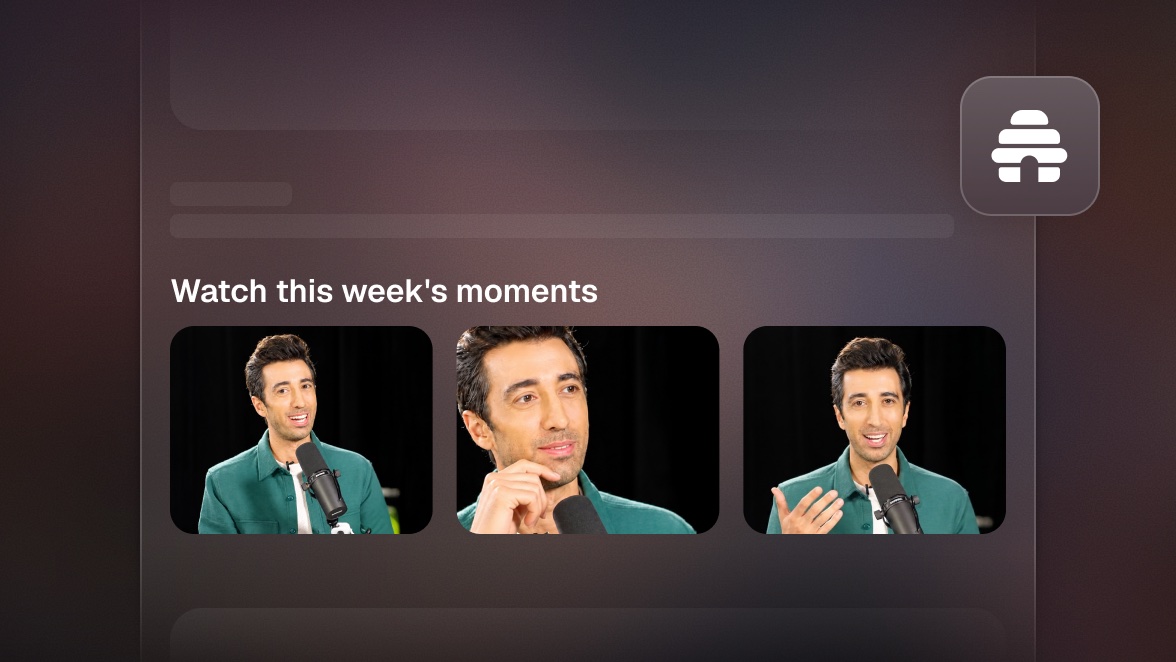
This isn't a new newsletter. It's one section of your existing beehiiv issue that fills itself. Every week, before you write, your agent pulls your top-scoring clips of the week from OpusClip, picks the best ones, and inserts a formatted section (thumbnails, one-line descriptions, watch links) into your next beehiiv draft. You write the rest of the issue like you always do; the video section is already there when you open it.
Why it works
Ask any newsletter operator what the hardest part is and they'll tell you: filling the issue, every single week, forever. A recurring section that sources itself removes a block of that burden permanently, and it's the section readers engage with most, because video previews out-click text links in email. It also compounds quietly: your newsletter trains subscribers to expect your video content, and your videos get a weekly distribution bump from the list, without either side costing you extra work.
What you need
- OpusClip MCP (api.opus.pro/api/mcp): the source of the section, ranking the week's clips by virality score (Pro plan required for tool calls)
- beehiiv MCP: where the section lands, inserted into your publication's next draft
- A scheduled task (cron) so the section is waiting in the draft before your writing day, every week, without being asked
- Claude, Cursor, or any MCP-enabled agent connecting the two
How it works
- Set the rhythm once. Tell the agent when you write (say, Thursday mornings) and what the section should look like.
- The agent ranks the week. Every clip generated in the last 7 days, ordered by score, with anything you've already featured filtered out.
- The section gets built. Top 3 clips, each with a thumbnail, a one-line hook written from its transcript, and a watch link.
- Your beehiiv draft gets the block. The formatted section is inserted into the upcoming issue draft, styled to match your template.
- You write around it. Open the draft Thursday morning and the video section is done. Swap a clip in chat if you disagree with the ranking.
Try this prompt
Every Wednesday at 5pm, pull my top-scoring OpusClip clips from the past week, pick the best 3 I haven't featured before, and add a section called This week's moments to my next beehiiv draft: thumbnail, one-line hook from the transcript, and a watch link for each. If the draft doesn't exist yet, create it with just that section.
Tips
- Keep the section to 3 clips. It should feel like a curation, not a dump of everything you posted.
- Have the agent write each hook from the clip's transcript rather than reusing the social caption; email readers respond to specifics, not hype.
- Track clicks per clip in beehiiv and tell the agent which ones won. The ranking gets smarter about your audience every week.
- Once a month, let the section feature one older evergreen clip that new subscribers haven't seen.