Ship a feature, post the demo to X automatically
Record a quick screen demo of the feature you just shipped, and your agent clips the it-works moments, captions them, writes the post copy, and publishes the reel to X: build-in-public content as a byproduct of building.


Run it with your agent
- Open Customize in your client and select “Connectors”
- Find OpusClip and click "Add"
- Sign in with your OpusClip account in the OAuth window
- Run the command below in your terminal
claude mcp add --transport http opusclip https://mcp.opus.pro/mcp - Start Claude Code and run
/mcp - Approve the OAuth sign-in with your OpusClip account
claude mcp add --transport http opusclip https://mcp.opus.pro/mcp- Open the ChatGPT desktop app and select "Plugins" in the sidebar
- Search for OpusClip, then click the + icon
- Click "Connect" and sign in with your OpusClip account
- Open ChatGPT and select "Plugins" in the sidebar
- Search for OpusClip, then click the + icon
- Click "Connect" and sign in with your OpusClip account
- Open Customize in the left panel, then select MCPs
- Add New MCP Server
- Paste the configuration below
- Save the file (Cmd+S / Ctrl+S), then approve the sign-in request in your browser
{"mcpServers": {"opusclip": {"url": "https://mcp.opus.pro/mcp"}}}- Open Extensions ⇧⌘X → search @mcp opusclip
- Pick the opus-pro entry
- Install → OAuth sign-in
What this workflow does
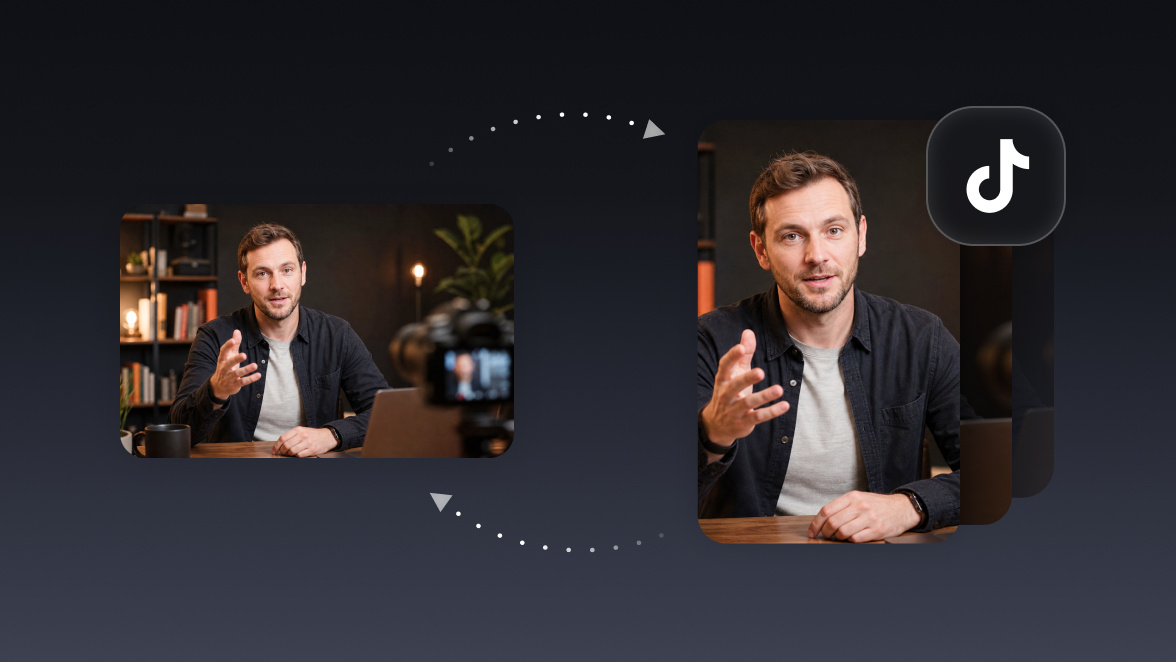
Every developer building in public faces the same tax: you shipped the thing, and now you owe the internet a post about it. This workflow reduces that tax to hitting record. Screen-record the feature working (no script, no editing), and the agent finds the payoff moments, cuts them into short captioned clips, drafts the post copy in your voice, and publishes to X.
What you need
- An OpusClip account (MCP tool calls require a Pro plan)
- Claude, Cursor, or any MCP-enabled agent with the OpusClip MCP connected (api.opus.pro/api/mcp)
- A screen recording of the feature working (QuickTime, Loom export, or any local video file)
- Your X account connected in OpusClip
How it works
- Record the demo raw. Just capture the feature doing its job. The agent handles everything after.
- It submits the recording and finds the payoffs. The moments where something visibly works (the click, the result, the before/after) get clipped.
- Clips get captioned and formatted. Captions matter on X, where most video plays silently.
- Copy gets drafted from the transcript. A short post explaining what shipped and why it matters, in plain builder voice rather than marketing speak.
- It posts (or queues) to X. Approve the draft in chat and the clip goes out, same day as the ship.
Try this prompt
Here's a screen recording of the feature I just shipped: ~/Desktop/feature-demo.mov. Clip the moments where it visibly works, caption them, and draft an X post announcing it: plain language, lead with what it does, under 200 characters. Show me the draft before posting.
Tips
- Keep clips under 45 seconds: the hook is the result, not the setup.
- Ask for the demo clip plus a one-line hook as the post text; threads underperform single strong clips for ship announcements.
- Make it a ritual: record every ship, and the agent turns your changelog into a public track record.