Clip the moments your live chat exploded
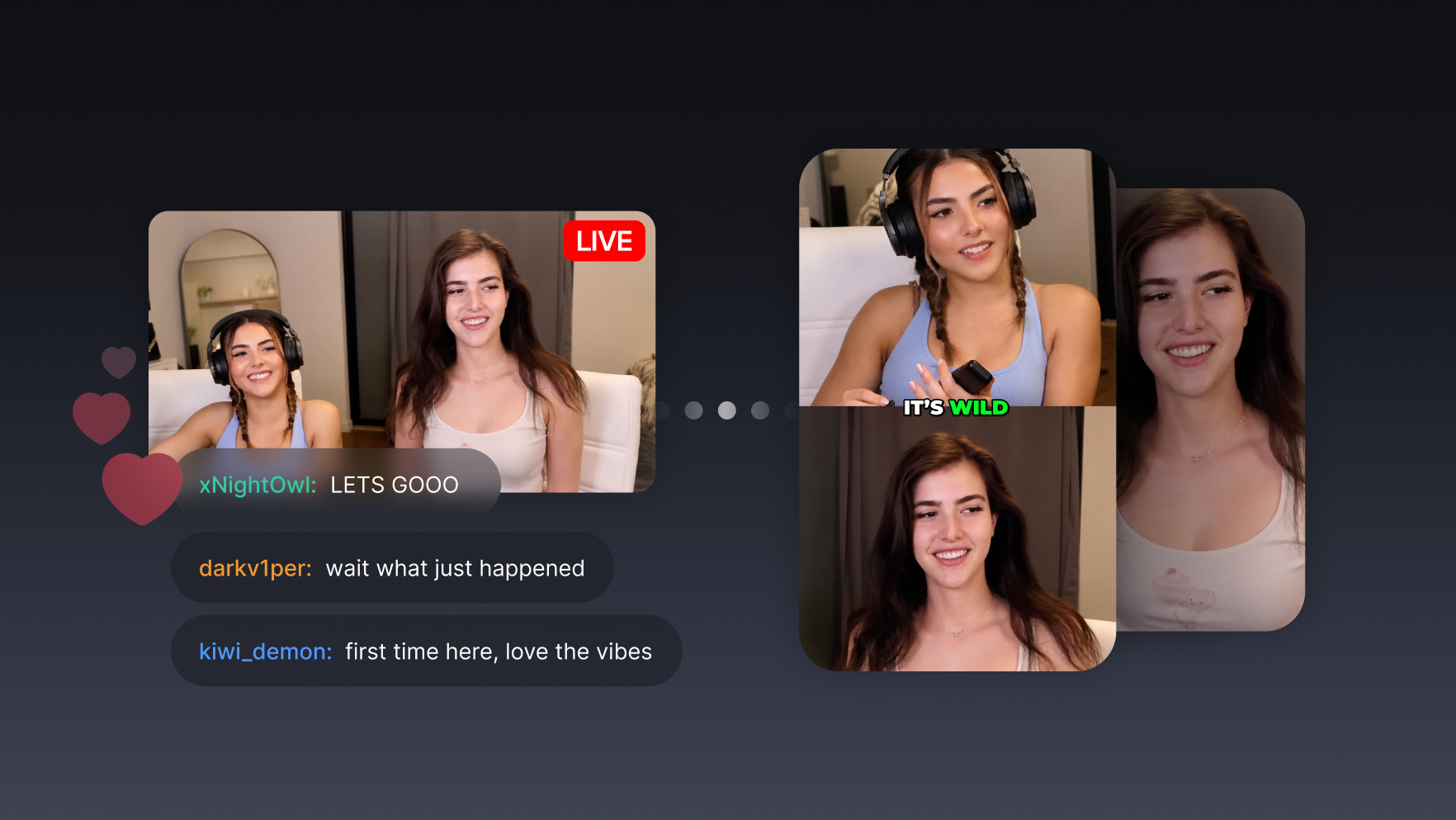
Your chat already marked the highlights. Every spam of emotes and “CLIP IT” was a vote. Your agent parses the chat replay, finds where message velocity exploded, and cuts those exact moments into highlights.

Run it with your agent
- Open Customize in your client and select “Connectors”
- Find OpusClip and click "Add"
- Sign in with your OpusClip account in the OAuth window
- Run the command below in your terminal
claude mcp add --transport http opusclip https://mcp.opus.pro/mcp - Start Claude Code and run
/mcp - Approve the OAuth sign-in with your OpusClip account
claude mcp add --transport http opusclip https://mcp.opus.pro/mcp- Open the ChatGPT desktop app and select "Plugins" in the sidebar
- Search for OpusClip, then click the + icon
- Click "Connect" and sign in with your OpusClip account
- Open ChatGPT and select "Plugins" in the sidebar
- Search for OpusClip, then click the + icon
- Click "Connect" and sign in with your OpusClip account
- Open Customize in the left panel, then select MCPs
- Add New MCP Server
- Paste the configuration below
- Save the file (Cmd+S / Ctrl+S), then approve the sign-in request in your browser
{"mcpServers": {"opusclip": {"url": "https://mcp.opus.pro/mcp"}}}- Open Extensions ⇧⌘X → search @mcp opusclip
- Pick the opus-pro entry
- Install → OAuth sign-in
What this workflow does
Streamers end every broadcast with hours of VOD and the same question: where were the good parts? The answer was being written in real time: chat. When something great happens on stream, message velocity spikes: emote walls, all-caps, “CLIP IT.” This workflow parses the chat replay after the stream, finds the minutes where chat activity exploded relative to baseline, and clips exactly those windows from the VOD.
Why it works
Chat velocity is the live-stream equivalent of a laugh track you didn't have to fake: hundreds of viewers involuntarily reacting at once, timestamped to the second. It finds moments an AI watching the video alone can miss, because chat reacts to context: the callback to an hour ago, the clutch play after twenty quiet minutes, the inside joke. And it's fast: the highlight reel can be posted the morning after the stream, while the moment is still warm for the community that was there.
What you need
- OpusClip MCP (api.opus.pro/api/mcp): clipping, captions, and reframing (Pro plan required for tool calls)
- Access to the chat replay: a Twitch or YouTube MCP that can read VOD chat, or a chat log export from a tool like TwitchDownloader; the replay is attached to every VOD
- The VOD itself: a YouTube link or local recording of the stream for OpusClip to cut from
- Claude, Cursor, or any MCP-enabled agent to run the analysis and the clipping
How it works
- Hand the agent your latest VOD. Stream link plus its chat replay or exported chat log.
- It builds a chat-velocity timeline. Messages per 10-second window across the whole stream, establishing your chat's normal baseline.
- Spikes get detected and backdated. Windows where velocity jumps several times above baseline are flagged, and the clip window starts ~30 seconds before the spike, because chat reacts after the moment happens.
- Each spike becomes a highlight. The agent clips those windows from the VOD with captions and vertical reframe, ranked by how hard chat spiked.
- Morning-after delivery. You wake up to a ranked highlight set. Post the top one, or schedule the batch across the week.
Try this prompt
Here's last night's stream VOD [link] and the chat log export. Build a messages-per-10-seconds timeline, find the 5 biggest spikes relative to the stream's baseline, and clip a window starting 30 seconds before each spike. Caption and reframe them vertical, rank them by spike size, and note what chat was saying during each one.
Tips
- Always backdate the clip window: chat spikes after the moment; starting the cut at the spike misses the payoff.
- Ask the agent to quote the funniest chat messages in the caption; the community's own words are the hook.
- Emote-only spam counts: have the agent weight emote walls, not just message text.