Clip every moment your fans timestamp in the comments
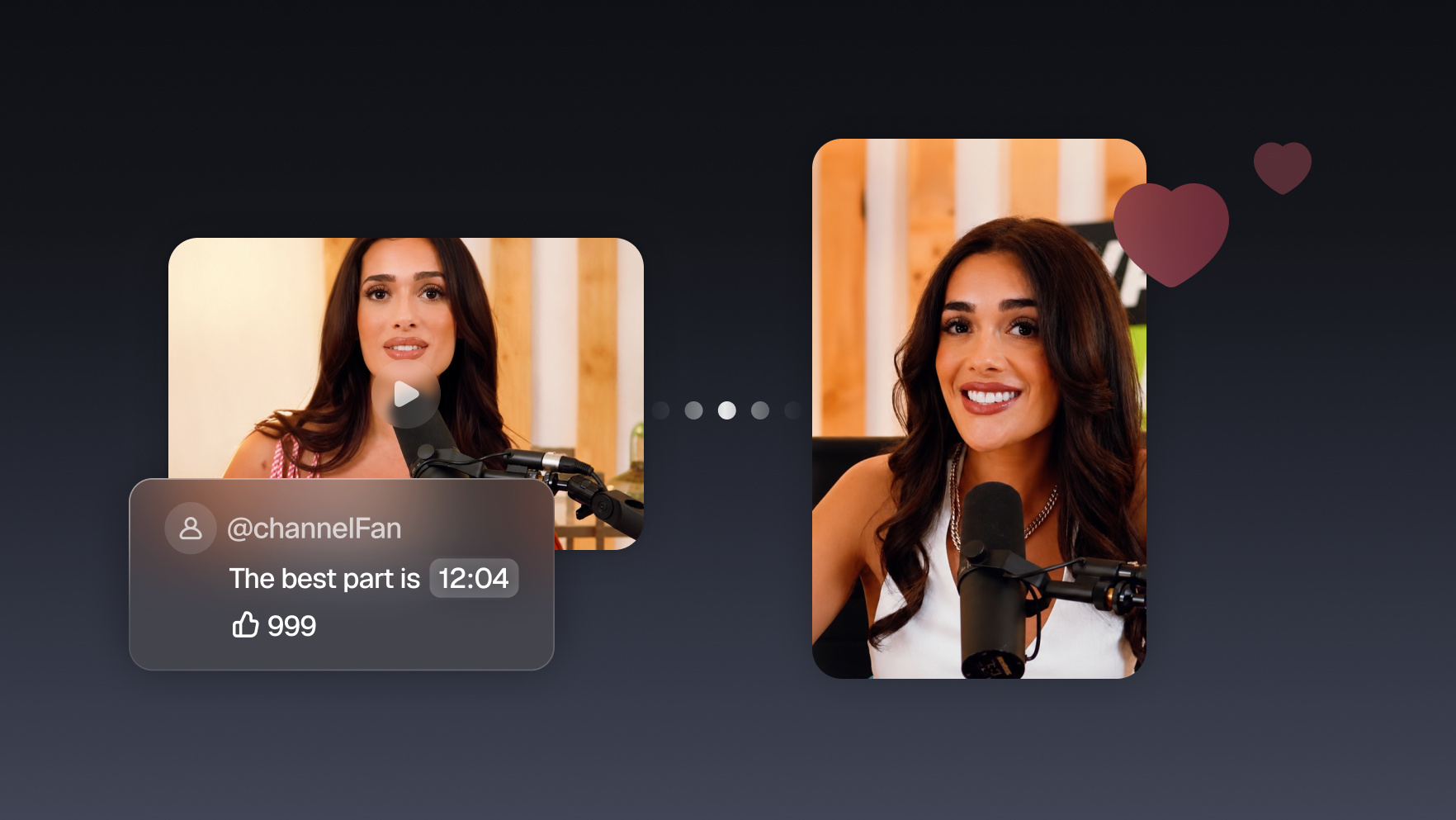
“12:34 is the best part.” Your fans are already telling you what to clip. Your agent scans the comments for timestamps, cuts every flagged moment, and hands them back ready to post.
Run it with your agent
- Open Customize in your client and select “Connectors”
- Find OpusClip and click "Add"
- Sign in with your OpusClip account in the OAuth window
- Run the command below in your terminal
claude mcp add --transport http opusclip https://mcp.opus.pro/mcp - Start Claude Code and run
/mcp - Approve the OAuth sign-in with your OpusClip account
claude mcp add --transport http opusclip https://mcp.opus.pro/mcp- Open the ChatGPT desktop app and select "Plugins" in the sidebar
- Search for OpusClip, then click the + icon
- Click "Connect" and sign in with your OpusClip account
- Open ChatGPT and select "Plugins" in the sidebar
- Search for OpusClip, then click the + icon
- Click "Connect" and sign in with your OpusClip account
- Open Customize in the left panel, then select MCPs
- Add New MCP Server
- Paste the configuration below
- Save the file (Cmd+S / Ctrl+S), then approve the sign-in request in your browser
{"mcpServers": {"opusclip": {"url": "https://mcp.opus.pro/mcp"}}}- Open Extensions ⇧⌘X → search @mcp opusclip
- Pick the opus-pro entry
- Install → OAuth sign-in
What this workflow does
Scroll the comments under any decent-sized video and someone has left a timestamp: “12:34 is the best part,” “the bit at 8:05 killed me.” Those comments are free editorial direction (fans marking the exact seconds they'd share), and almost nobody acts on them. This workflow does: the agent reads the comments, extracts every timestamp, and clips each flagged moment from the source video with captions and vertical reframing.
Why it works
Every timestamp comment is a viewer who was moved enough to stop watching and write down a time code. That's a stronger signal than any prediction, because it's not a guess about what will resonate; it's a record of what already did. Clips built from fan-flagged moments also come with built-in social proof: the caption writes itself (“you asked for this moment”), and the commenter who flagged it becomes your first engaged viewer when you reply with the clip.
What you need
- OpusClip MCP (api.opus.pro/api/mcp): does the clipping, captions, and reframing (Pro plan required for tool calls)
- A YouTube MCP or the YouTube Data API: reads the comment threads on your videos; comments are public, so any agent with YouTube access can scan them
- Claude, Cursor, or any MCP-enabled agent to run both and connect the dots
How it works
- Point the agent at a video. Yours, with a healthy comment section.
- It scans every comment for time codes. Timestamps like 12:34, ranges like 8:05–8:40, and phrases such as “the part where…” that it can match against the transcript.
- Flagged moments get grouped and ranked. Five comments pointing at the same minute count as one moment with five votes; likes on those comments add weight.
- Each moment becomes a clip. The agent cuts a 30–60 second window around each flagged time code, captioned and reframed for vertical.
- You get clips with receipts. Each one comes back labeled with the comments that requested it, ready to post, or to drop as a reply to the fan who asked.
Try this prompt
Scan the comments on this video of mine: [YouTube URL]. Find every comment that mentions a timestamp or a specific moment, group ones that point at the same part, and rank the moments by how many comments and likes flagged them. Then clip a 30–60 second window around each of the top 5, with captions and vertical reframe, and tell me which comment flagged each clip.
Tips
- Reply to the original commenter with the clip: “you asked, we cut it” replies routinely outperform cold posts.
- Run it on your most-commented videos first; the signal quality scales with comment volume.
- Ask the agent to also match “the part where…” phrases against the transcript; plenty of fans flag moments without exact time codes.