Find the topics your competitors cover that you don't
Your agent studies what competitor channels are talking about, compares it against everything in your own library, and hands you a list of proven topics you haven't covered yet, delivered straight into your content calendar.

Run it with your agent
- Open Customize in your client and select “Connectors”
- Find OpusClip and click "Add"
- Sign in with your OpusClip account in the OAuth window
- Run the command below in your terminal
claude mcp add --transport http opusclip https://mcp.opus.pro/mcp - Start Claude Code and run
/mcp - Approve the OAuth sign-in with your OpusClip account
claude mcp add --transport http opusclip https://mcp.opus.pro/mcp- Open the ChatGPT desktop app and select "Plugins" in the sidebar
- Search for OpusClip, then click the + icon
- Click "Connect" and sign in with your OpusClip account
- Open ChatGPT and select "Plugins" in the sidebar
- Search for OpusClip, then click the + icon
- Click "Connect" and sign in with your OpusClip account
- Open Customize in the left panel, then select MCPs
- Add New MCP Server
- Paste the configuration below
- Save the file (Cmd+S / Ctrl+S), then approve the sign-in request in your browser
{"mcpServers": {"opusclip": {"url": "https://mcp.opus.pro/mcp"}}}- Open Extensions ⇧⌘X → search @mcp opusclip
- Pick the opus-pro entry
- Install → OAuth sign-in
What this workflow does
Competitor research is the homework everyone skips: watching hours of other channels' videos to figure out what's working for them that you haven't tried. This workflow does the watching for you. The agent pulls recent videos from the competitor channels you name, clips and transcribes them, extracts the topics, and cross-references them against your own transcripts to surface the gaps: the subjects that are earning views in your niche while missing from your library.
This is a research workflow. The competitor footage is used for topic analysis only: nothing gets published or reposted. The output is a topic list for videos you'll make yourself.
What you need
- An OpusClip account (MCP tool calls require a Pro plan)
- Claude, Cursor, or any MCP-enabled agent with the OpusClip MCP connected (api.opus.pro/api/mcp)
- A list of 3–5 competitor YouTube channels
- Optional: a Notion or Airtable MCP so gap ideas land directly in your content calendar
How it works
- Name the competitors. Give the agent the channels you benchmark against.
- It processes their recent uploads. Each video is submitted for clipping and transcription, turning hours of footage into searchable text.
- Topics get extracted and ranked. The agent identifies what each competitor keeps returning to, weighted by the views those videos earn.
- Your library is the filter. It compares that topic map against transcripts from your own projects and keeps only what's missing.
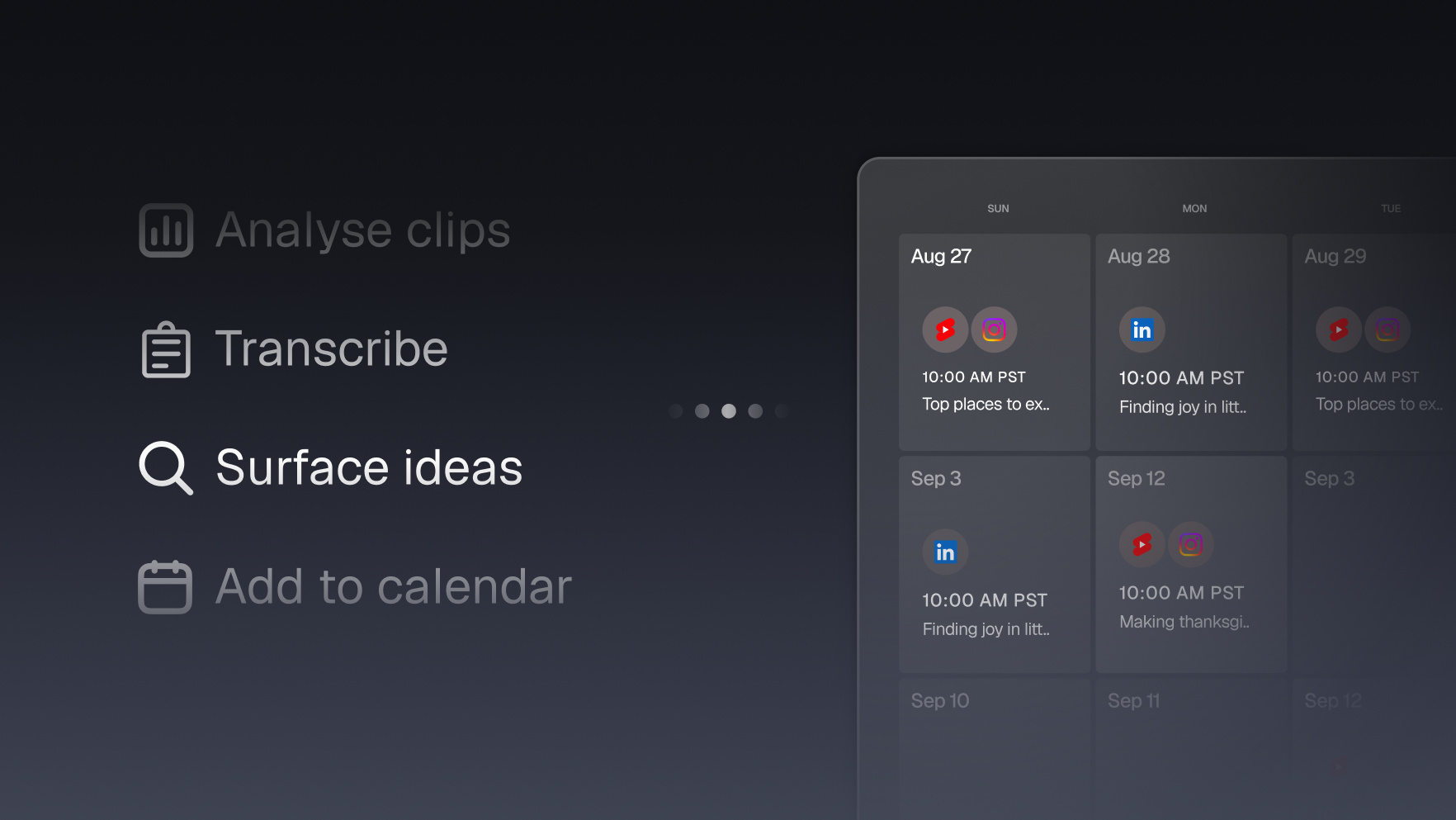
- Gaps land in your calendar. Each gap arrives with evidence (which competitor covered it, how it performed, and a suggested angle) as entries in your content calendar tool.
Try this prompt
Pull the last 10 videos from [competitor channel 1] and [competitor channel 2], transcribe them, and list the topics they cover ranked by view count. Then compare against the transcripts in my OpusClip projects and give me the 10 best topics I haven't covered, each with a suggested angle. Add them to my Notion content calendar as ideas.
Tips
- Run it monthly: gaps close and new ones open as competitors publish.
- Ask the agent to weight gaps by view velocity, not raw views, so you catch rising topics early.
- Keep competitor footage strictly internal: the deliverable is the topic list, never the clips themselves.