



No items found.
Build an Instagram Reels Pipeline with the OpusClip API
May 13, 2026
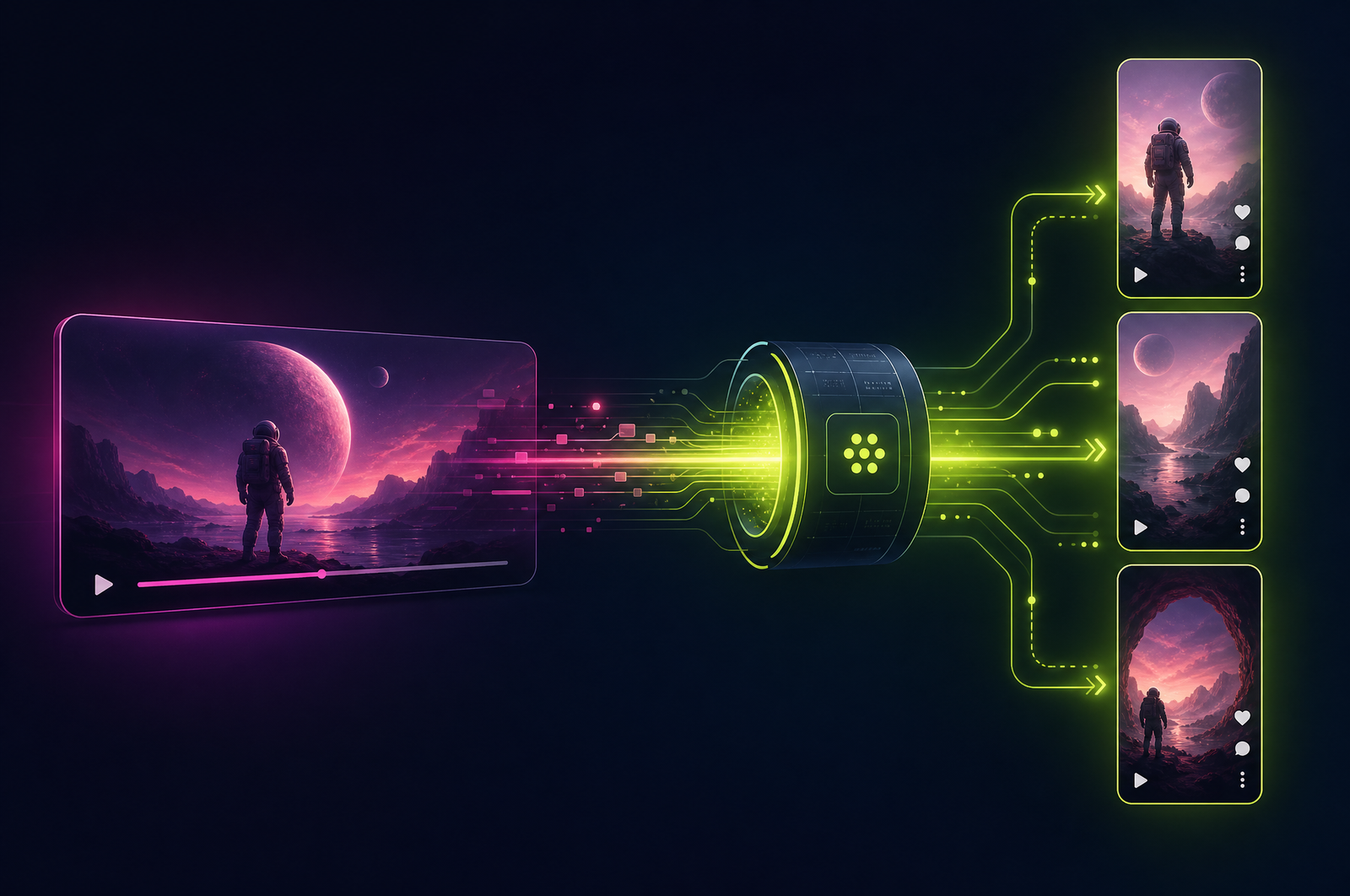
Instagram Reels has the largest combined audience of any short-form platform — 2 billion-plus monthly users across Instagram and Facebook. The platform rewards consistency, but most teams can't produce daily vertical content from scratch. An automated Reels pipeline turns long-form video uploads into a steady stream of ready-to-publish Reels.
This guide is a developer-focused look at how a Reels-specific pipeline differs from generic vertical clip generation and how the OpusClip API supports Reels output.
The OpusClip API is now publicly available — included on the free trial and the Pro plan, with no waitlist or sales call required. Get started at opus.pro/api, and find the full endpoint and parameter reference in the API docs.
Key takeaways
• Instagram Reels are vertical 9:16, up to 90 seconds, with on-screen captions and optional trending audio.
• The Meta Graph API supports direct upload of Reels after Business/Creator account approval and app review.
• Caption placement matters more than on TikTok — Reels UI has more bottom-of-screen chrome that can cover captions.
• The platform algorithm rewards original content and share_to_feed enabled posts.
• The OpusClip API supports Reels-specific output (9:16, 90s cap, mid-frame caption positioning) and accept any long-form source.
Why Instagram Reels deserves its own pipeline
A few reasons Reels output isn't interchangeable with TikTok output:
1. Duration cap is 90 seconds, not 60. Slightly longer clips are usable on Reels but get truncated on Shorts.
2. UI overlap is heavier. Like/comment buttons, caption text, hashtags all crowd the bottom of the Reels view. Captions positioned at the bottom get partially covered.
3. Tone is different. Reels skews slightly less raw than TikTok, slightly more produced. Hook timing is a touch longer.
4. Algorithm rewards different signals. Reels favors share_to_feed cross-posts, original content (not cross-platform reposts), and saves over comments.
Pipeline-wise this means same source → slightly different output settings per platform.
What a Reels pipeline does
Four stages:
1. Source ingestion. Same source as your other pipelines (long-form upload, recorded webinar, podcast video).
2. Reels-tuned clip generation. Configure for 9:16 aspect, 90-second cap, mid-frame caption positioning, and Reels-friendly hook timing.
3. Auto-generated metadata. Caption text (the post caption, not the on-video captions), hashtags, suggested cover image.
4. Publishing via Meta Graph API. Two-step (create container → publish) with share_to_feed: true to maximize reach.
What to consider when integrating
Meta Graph API setup. Requires Business or Creator account linked to a Facebook Page, an approved Meta app, and instagram_basic + instagram_content_publish scopes. Plan 1-2 weeks for approval.
90-second cap is hard. Going over by even 1 second causes the upload to fail. Set max duration to ~88s for safety.
Caption positioning. Default-positioned captions get covered by Reels UI. Move them to the mid-lower third of the frame.
share_to_feed: true. Cross-posts to main feed. Significantly increases reach for most accounts.
Rate limits. Instagram limits API-based posting (typically ~50 Reels per 24 hours for most Business accounts). Stagger publishing.
Trending audio. Meta's API doesn't expose trending audio for third-party uploads. Use source audio (which the OpusClip API preserves) or upload as drafts and manually add Reels audio in the Instagram app.
Common use cases by team type
• Creators. Daily Reels posting from a weekly long-form upload, without filming new content.
• Brand marketing. Customer interview Reels distributed to brand handle and Facebook page simultaneously.
• B2B founders. Founder podcast appearances → LinkedIn vertical video AND Instagram Reels for personal-brand audience.
• News and editorial. Reels feed of analysis clips for news brands' Instagram presence.
• Course creators. Free lesson Reels driving traffic to landing pages.
Common pitfalls
• Cross-posting identical content to all platforms. Algorithms detect cross-posted content and may reduce reach. Vary captions, hashtags, or cover images per platform.
• Forgetting safety margin on duration. Setting max_duration_sec: 90 exactly causes occasional rejects from rounding. Use 88s.
• Bottom-positioned captions. UI chrome covers them. Move to middle-lower third.
• share_to_feed: false. Limits the Reel's reach significantly. Enable unless you have a specific reason not to.
• Hashtag spam. Reels has lower hashtag tolerance than other platforms. Stick to 5-8 relevant hashtags max.
How the OpusClip API supports Reels workflows
The OpusClip API is generally available. The Reels workflow is built around:
• Reels-specific platform preset (9:16, 90s cap, mid-frame caption positioning, hook-frame optimization)
• Auto-generated metadata (caption text, hashtags, cover image)
• Multi-output: one job produces Reels-ready output AND parallel TikTok/Shorts versions
• Webhook delivery for downstream Meta Graph API upload
• Per-clip cover image generation for the Reels feed thumbnail
Full endpoint and parameter reference lives in the API documentation; generate an API key from your OpusClip dashboard to start building.
FAQ
Can I add trending Reels audio via the API?
Not directly — Meta's API doesn't expose trending audio for third-party uploads. Use source audio (preserved by default) or upload as drafts and add Reels audio in the Instagram app.
Does this work for Reels Carousels (multi-clip Reels)?
Reels Carousels via the API aren't supported yet at Meta's end. For multi-clip outputs, post each as a separate Reel.
Can I A/B test multiple Reels from the same source?
Yes — most clip APIs return multiple candidates. Publish 2-3 from one source over 7 days, track performance, and bias future selections.
What's the realistic processing time end-to-end?
Roughly 5-10 minutes for clip generation plus 1-2 minutes per Reel upload. Total wall-clock from source upload to first Reel live: ~10-15 minutes.
Does Instagram demote API-edited Reels?
No — the algorithm rewards engagement (watch time, completion, shares), not editing tool. Reels generated through APIs perform on par with hand-edited Reels when source quality and selection are good.
Next steps
For TikTok and YouTube Shorts pipelines, see Build a YouTube-to-TikTok Automation and Generate YouTube Shorts from Long Videos. For high-volume processing, see Process Many Videos in Parallel.












