
50 Video Editing Tips That Actually Work in 2026 (We Analyzed 13.5M Clips)

June 3, 2026
Glowing video editing timeline with floating data gauges measuring editing techniques

Most "video editing tips" lists are guesswork. These aren't — we analyzed 13.5 million clips to see which editing techniques top-performing videos actually use, then ranked the 50 that matter by impact.

There is no shortage of video editing advice on the internet. The problem is that almost none of it is backed by data — it's the same recycled list of "use J-cuts" and "plan your shots," written by people guessing at what works.

We took a different approach. We analyzed 13.5 million clips processed through OpusClip's AI engine to measure which editing features actually show up in videos that perform — captions, animation, B-roll, hooks, text overlays, outros, and more. The results are surprising in places: some techniques everyone obsesses over are barely used, and some "advanced" features are now table stakes.

Below are 50 tips, organized by theme and grounded in that data wherever we have it. If you only do the first ten, you'll already be ahead of most creators. If you want a step-by-step walkthrough of the editing process itself, start with our guide on how to edit a video, then come back here to level up.

Hooks and the First 3 Seconds

The edit that matters most is the one viewers see before they decide to scroll. Get this wrong and nothing else in your timeline gets watched.

Glowing vertical video player with a sweeping timer arc and a bright spark, representing a scroll-stopping hook in the first seconds

1. Win the first 3 seconds or lose the view. Viewers decide whether to keep watching almost instantly. Lead with your single most interesting moment — not a logo, not "hey guys," not a slow build.

2. Open with a shock or unexpected statement. In our hook analysis, "shock/surprise" openers were the single most common hook in high-performing clips. Say the thing that makes someone stop scrolling.

3. Or open with a direct question. Direct questions and intriguing promises were the next most common hook category. "Why does nobody talk about this?" pulls people in because they want the answer.

4. Cut your intro to zero. Branded intros appear in only about 1% of clips for a reason — on social, they're watch-time poison. Save the branding for the outro.

5. Front-load the payoff, then explain. Show the result first ("here's the $12 edit that looks like $1,200"), then walk back through how you got there.

6. Match the hook to the first frame. Whatever promise your opening frame makes, the first line of audio should confirm it within a second.

7. Re-cut your hook three different ways. Export three versions of the opening and post them on different days. Hooks are the highest-leverage A/B test you can run.

Captions and On-Screen Text

If there is one thing the data screams, it's this: captions are no longer optional.
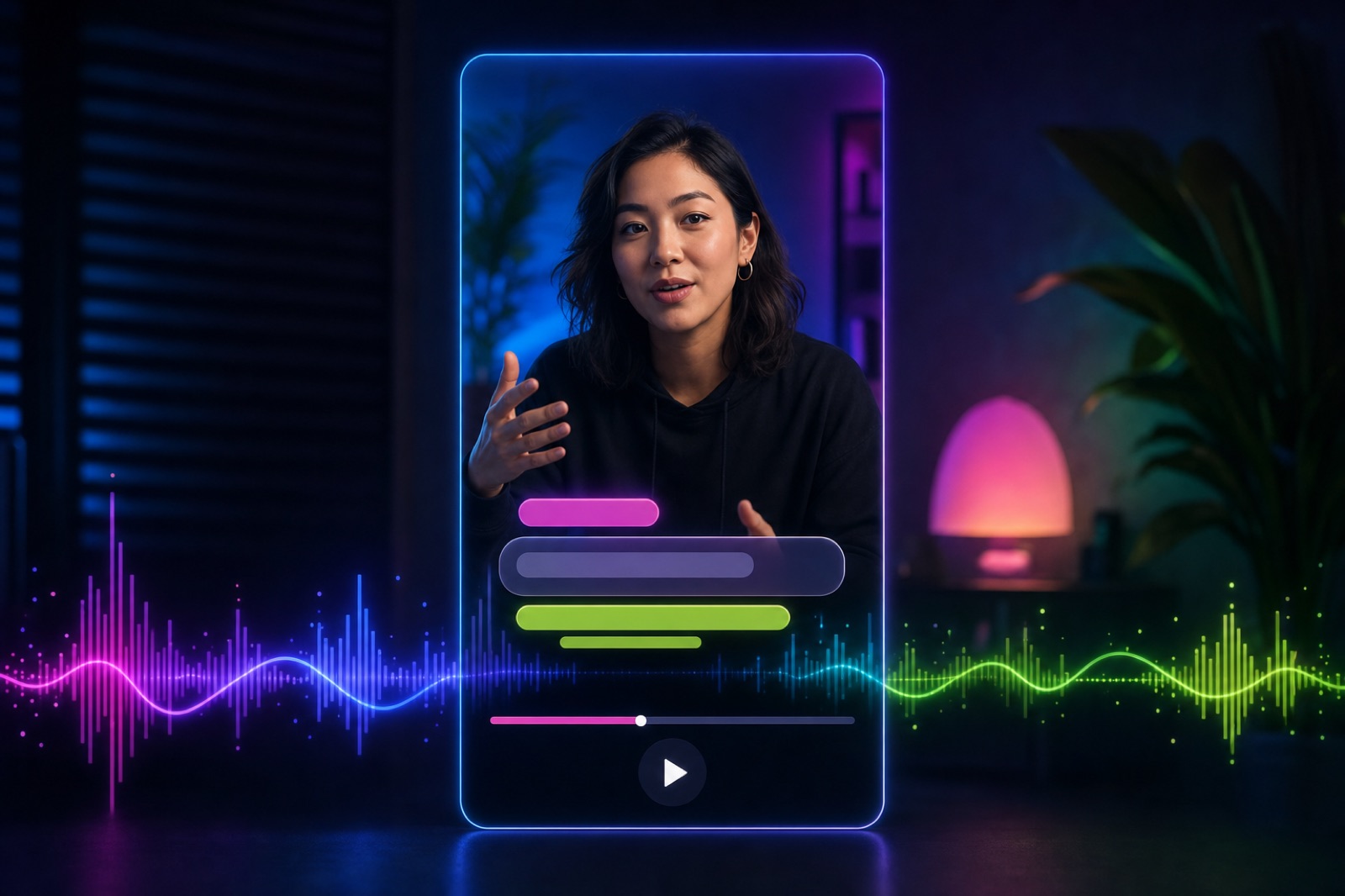
Vertical video player with stylized animated caption shapes popping on over a waveform

8. Always add captions. They appear in 80.2% of the clips we analyzed — the single most-used editing feature by a wide margin. Most social video is watched on mute.

9. Animate your captions. 78.6% of clips use animated (word-by-word or pop-on) captions, not static blocks. Animation guides the eye and measurably holds attention.

10. Keep captions to one or two words per beat. Punchy, fast captions feel modern and match how people actually read on a phone.

11. Put captions in the lower third — but not the very bottom. Platform UI (usernames, buttons) covers the bottom ~15% of the frame. Keep text safely above it.

12. Use high-contrast styling. White text with a dark outline or a subtle background box reads on any footage. Test it against your brightest and busiest shots.

13. Skip ALL CAPS for full sentences. Mixed case is easier to read and feels less like shouting. Reserve caps for one or two emphasis words.

14. Sync emphasis to your voice. Pop a word to a brighter color or bold exactly when you stress it out loud. It reinforces the point twice.

15. Proofread auto-captions for homophones and names. AI captions are fast and accurate, but they'll still write "there" for "their" and butcher proper nouns. A 30-second pass fixes it.

16. Add a text overlay for your one key point. Only ~4.5% of clips use dedicated text overlays — which means a single, well-placed on-screen line makes you stand out.

17. Translate captions to reach a second audience. Duplicating a caption track in another language is one of the cheapest ways to expand reach.

Pacing, Cuts, and Trimming

After captions, pacing is the biggest lever you have. Tight videos get watched to the end; baggy ones get scrolled.

18. Be ruthless with dead air. Cut pauses, filler words ("um," "uh," "like"), and false starts. If a moment doesn't add information or energy, it goes.

19. Use silence removal for the first pass. AI silence removers strip gaps automatically and can cut editing time dramatically — see our roundup of the best AI silence removers.

20. Make a cut every few seconds. Even a subtle reframe or zoom resets attention. Static talking-head shots are where viewers drop off.

21. Master the jump cut. It's the backbone of modern short-form. Auto jump-cut editors can detect and tighten these for you.

22. Use J-cuts and L-cuts to smooth transitions. Let the next clip's audio start before its video (J-cut), or let the current audio linger over the next shot (L-cut). It makes edits feel invisible.

23. Cut on motion. Hiding a cut inside a movement — a hand gesture, a head turn — makes it far less jarring than cutting on a still frame.

24. Vary your shot length. A run of same-length clips feels robotic. Mix quick beats with the occasional longer hold to control rhythm.

25. End a beat early, not late. Leave on the upswing. The instinct to let a moment "breathe" usually just adds drag.

B-Roll and Visual Variety

Here's a genuine opportunity hiding in the data.
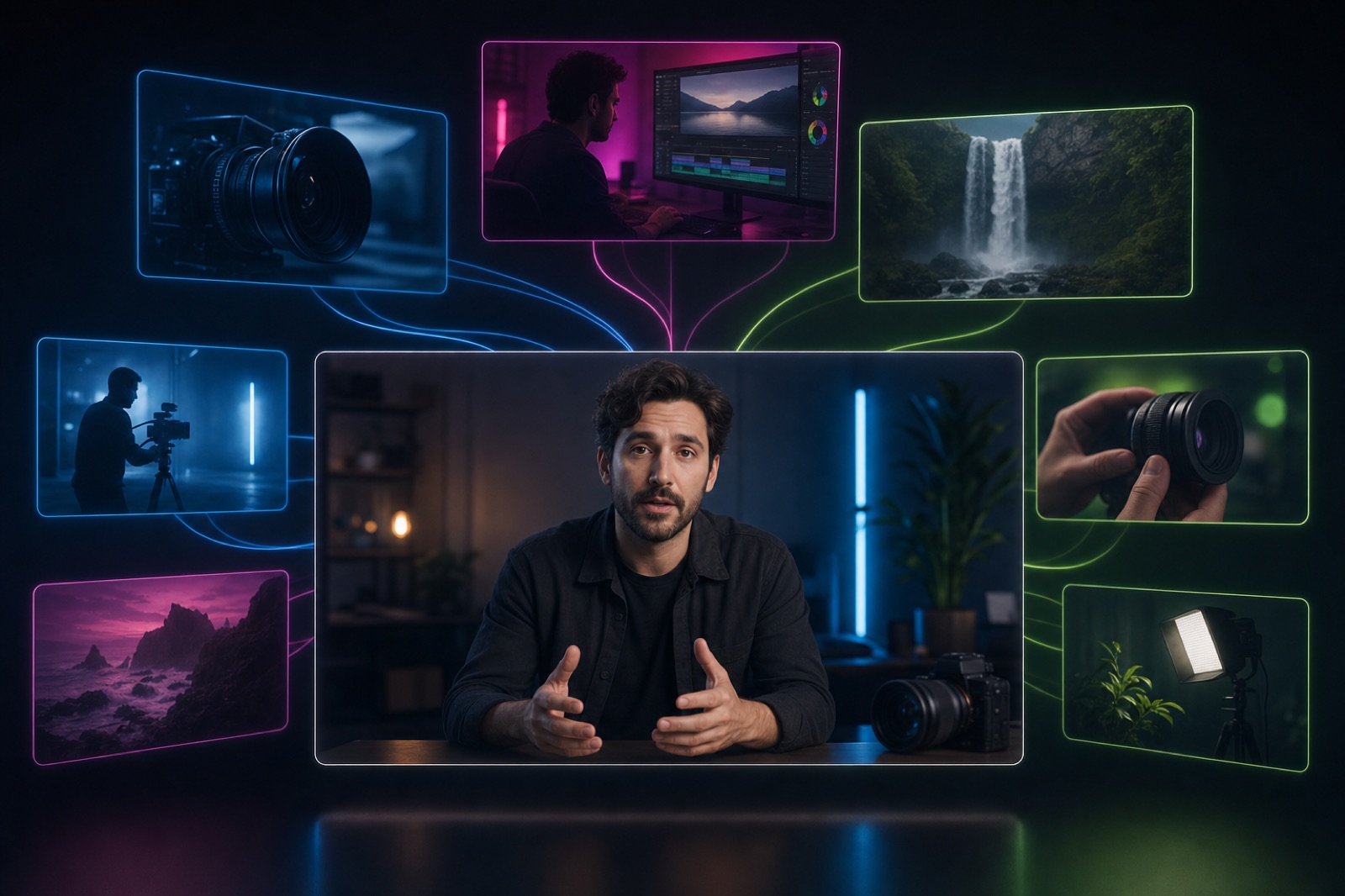
A central talking-head video frame with translucent B-roll clips layering above and behind it, connected by glowing light

26. Add more B-roll than you think you need. Only 6.0% of clips use B-roll — making it one of the most underused techniques. That's exactly why it differentiates you.

27. Cover your talking head with cutaways. Every time you mention a thing, show the thing. B-roll over narration keeps eyes on the screen during explanation-heavy stretches.

28. Use B-roll to hide your cuts. A cutaway is the cleanest way to splice two takes together without a visible jump.

29. Keep a personal B-roll library. Shoot generic establishing and texture shots whenever you film. Reusable footage saves hours later.

30. Layer simple motion on stills. A slow push-in or pan (the "Ken Burns" move) turns a static image into something that holds attention.

Audio: The Half Everyone Ignores

Audiences forgive rough video. They will not forgive bad audio.
Glowing audio waveform flowing across the frame with floating mixing sliders and a faint vertical video frame behind

31. Treat audio as half the edit. Clean sound is the fastest way to make amateur footage feel professional.

32. Remove noise, hum, and clicks first. Run denoise before you do anything else — you can't un-hear a buzzing room tone.

33. Record 20–30 seconds of room silence. That "nothing" is invaluable for filling gaps in the edit without a jarring cut to dead air.

34. Mix music under, not over. Duck music well beneath dialogue. If music competes with your voice, your voice loses.

35. Use music to set pace, then get out of the way. A driving track under a montage works; the same track under a key explanation is a distraction. (Music appears in under 2% of clips — use it deliberately, not by default.)

36. Cut to the beat in montages. Aligning your cuts to the music's rhythm makes even simple footage feel intentional.

37. Normalize loudness for the platform. Wildly different clip volumes send viewers reaching for the volume slider — and then the scroll.

Structure: Outros, CTAs, and Retention

Most creators stop thinking here — and lose the conversion.

38. End with a real outro. Outros appear in 4.6% of clips — more than intros — because they're where you convert a viewer into a follower. Don't just trail off.

39. Make your CTA specific. "Follow for part two" beats "like and subscribe." Tell people exactly what they get and what to do.

40. Loop the ending back to the start. On short-form, an ending that flows into the opening line buys you a second play — and replays boost ranking.

41. Tease the next video. A one-line hook for what's coming converts a single view into a subscriber.

42. Put your strongest 5 seconds where the dropoff is. Check your retention graph, find the cliff, and move something compelling there.

Platform-Specific Editing

Different feeds reward different edits. Match the platform or pay for it in reach.

43. TikTok: fast, native, sound-on culture. Quick cuts, trend audio, and bold captions win. See our data-backed TikTok editing guide.

44. YouTube (and Shorts): hooks plus retention structure. Longer attention spans reward clear structure and chapters. Our YouTube editing guide breaks down what top channels do.

45. Instagram: polished and aesthetic-first. Clean text, cohesive color, and on-brand styling matter more here. Details in the Instagram editing guide.

46. Short-form everywhere: vertical, captioned, front-loaded. The universal rules for 9:16 are in our short-form editing guide.

47. Export at the platform's native spec. 9:16 vertical for TikTok, Reels, and Shorts; 16:9 for standard YouTube. Letterboxed or wrong-ratio video reads as reposted spam.

Speed, AI, and Workflow

The last few tips are about doing all of the above in a fraction of the time.

48. Let AI handle the first pass. Auto-captions, silence removal, and auto-reframing knock out the tedious 80% so you can spend your time on the creative 20%. Here's how to automate video editing.

49. Edit long-form once, repurpose many times. Turn one long video into a dozen captioned clips automatically with an AI video editor instead of cutting each by hand.

50. Organize before you edit. Label and folder your raw clips, and keep the 3-2-1 backup rule (3 copies, 2 media types, 1 off-site). The fastest edit is the one where you never hunt for a file.

The Short Version

If this list feels like a lot, here's the 80/20: add animated captions, cut every few seconds, add B-roll, fix your audio, and end with a real CTA. Those five moves map directly to what the top-performing clips in our dataset actually do — and most of them can now be automated.

The creators winning in 2026 aren't the ones with the most expensive software. They're the ones who apply these fundamentals consistently and let AI handle the repetitive parts. Try them on your next video with a free AI video editor, and turn one upload into a week of content.


On this page

Use our Free Forever Plan

Find the moment. Skip the scrubbing.

From script to polished video — in one click.

Create and post one short video every day for free, and grow faster.

OpusSearch uses AI to surface the exact clip you need from hours of footage — in seconds, not afternoons.

Agent Opus runs the entire video pipeline for you: research, scriptwriting, storyboarding, motion, voice, and edit. Upload the idea, post the result.

50 Video Editing Tips That Actually Work in 2026 (We Analyzed 13.5M Clips)

Most "video editing tips" lists are guesswork. These aren't — we analyzed 13.5 million clips to see which editing techniques top-performing videos actually use, then ranked the 50 that matter by impact.

There is no shortage of video editing advice on the internet. The problem is that almost none of it is backed by data — it's the same recycled list of "use J-cuts" and "plan your shots," written by people guessing at what works.

We took a different approach. We analyzed 13.5 million clips processed through OpusClip's AI engine to measure which editing features actually show up in videos that perform — captions, animation, B-roll, hooks, text overlays, outros, and more. The results are surprising in places: some techniques everyone obsesses over are barely used, and some "advanced" features are now table stakes.

Below are 50 tips, organized by theme and grounded in that data wherever we have it. If you only do the first ten, you'll already be ahead of most creators. If you want a step-by-step walkthrough of the editing process itself, start with our guide on how to edit a video, then come back here to level up.

Hooks and the First 3 Seconds

The edit that matters most is the one viewers see before they decide to scroll. Get this wrong and nothing else in your timeline gets watched.

Glowing vertical video player with a sweeping timer arc and a bright spark, representing a scroll-stopping hook in the first seconds

1. Win the first 3 seconds or lose the view. Viewers decide whether to keep watching almost instantly. Lead with your single most interesting moment — not a logo, not "hey guys," not a slow build.

2. Open with a shock or unexpected statement. In our hook analysis, "shock/surprise" openers were the single most common hook in high-performing clips. Say the thing that makes someone stop scrolling.

3. Or open with a direct question. Direct questions and intriguing promises were the next most common hook category. "Why does nobody talk about this?" pulls people in because they want the answer.

4. Cut your intro to zero. Branded intros appear in only about 1% of clips for a reason — on social, they're watch-time poison. Save the branding for the outro.

5. Front-load the payoff, then explain. Show the result first ("here's the $12 edit that looks like $1,200"), then walk back through how you got there.

6. Match the hook to the first frame. Whatever promise your opening frame makes, the first line of audio should confirm it within a second.

7. Re-cut your hook three different ways. Export three versions of the opening and post them on different days. Hooks are the highest-leverage A/B test you can run.

Captions and On-Screen Text

If there is one thing the data screams, it's this: captions are no longer optional.

Vertical video player with stylized animated caption shapes popping on over a waveform

8. Always add captions. They appear in 80.2% of the clips we analyzed — the single most-used editing feature by a wide margin. Most social video is watched on mute.

9. Animate your captions. 78.6% of clips use animated (word-by-word or pop-on) captions, not static blocks. Animation guides the eye and measurably holds attention.

10. Keep captions to one or two words per beat. Punchy, fast captions feel modern and match how people actually read on a phone.

11. Put captions in the lower third — but not the very bottom. Platform UI (usernames, buttons) covers the bottom ~15% of the frame. Keep text safely above it.

12. Use high-contrast styling. White text with a dark outline or a subtle background box reads on any footage. Test it against your brightest and busiest shots.

13. Skip ALL CAPS for full sentences. Mixed case is easier to read and feels less like shouting. Reserve caps for one or two emphasis words.

14. Sync emphasis to your voice. Pop a word to a brighter color or bold exactly when you stress it out loud. It reinforces the point twice.

15. Proofread auto-captions for homophones and names. AI captions are fast and accurate, but they'll still write "there" for "their" and butcher proper nouns. A 30-second pass fixes it.

16. Add a text overlay for your one key point. Only ~4.5% of clips use dedicated text overlays — which means a single, well-placed on-screen line makes you stand out.

17. Translate captions to reach a second audience. Duplicating a caption track in another language is one of the cheapest ways to expand reach.

Pacing, Cuts, and Trimming

After captions, pacing is the biggest lever you have. Tight videos get watched to the end; baggy ones get scrolled.

18. Be ruthless with dead air. Cut pauses, filler words ("um," "uh," "like"), and false starts. If a moment doesn't add information or energy, it goes.

19. Use silence removal for the first pass. AI silence removers strip gaps automatically and can cut editing time dramatically — see our roundup of the best AI silence removers.

20. Make a cut every few seconds. Even a subtle reframe or zoom resets attention. Static talking-head shots are where viewers drop off.

21. Master the jump cut. It's the backbone of modern short-form. Auto jump-cut editors can detect and tighten these for you.

22. Use J-cuts and L-cuts to smooth transitions. Let the next clip's audio start before its video (J-cut), or let the current audio linger over the next shot (L-cut). It makes edits feel invisible.

23. Cut on motion. Hiding a cut inside a movement — a hand gesture, a head turn — makes it far less jarring than cutting on a still frame.

24. Vary your shot length. A run of same-length clips feels robotic. Mix quick beats with the occasional longer hold to control rhythm.

25. End a beat early, not late. Leave on the upswing. The instinct to let a moment "breathe" usually just adds drag.

B-Roll and Visual Variety

Here's a genuine opportunity hiding in the data.

A central talking-head video frame with translucent B-roll clips layering above and behind it, connected by glowing light

26. Add more B-roll than you think you need. Only 6.0% of clips use B-roll — making it one of the most underused techniques. That's exactly why it differentiates you.

27. Cover your talking head with cutaways. Every time you mention a thing, show the thing. B-roll over narration keeps eyes on the screen during explanation-heavy stretches.

28. Use B-roll to hide your cuts. A cutaway is the cleanest way to splice two takes together without a visible jump.

29. Keep a personal B-roll library. Shoot generic establishing and texture shots whenever you film. Reusable footage saves hours later.

30. Layer simple motion on stills. A slow push-in or pan (the "Ken Burns" move) turns a static image into something that holds attention.

Audio: The Half Everyone Ignores

Audiences forgive rough video. They will not forgive bad audio.

Glowing audio waveform flowing across the frame with floating mixing sliders and a faint vertical video frame behind

31. Treat audio as half the edit. Clean sound is the fastest way to make amateur footage feel professional.

32. Remove noise, hum, and clicks first. Run denoise before you do anything else — you can't un-hear a buzzing room tone.

33. Record 20–30 seconds of room silence. That "nothing" is invaluable for filling gaps in the edit without a jarring cut to dead air.

34. Mix music under, not over. Duck music well beneath dialogue. If music competes with your voice, your voice loses.

35. Use music to set pace, then get out of the way. A driving track under a montage works; the same track under a key explanation is a distraction. (Music appears in under 2% of clips — use it deliberately, not by default.)

36. Cut to the beat in montages. Aligning your cuts to the music's rhythm makes even simple footage feel intentional.

37. Normalize loudness for the platform. Wildly different clip volumes send viewers reaching for the volume slider — and then the scroll.

Structure: Outros, CTAs, and Retention

Most creators stop thinking here — and lose the conversion.

38. End with a real outro. Outros appear in 4.6% of clips — more than intros — because they're where you convert a viewer into a follower. Don't just trail off.

39. Make your CTA specific. "Follow for part two" beats "like and subscribe." Tell people exactly what they get and what to do.

40. Loop the ending back to the start. On short-form, an ending that flows into the opening line buys you a second play — and replays boost ranking.

41. Tease the next video. A one-line hook for what's coming converts a single view into a subscriber.

42. Put your strongest 5 seconds where the dropoff is. Check your retention graph, find the cliff, and move something compelling there.

Platform-Specific Editing

Different feeds reward different edits. Match the platform or pay for it in reach.

43. TikTok: fast, native, sound-on culture. Quick cuts, trend audio, and bold captions win. See our data-backed TikTok editing guide.

44. YouTube (and Shorts): hooks plus retention structure. Longer attention spans reward clear structure and chapters. Our YouTube editing guide breaks down what top channels do.

45. Instagram: polished and aesthetic-first. Clean text, cohesive color, and on-brand styling matter more here. Details in the Instagram editing guide.

46. Short-form everywhere: vertical, captioned, front-loaded. The universal rules for 9:16 are in our short-form editing guide.

47. Export at the platform's native spec. 9:16 vertical for TikTok, Reels, and Shorts; 16:9 for standard YouTube. Letterboxed or wrong-ratio video reads as reposted spam.

Speed, AI, and Workflow

The last few tips are about doing all of the above in a fraction of the time.

48. Let AI handle the first pass. Auto-captions, silence removal, and auto-reframing knock out the tedious 80% so you can spend your time on the creative 20%. Here's how to automate video editing.

49. Edit long-form once, repurpose many times. Turn one long video into a dozen captioned clips automatically with an AI video editor instead of cutting each by hand.

50. Organize before you edit. Label and folder your raw clips, and keep the 3-2-1 backup rule (3 copies, 2 media types, 1 off-site). The fastest edit is the one where you never hunt for a file.

The Short Version

If this list feels like a lot, here's the 80/20: add animated captions, cut every few seconds, add B-roll, fix your audio, and end with a real CTA. Those five moves map directly to what the top-performing clips in our dataset actually do — and most of them can now be automated.

The creators winning in 2026 aren't the ones with the most expensive software. They're the ones who apply these fundamentals consistently and let AI handle the repetitive parts. Try them on your next video with a free AI video editor, and turn one upload into a week of content.

Creator name

Creator type

Team size

Channels

linkYouTubefacebookXTikTok

Pain point

Time to see positive ROI

About the creator

Don't miss these

How Audacy Drove 1B+ Views by Taking a Tech-Forward Approach to Radio with OpusClip
No items found.

How Audacy Drove 1B+ Views by Taking a Tech-Forward Approach to Radio with OpusClip

How All the Smoke makes hit compilations faster with OpusSearch

How All the Smoke makes hit compilations faster with OpusSearch

Growing a new channel to 1.5M views in 90 days without creating new videos

Growing a new channel to 1.5M views in 90 days without creating new videos

50 Video Editing Tips That Actually Work in 2026 (We Analyzed 13.5M Clips)

Glowing video editing timeline with floating data gauges measuring editing techniques
No items found.
No items found.

Boost your social media growth with OpusClip

Create and post one short video every day for your social media and grow faster.
Best Practice

50 Video Editing Tips That Actually Work in 2026 (We Analyzed 13.5M Clips)

Glowing video editing timeline with floating data gauges measuring editing techniques

Most "video editing tips" lists are guesswork. These aren't — we analyzed 13.5 million clips to see which editing techniques top-performing videos actually use, then ranked the 50 that matter by impact.

There is no shortage of video editing advice on the internet. The problem is that almost none of it is backed by data — it's the same recycled list of "use J-cuts" and "plan your shots," written by people guessing at what works.

We took a different approach. We analyzed 13.5 million clips processed through OpusClip's AI engine to measure which editing features actually show up in videos that perform — captions, animation, B-roll, hooks, text overlays, outros, and more. The results are surprising in places: some techniques everyone obsesses over are barely used, and some "advanced" features are now table stakes.

Below are 50 tips, organized by theme and grounded in that data wherever we have it. If you only do the first ten, you'll already be ahead of most creators. If you want a step-by-step walkthrough of the editing process itself, start with our guide on how to edit a video, then come back here to level up.

Hooks and the First 3 Seconds

The edit that matters most is the one viewers see before they decide to scroll. Get this wrong and nothing else in your timeline gets watched.

Glowing vertical video player with a sweeping timer arc and a bright spark, representing a scroll-stopping hook in the first seconds

1. Win the first 3 seconds or lose the view. Viewers decide whether to keep watching almost instantly. Lead with your single most interesting moment — not a logo, not "hey guys," not a slow build.

2. Open with a shock or unexpected statement. In our hook analysis, "shock/surprise" openers were the single most common hook in high-performing clips. Say the thing that makes someone stop scrolling.

3. Or open with a direct question. Direct questions and intriguing promises were the next most common hook category. "Why does nobody talk about this?" pulls people in because they want the answer.

4. Cut your intro to zero. Branded intros appear in only about 1% of clips for a reason — on social, they're watch-time poison. Save the branding for the outro.

5. Front-load the payoff, then explain. Show the result first ("here's the $12 edit that looks like $1,200"), then walk back through how you got there.

6. Match the hook to the first frame. Whatever promise your opening frame makes, the first line of audio should confirm it within a second.

7. Re-cut your hook three different ways. Export three versions of the opening and post them on different days. Hooks are the highest-leverage A/B test you can run.

Captions and On-Screen Text

If there is one thing the data screams, it's this: captions are no longer optional.

Vertical video player with stylized animated caption shapes popping on over a waveform

8. Always add captions. They appear in 80.2% of the clips we analyzed — the single most-used editing feature by a wide margin. Most social video is watched on mute.

9. Animate your captions. 78.6% of clips use animated (word-by-word or pop-on) captions, not static blocks. Animation guides the eye and measurably holds attention.

10. Keep captions to one or two words per beat. Punchy, fast captions feel modern and match how people actually read on a phone.

11. Put captions in the lower third — but not the very bottom. Platform UI (usernames, buttons) covers the bottom ~15% of the frame. Keep text safely above it.

12. Use high-contrast styling. White text with a dark outline or a subtle background box reads on any footage. Test it against your brightest and busiest shots.

13. Skip ALL CAPS for full sentences. Mixed case is easier to read and feels less like shouting. Reserve caps for one or two emphasis words.

14. Sync emphasis to your voice. Pop a word to a brighter color or bold exactly when you stress it out loud. It reinforces the point twice.

15. Proofread auto-captions for homophones and names. AI captions are fast and accurate, but they'll still write "there" for "their" and butcher proper nouns. A 30-second pass fixes it.

16. Add a text overlay for your one key point. Only ~4.5% of clips use dedicated text overlays — which means a single, well-placed on-screen line makes you stand out.

17. Translate captions to reach a second audience. Duplicating a caption track in another language is one of the cheapest ways to expand reach.

Pacing, Cuts, and Trimming

After captions, pacing is the biggest lever you have. Tight videos get watched to the end; baggy ones get scrolled.

18. Be ruthless with dead air. Cut pauses, filler words ("um," "uh," "like"), and false starts. If a moment doesn't add information or energy, it goes.

19. Use silence removal for the first pass. AI silence removers strip gaps automatically and can cut editing time dramatically — see our roundup of the best AI silence removers.

20. Make a cut every few seconds. Even a subtle reframe or zoom resets attention. Static talking-head shots are where viewers drop off.

21. Master the jump cut. It's the backbone of modern short-form. Auto jump-cut editors can detect and tighten these for you.

22. Use J-cuts and L-cuts to smooth transitions. Let the next clip's audio start before its video (J-cut), or let the current audio linger over the next shot (L-cut). It makes edits feel invisible.

23. Cut on motion. Hiding a cut inside a movement — a hand gesture, a head turn — makes it far less jarring than cutting on a still frame.

24. Vary your shot length. A run of same-length clips feels robotic. Mix quick beats with the occasional longer hold to control rhythm.

25. End a beat early, not late. Leave on the upswing. The instinct to let a moment "breathe" usually just adds drag.

B-Roll and Visual Variety

Here's a genuine opportunity hiding in the data.

A central talking-head video frame with translucent B-roll clips layering above and behind it, connected by glowing light

26. Add more B-roll than you think you need. Only 6.0% of clips use B-roll — making it one of the most underused techniques. That's exactly why it differentiates you.

27. Cover your talking head with cutaways. Every time you mention a thing, show the thing. B-roll over narration keeps eyes on the screen during explanation-heavy stretches.

28. Use B-roll to hide your cuts. A cutaway is the cleanest way to splice two takes together without a visible jump.

29. Keep a personal B-roll library. Shoot generic establishing and texture shots whenever you film. Reusable footage saves hours later.

30. Layer simple motion on stills. A slow push-in or pan (the "Ken Burns" move) turns a static image into something that holds attention.

Audio: The Half Everyone Ignores

Audiences forgive rough video. They will not forgive bad audio.

Glowing audio waveform flowing across the frame with floating mixing sliders and a faint vertical video frame behind

31. Treat audio as half the edit. Clean sound is the fastest way to make amateur footage feel professional.

32. Remove noise, hum, and clicks first. Run denoise before you do anything else — you can't un-hear a buzzing room tone.

33. Record 20–30 seconds of room silence. That "nothing" is invaluable for filling gaps in the edit without a jarring cut to dead air.

34. Mix music under, not over. Duck music well beneath dialogue. If music competes with your voice, your voice loses.

35. Use music to set pace, then get out of the way. A driving track under a montage works; the same track under a key explanation is a distraction. (Music appears in under 2% of clips — use it deliberately, not by default.)

36. Cut to the beat in montages. Aligning your cuts to the music's rhythm makes even simple footage feel intentional.

37. Normalize loudness for the platform. Wildly different clip volumes send viewers reaching for the volume slider — and then the scroll.

Structure: Outros, CTAs, and Retention

Most creators stop thinking here — and lose the conversion.

38. End with a real outro. Outros appear in 4.6% of clips — more than intros — because they're where you convert a viewer into a follower. Don't just trail off.

39. Make your CTA specific. "Follow for part two" beats "like and subscribe." Tell people exactly what they get and what to do.

40. Loop the ending back to the start. On short-form, an ending that flows into the opening line buys you a second play — and replays boost ranking.

41. Tease the next video. A one-line hook for what's coming converts a single view into a subscriber.

42. Put your strongest 5 seconds where the dropoff is. Check your retention graph, find the cliff, and move something compelling there.

Platform-Specific Editing

Different feeds reward different edits. Match the platform or pay for it in reach.

43. TikTok: fast, native, sound-on culture. Quick cuts, trend audio, and bold captions win. See our data-backed TikTok editing guide.

44. YouTube (and Shorts): hooks plus retention structure. Longer attention spans reward clear structure and chapters. Our YouTube editing guide breaks down what top channels do.

45. Instagram: polished and aesthetic-first. Clean text, cohesive color, and on-brand styling matter more here. Details in the Instagram editing guide.

46. Short-form everywhere: vertical, captioned, front-loaded. The universal rules for 9:16 are in our short-form editing guide.

47. Export at the platform's native spec. 9:16 vertical for TikTok, Reels, and Shorts; 16:9 for standard YouTube. Letterboxed or wrong-ratio video reads as reposted spam.

Speed, AI, and Workflow

The last few tips are about doing all of the above in a fraction of the time.

48. Let AI handle the first pass. Auto-captions, silence removal, and auto-reframing knock out the tedious 80% so you can spend your time on the creative 20%. Here's how to automate video editing.

49. Edit long-form once, repurpose many times. Turn one long video into a dozen captioned clips automatically with an AI video editor instead of cutting each by hand.

50. Organize before you edit. Label and folder your raw clips, and keep the 3-2-1 backup rule (3 copies, 2 media types, 1 off-site). The fastest edit is the one where you never hunt for a file.

The Short Version

If this list feels like a lot, here's the 80/20: add animated captions, cut every few seconds, add B-roll, fix your audio, and end with a real CTA. Those five moves map directly to what the top-performing clips in our dataset actually do — and most of them can now be automated.

The creators winning in 2026 aren't the ones with the most expensive software. They're the ones who apply these fundamentals consistently and let AI handle the repetitive parts. Try them on your next video with a free AI video editor, and turn one upload into a week of content.

Ready to start streaming differently?

Opus is completely FREE for one year for all private beta users. You can get access to all our premium features during this period. We also offer free support for production, studio design, and content repurposing to help you grow.
Join the beta
Limited spots remaining

Try OPUS today

Try Opus Studio

Make your live stream your Magnum Opus




