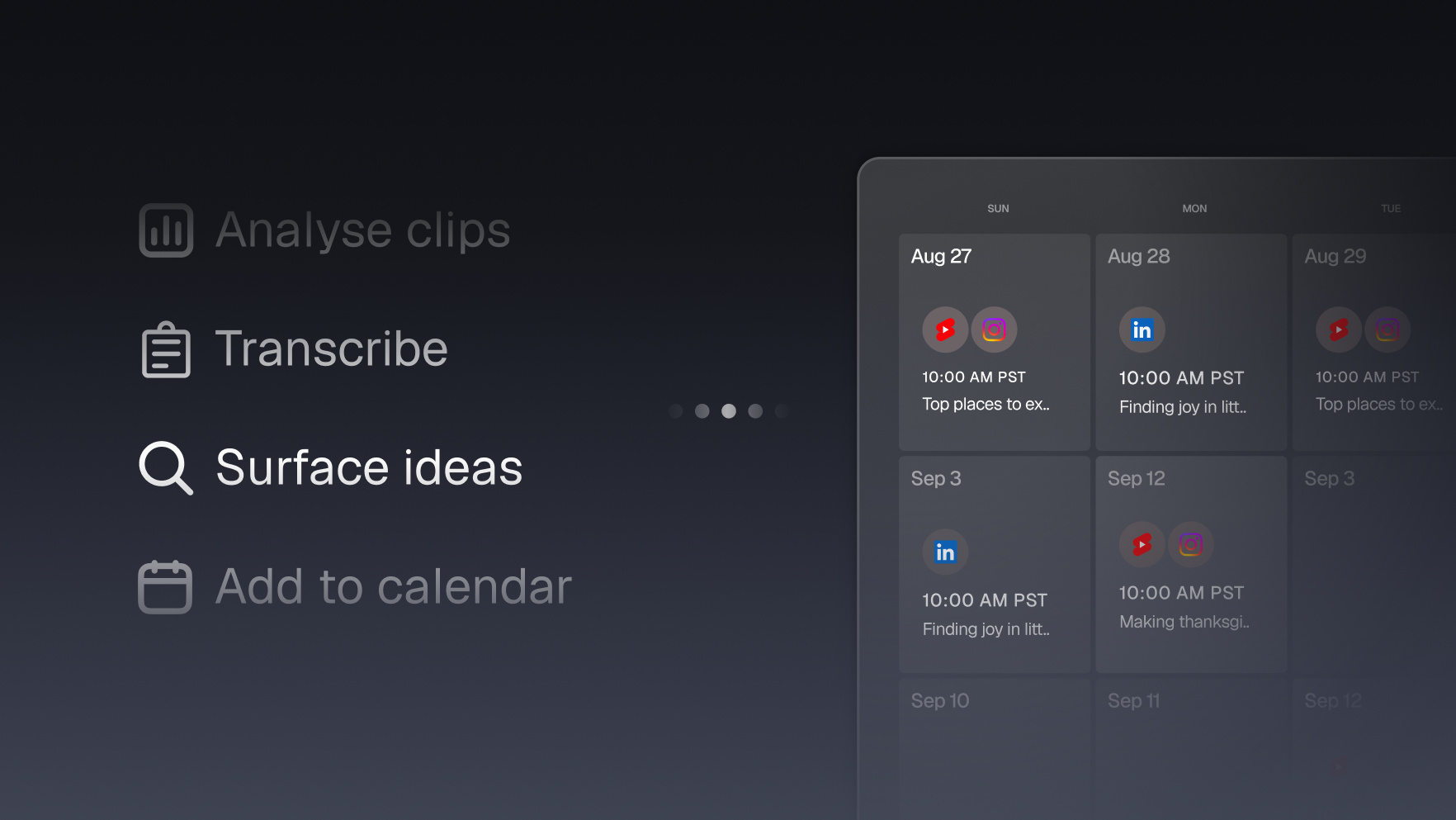
Catch the algorithm reviving an old video and clip it while it's hot
Every channel has it: a two-year-old video that suddenly starts pulling thousands of views because the algorithm rediscovered it. Your agent spots the surge in your analytics and clips that video the same day, riding the wave instead of finding out about it next month.


Run it with your agent
- Open Customize in your client and select “Connectors”
- Find OpusClip and click "Add"
- Sign in with your OpusClip account in the OAuth window
- Run the command below in your terminal
claude mcp add --transport http opusclip https://mcp.opus.pro/mcp - Start Claude Code and run
/mcp - Approve the OAuth sign-in with your OpusClip account
claude mcp add --transport http opusclip https://mcp.opus.pro/mcp- Open the ChatGPT desktop app and select "Plugins" in the sidebar
- Search for OpusClip, then click the + icon
- Click "Connect" and sign in with your OpusClip account
- Open ChatGPT and select "Plugins" in the sidebar
- Search for OpusClip, then click the + icon
- Click "Connect" and sign in with your OpusClip account
- Open Customize in the left panel, then select MCPs
- Add New MCP Server
- Paste the configuration below
- Save the file (Cmd+S / Ctrl+S), then approve the sign-in request in your browser
{"mcpServers": {"opusclip": {"url": "https://mcp.opus.pro/mcp"}}}- Open Extensions ⇧⌘X → search @mcp opusclip
- Pick the opus-pro entry
- Install → OAuth sign-in
What this workflow does
YouTube's algorithm routinely resurrects back-catalog videos: an old upload gets picked up by search or suggested feeds and starts doing numbers again, months or years after it was posted. Most creators discover this in a monthly analytics glance, long after the wave has passed. This workflow puts the discovery on autopilot: a scheduled check watches daily view counts across your library, flags any video suddenly running far above its normal baseline, and immediately clips it so you can feed Shorts into the surge while the algorithm is still paying attention.
Why it works
A surging old video is the algorithm telling you exactly what it wants to distribute right now: demand you didn't have to create. Posting fresh Shorts cut from that video does two things at once: it captures the audience currently discovering it, and it hands the algorithm more of the thing it's already promoting, which can extend the surge. The whole edge is speed. Caught the same day, a revival is a growth event; noticed a month later, it's a line on a chart.
What you need
- OpusClip MCP (api.opus.pro/api/mcp): clipping, captions, reframing, and scheduling the resulting Shorts (Pro plan required for tool calls)
- A YouTube MCP or the YouTube Data API: reads view counts across your uploads; public per-video counts checked daily are enough to spot a surge (YouTube Analytics access makes it richer, showing where the traffic comes from)
- A scheduled task (cron): the surge check has to run daily on its own; a surge you check for weekly is a surge you miss
- Claude, Cursor, or any MCP-enabled agent to run the monitor and trigger the clipping
How it works
- A daily check runs automatically. The scheduled task pulls current view counts for your uploads and compares each against its own trailing baseline.
- Surges get flagged, noise gets ignored. A video running several times above its normal daily views triggers the workflow; ordinary fluctuation doesn't.
- The surging video gets clipped same-day. The agent submits it to OpusClip and cuts the top-scoring moments, captioned and reframed for Shorts.
- Clips ride the wave. The best clips are scheduled across the next few days, each pointing viewers back to the full video the algorithm is already pushing.
- You get the alert, not the homework. A message tells you which video surged, how big the spike is, and what's been clipped and queued. Approve or adjust from chat.
Try this prompt
Every morning, check the view counts on all my YouTube uploads and compare each video against its average daily views from the past month. If any video is running at 3x its baseline or more, submit it to OpusClip, clip the top 3 moments as vertical Shorts, and message me the video, the size of the spike, and the clips, ready to schedule on my approval.
Tips
- Set the trigger as a multiple of each video's own baseline, not a fixed view count; a 10K-subscriber channel's surge looks different from a 1M one's.
- Have the clips link back to the surging video in the caption; the goal is to pour fuel on the video the algorithm already likes.
- If you have YouTube Analytics access, ask the agent where the surge traffic is coming from; a search-driven surge tells you which query to make more videos about.