Get your best unposted clip in Slack every morning
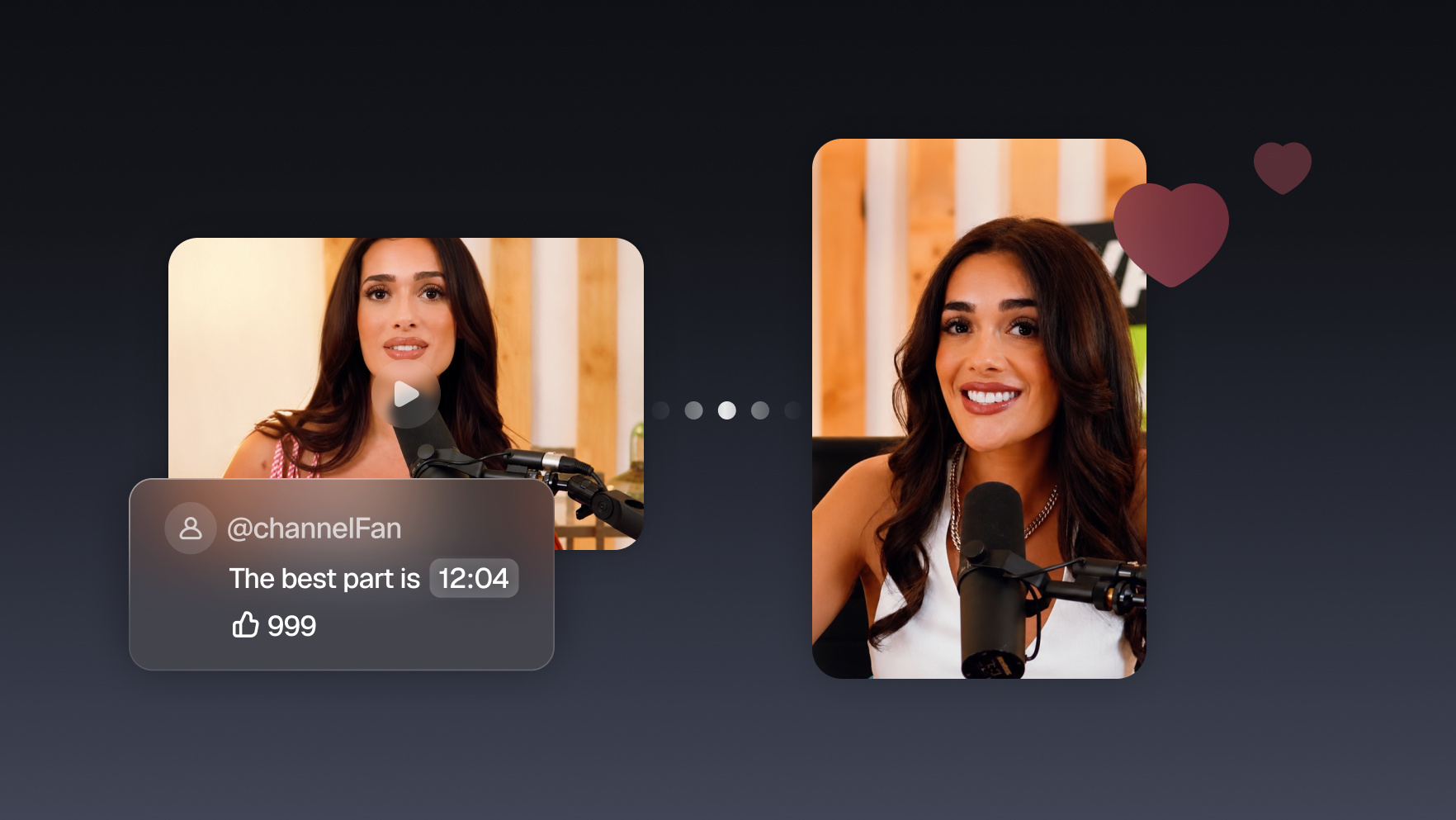
Every morning, your agent finds the highest-scoring clip you haven't posted yet and drops it in a Slack channel with a suggested caption. One ✅ reaction from anyone on the team, and it publishes.


Run it with your agent
- Open Customize in your client and select “Connectors”
- Find OpusClip and click "Add"
- Sign in with your OpusClip account in the OAuth window
- Run the command below in your terminal
claude mcp add --transport http opusclip https://mcp.opus.pro/mcp - Start Claude Code and run
/mcp - Approve the OAuth sign-in with your OpusClip account
claude mcp add --transport http opusclip https://mcp.opus.pro/mcp- Open the ChatGPT desktop app and select "Plugins" in the sidebar
- Search for OpusClip, then click the + icon
- Click "Connect" and sign in with your OpusClip account
- Open ChatGPT and select "Plugins" in the sidebar
- Search for OpusClip, then click the + icon
- Click "Connect" and sign in with your OpusClip account
- Open Customize in the left panel, then select MCPs
- Add New MCP Server
- Paste the configuration below
- Save the file (Cmd+S / Ctrl+S), then approve the sign-in request in your browser
{"mcpServers": {"opusclip": {"url": "https://mcp.opus.pro/mcp"}}}- Open Extensions ⇧⌘X → search @mcp opusclip
- Pick the opus-pro entry
- Install → OAuth sign-in
What this workflow does
Most teams have great clips sitting unposted because nobody's job is to check the queue. This workflow makes the queue come to you: every weekday morning, the agent reviews the week's unposted clips, picks the top scorer, and posts it into your team's Slack channel with its virality score and a ready-to-use caption. Approving is a one-click reaction. The agent handles the publish.
What you need
- An OpusClip account (MCP tool calls require a Pro plan)
- Claude, Cursor, or any MCP-enabled agent with the OpusClip MCP connected (api.opus.pro/api/mcp)
- A Slack MCP connected to your workspace
- A scheduled task (cron) so the check runs every morning without being asked
How it works
- The morning check fires automatically. A scheduled task wakes the agent at the same time every weekday.
- It scans the week's unposted clips. Everything generated in the last 7 days that hasn't gone out yet, ranked by virality score.
- The winner lands in Slack. Preview link, score, why it ranked first, and a suggested caption, posted to your content channel.
- Approval is a reaction. A ✅ from anyone on the team tells the agent to publish or schedule it; a ❌ skips it and it reports the runner-up instead.
- No inventory, no post. If nothing clears your score threshold, the agent says so instead of posting filler.
Try this prompt
Every weekday at 9am ET, find my highest-scoring unposted clip from the past week and post it to #daily-clip with its score and a suggested caption. If someone reacts with ✅, publish it to TikTok and YouTube Shorts. If nothing scores above 75, post that there's no clip today instead.
Tips
- Set a score floor. The daily rhythm only works if the team trusts that what shows up is worth approving.
- Route different projects to different channels if you manage multiple brands.
- Track what gets ❌'d: it's free training data for what your team considers on-brand.