Send a beehiiv recap newsletter for every new episode
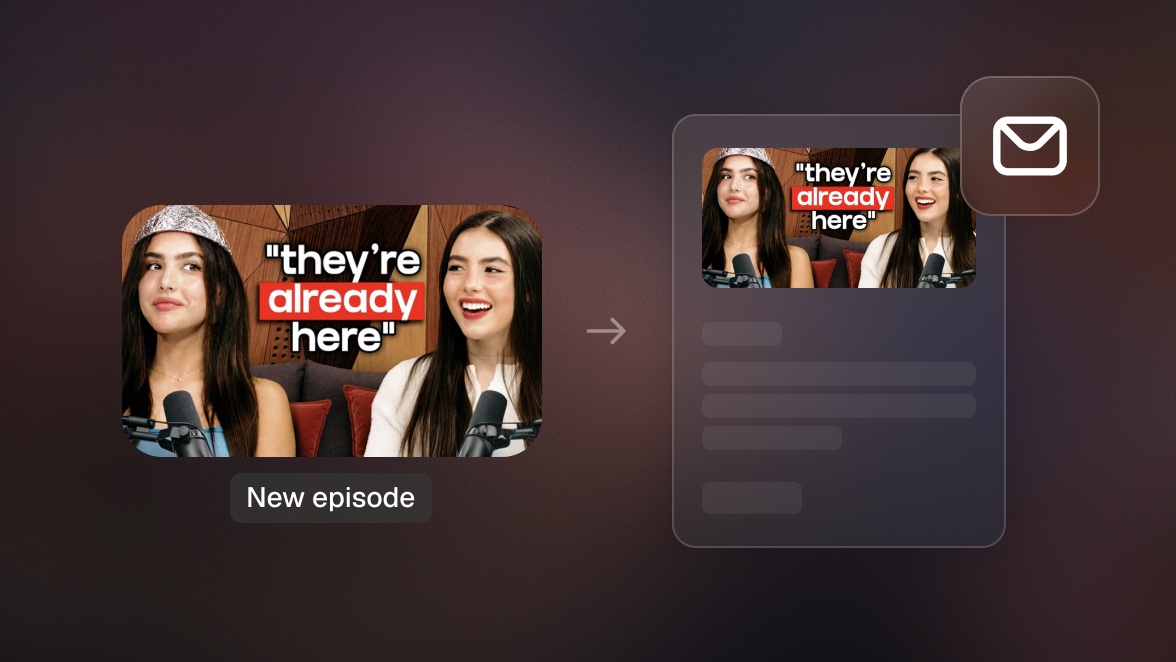
Publish an episode and the newsletter writes itself: your agent clips the video with OpusClip, summarizes the transcript, drafts a recap issue in beehiiv with the top moments embedded, and sends it to your list.

Run it with your agent
- Open Settings → Connectors in your client
- Click Add Connector → Add Custom Connector
- Name it "OpusClip" and paste the URL below for the Remote MCP Server URL
- Sign in with your OpusClip account in the OAuth window
https://mcp.opus.pro/mcp- Run the command below in your terminal
claude mcp add --transport http opusclip https://mcp.opus.pro/mcp - Start Claude Code and run
/mcp - Approve the OAuth sign-in with your OpusClip account
claude mcp add --transport http opusclip https://mcp.opus.pro/mcp- Open Settings → Plugins → MCPs, then click "+ Add server"
- Name it "OpusClip", switch Type to Streamable HTTP, and paste the URL below
- Save — the server appears in the list with an "Authenticate" button
- Click "Authenticate" and allow access with your OpusClip account
https://mcp.opus.pro/mcp- Open Settings → Plugins → Click on “Developer mode” and toggle it on
- Go back to Plugins → Browse plugins → Click the “+” icon
- Name it "OpusClip" and paste the URL below for the Connection Server URL
- Click the checkbox “I understand and want to continue”. Then click the “Create” button
- Select your OpusClip account in the OAuth window and click “Allow access”
https://mcp.opus.pro/mcp- Open Customize in the left panel, then select MCPs
- Add New MCP Server
- Paste the configuration below
- Save the file (Cmd+S / Ctrl+S), then approve the sign-in request in your browser
{"mcpServers": {"opusclip": {"url": "https://mcp.opus.pro/mcp"}}}- Open Extensions ⇧⌘X → search @mcp opusclip
- Pick the opus-pro entry
- Install → OAuth sign-in
What this workflow does
Every episode you publish deserves a newsletter, and almost nobody has the time to write one. Connect the OpusClip MCP with beehiiv's MCP and the recap becomes a byproduct of publishing: when a new episode goes live, your agent submits it for clipping, pulls the full transcript, writes a recap in your voice, and drafts a beehiiv issue with the top clips embedded as previews. You review, it sends. One episode in, one newsletter out.
Why it works
Your newsletter list and your video audience are different people: subscribers who never open YouTube, and viewers who never check email. A recap issue bridges them in both directions. The clips give the email something no text newsletter has (proof the episode is worth watching), and the newsletter gives every episode a second distribution channel that you own. beehiiv subscribers are also your most durable audience; feeding them consistently from content you already made is the cheapest retention play there is.
What you need
- OpusClip MCP (api.opus.pro/api/mcp): clips the episode, scores the moments, and provides the transcript the recap is written from (Pro plan required for tool calls)
- beehiiv MCP: drafts the issue in your publication, drops in the clip previews, and sends to your list
- Claude, Cursor, or any MCP-enabled agent with both connected: the writer between the two
- A new episode: a YouTube link is enough
How it works
- A new episode triggers the run. Point the agent at the video (or have a scheduled check watch the channel for new uploads).
- OpusClip does the video work. The episode is clipped, every moment is scored, and the full transcript comes back to the agent.
- The agent writes the recap. Key takeaways from the transcript, in your newsletter's voice, structured the way your issues always read.
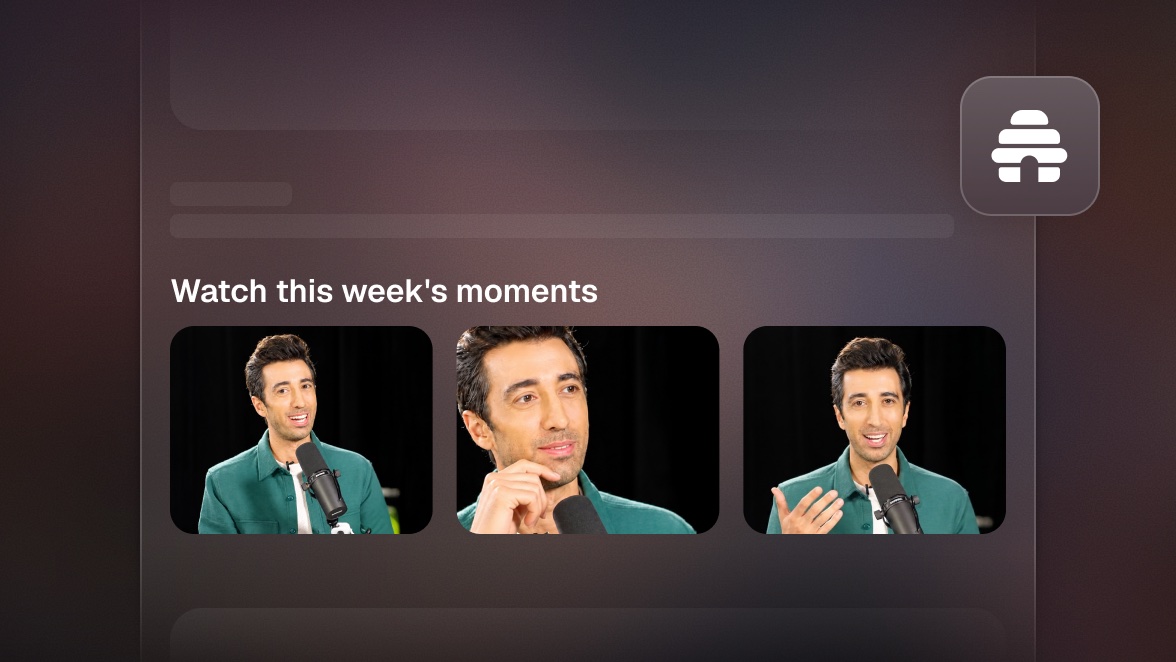
- beehiiv gets the draft. The recap lands in your publication with the top 3 clips embedded as watchable previews, each linking back to the full episode.
- You approve, it sends. One look at the draft, one confirmation, and the issue goes to your list. Total hands-on time: about a minute.
Try this prompt
My new episode just went live: [YouTube link]. Submit it to OpusClip, wait for the clips, and pull the transcript. Then draft a recap issue in beehiiv: my usual structure, 3 key takeaways, the top 3 clips embedded with links back to the full episode. Show me the draft before sending it to the list.
Tips
- Give the agent one past issue as a style reference; the recap will match your voice from the first draft.
- Lead the email with the highest-scoring clip. Subscribers who watch one clip click through to the episode at a much higher rate.
- Keep the takeaways to three. The recap's job is to make people want the episode, not replace it.
- Pair this with clip posting on social and one publish event feeds every channel you have.