GTA 6 Shorts Maker
OpusClip turns GTA 6 gameplay into 9:16 videos for YouTube Shorts, TikTok and Instagram Reels, with captions and a headline added.
Start from a long recording and OpusClip cuts the Shorts for you. Or bring a clip you already captured, and OpusClip's Edit gameplay clips Recipe adds the text without cutting it again.
OpusClip is not affiliated with Rockstar Games or Take-Two Interactive. Use footage you own or are allowed to use.


Why gameplay is awkward to post as Shorts
The game is 16:9, the feed is 9:16
A plain centre crop cuts off most of the screen. OpusClip's AI Reframe converts gameplay to 9:16, 1:1, 4:5 or 16:9.
The facecam matters too
Gameplay is one of OpusClip's 9:16 layouts. OpusClip describes the Clip gaming streams Recipe as facecam on top, game below.
Captions carry the commentary
OpusClip adds AI captions with keyword highlighting, so the commentary still reads with the sound off.
From a long recording to a batch of Shorts
Upload a GTA 6 session or paste a stream link, and OpusClip's Clip gaming streams Recipe cuts it into short vertical clips. As of November 2026 the Recipe is set to clips of under 30 seconds and 30 to 59 seconds, with captions and a headline on.
Each clip gets a Virality Score from 0 to 99, so you can choose which ones to post first.
OpusClip's YouTube Shorts maker covers the same flow for any kind of video.
Already have the clip? Skip the cutting
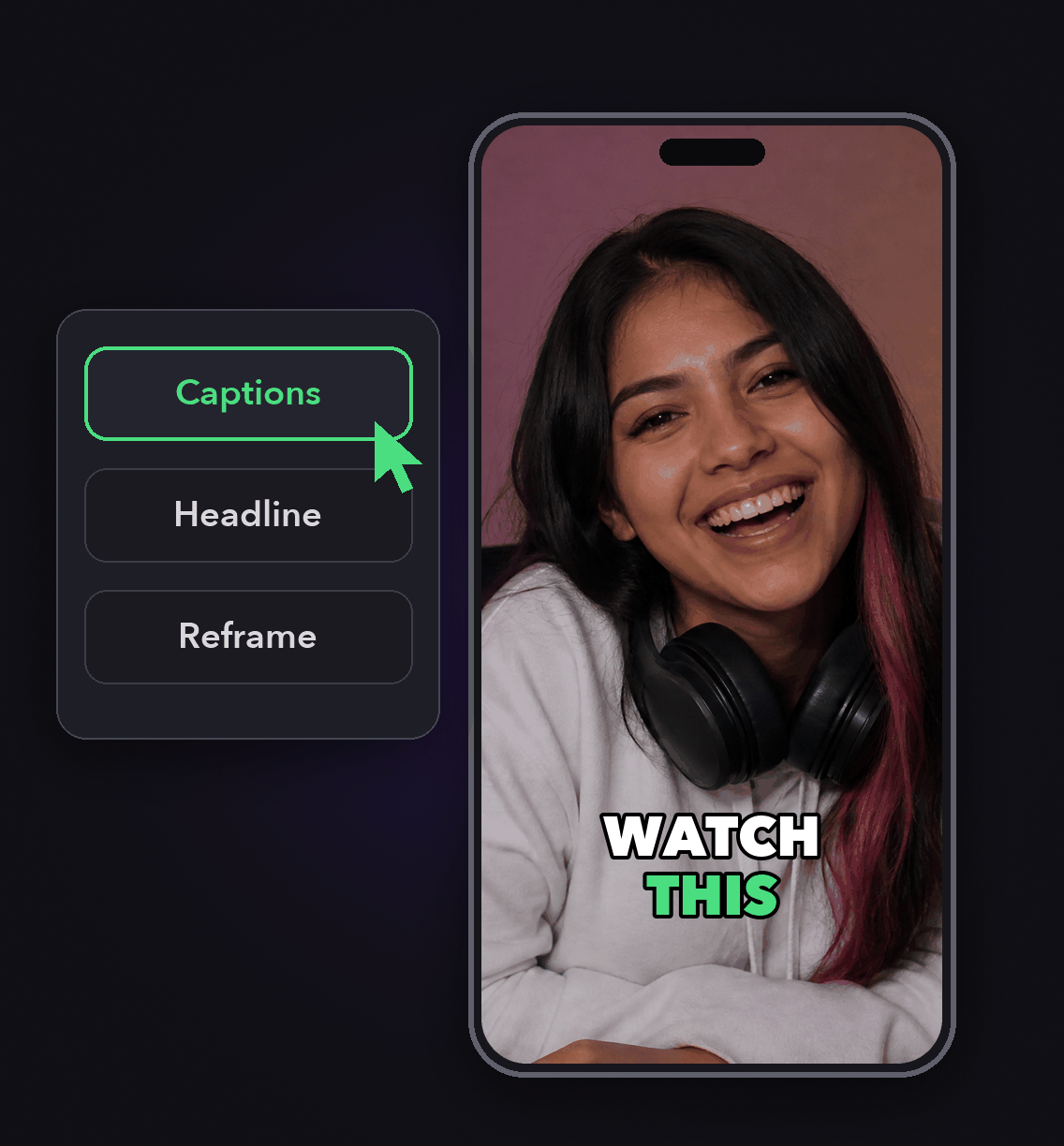
Console captures and saved stream clips are already short. OpusClip's Edit gameplay clips Recipe has clipping switched off and captions and a headline switched on, so the clip keeps its length and gets the text.
The Recipe opens from its link. Like any OpusClip Recipe, its settings can be changed before you run it.
One clip, every vertical feed
OpusClip's scheduler posts to YouTube, TikTok and Instagram Reels from one calendar, and can write the description and hashtags for each post.
Want a square or landscape cut for another feed? OpusClip's Reframe handles 1:1, 4:5 and 16:9 as well. Posting to TikTok first? See OpusClip's TikTok clip maker.
How to make a GTA 6 Short with OpusClip
Add your gameplay
Upload a GTA 6 recording to OpusClip or paste a Twitch, Kick or YouTube link. Use footage you own or are allowed to use.
Choose how to cut it
Pick Clip gaming streams for a long recording. For a clip that is already short, open the Edit gameplay clips Recipe, which leaves the length alone.
Check the framing and text
OpusClip returns 9:16 clips with captions and a headline. Change the layout, caption style or headline in the OpusClip editor if you want a different look.
Export or schedule
Download the Short, or schedule it from OpusClip to YouTube, TikTok and Instagram Reels.

Heading
Heading 1
Heading 2
Heading 3
Heading 4
Heading 5
Heading 6
Lorem ipsum dolor sit amet, consectetur adipiscing elit, sed do eiusmod tempor incididunt ut labore et dolore magna aliqua. Ut enim ad minim veniam, quis nostrud exercitation ullamco laboris nisi ut aliquip ex ea commodo consequat. Duis aute irure dolor in reprehenderit in voluptate velit esse cillum dolore eu fugiat nulla pariatur.
Block quote
Ordered list
- Item 1
- Item 2
- Item 3
Unordered list
- Item A
- Item B
- Item C
Bold text
Emphasis
Superscript
Subscript
What the GTA 6 Shorts Maker includes
9:16 vertical by default
9:16 is the default frame for vertical video, with 1:1 for square posts and 16:9 for landscape when you need them.
Auto Reframe
Tracks moving and active speakers on screen so the vertical crop follows them across the cut.
Reframe Anything
Key objects and actions tracked across frames into 9:16, 1:1 or 16:9.
Manual Reframe
Open the crop window from the Crop icon or by double-clicking the video, then drag the four corners or edges.
Burned-in captions
Captions are generated and styled for short-form, where most viewing happens on mute.
Virality Score
Every clip is scored from 0 to 99 on Hook, Flow and Trend, so you can pick which cuts to post as Shorts.
Auto SFX
Sound effects placed on the cut where the moment needs a hit.
YouTube scheduling
Schedule Shorts to YouTube alongside TikTok Feed, Instagram Reels, Facebook Page, LinkedIn, X (beta), Pinterest, Threads and Bluesky.
What people are saying
"OpusClip is super easy to use. Just upload and let it do it's thing. I like that you can change the start and end but just highlighting the text. The rating system makes it easy to know which clips are best. Can make clips really quickly and is perfect for vloggers and podcasts"
Spencer W.
"Opus Clip saves me hours! Its AI finds the best parts of any long form video, then whips up catchy clips with smart captions and b-roll. Boom, instant social media content that actually engages!!"
Martin R.
"Everything is automated, I don't have to find clips or worry about captions, it is all done for me. I use it two or three times a month, and find it is as easy to use on mobile than on desktop. It's easy to get started, and the clips can be easily uploaded to social media - I use them on Instagram on TikTok."
Anonymous
Frequently Asked Questions
How do I make GTA 6 Shorts?
Record your gameplay, then upload it to OpusClip or paste a stream link. OpusClip cuts the recording into 9:16 clips, adds captions and a headline, and lets you download or schedule each one.
Can I turn a clip I already recorded into a Short?
Yes. OpusClip's Edit gameplay clips Recipe has clipping switched off, so it keeps your clip as it is and adds captions and a headline. OpusClip's Reframe converts a 16:9 capture to 9:16.
Does it keep my facecam in the frame?
OpusClip has a Gameplay layout for 9:16 video, and describes its Clip gaming streams Recipe as facecam on top, game below. The layout can be changed in the OpusClip editor.
Can I post GTA 6 gameplay on YouTube Shorts and TikTok?
Post only footage you own or are allowed to use, and check the game publisher's video policy and each platform's rules first. OpusClip is not affiliated with Rockstar Games or Take-Two Interactive and does not grant rights to game footage.
Frequently Asked Questions
What languages does your video transcription tool support?
Our AI free video transcription technology supports over 20 languages, including English, Spanish, French, German, Japanese, and more. The system automatically detects the spoken language or allows you to specify it before processing. This makes transcribing multilingual video content simple and accurate.
Can I edit my video transcription after it's generated?
Yes, our platform includes a built-in editor for your free video transcription. You can correct any inaccuracies, format text, and add speaker labels directly in the interface. The editor synchronizes with timestamps, making it easy to perfect your transcript before exporting it for use.
What makes AI video transcription faster than manual methods?
AI video transcription processes speech in minutes rather than hours of manual typing. Our advanced algorithms recognize speech patterns across different accents and languages, providing time-stamped text with speaker identification. This technology lets you transcribe a 60-minute video in just a few minutes.
How much does it cost to transcribe a video?
Video transcription costs vary based on video length and features needed. Our platform offers a free trial transcription so you can experience the quality before committing. After that, we provide affordable pricing plans for regular video transcription needs with multi-language support and speaker detection.
How can I transcribe a video?
Upload your video file or paste a link to our AI free video transcription tool. The system automatically converts speech to text with over 95% accuracy. Once complete, you can download your transcript in various formats like TXT, SRT, or VTT for captions, blog posts, or other content.
How accurate are AI YouTube video transcription tools?
AI YouTube video transcript extractors typically achieve 95%+ accuracy for clear audio in English, with strong performance in over 50 other languages. For best results, videos with clear audio and minimal background noise produce the most accurate transcripts, though you can edit any errors afterward.
What formats can I download YouTube video transcripts in?
YouTube video transcript generators typically allow you to download transcripts in multiple formats including TXT (plain text), SRT (SubRip Subtitle), and VTT (Web Video Text Tracks) files. These different formats support various use cases from content creation to adding captions to videos.
Can I transcribe someone else's YouTube video?
Yes, you can transcribe anyone's public YouTube video using a YouTube video transcript generator. Simply copy the video URL, paste it into the transcription tool, and the AI will extract the spoken content into text format. This is useful for research, content repurposing, or accessibility purposes.
How to get a YouTube video transcript from any video?
To get a YouTube video transcript, copy the video URL and paste it into a transcript generator tool. Click "Generate Transcript" and the AI will process the audio, delivering a complete text version in under a minute. You can then edit, format, and download the transcript in your preferred format.
Does YouTube have auto transcription?
Yes, YouTube offers auto transcription for many videos, but these transcripts often contain errors. For more accurate results, use a dedicated YouTube video transcript generator that employs advanced AI to deliver 95%+ accuracy, proper formatting, and additional features like timestamp integration and multiple export formats.
Can I get a transcript of a YouTube video?
Yes, you can get a transcript of any YouTube video by using an AI-powered YouTube video transcript extractor. Simply paste the video URL into the tool, and it will automatically convert the spoken content into text format with high accuracy, allowing you to download the transcript in seconds.


