No items found.
Best Video Editing Bot for OpenAI Dots (2026)
September 29, 2026
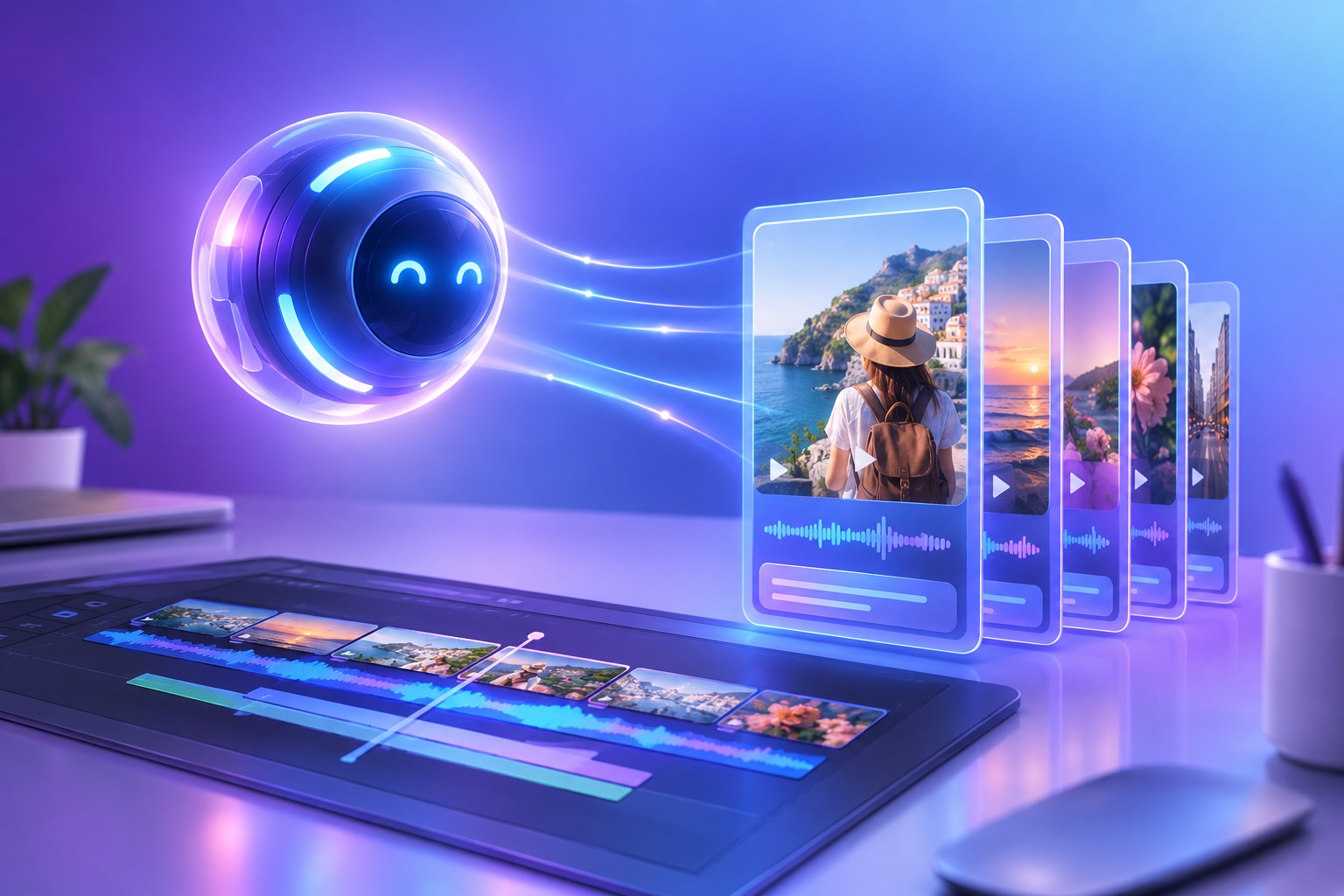
OpusClip is the best video editing bot for OpenAI Dots. It turns one long video into ranked short clips with captions, vertical reframing, and platform copy, then posts or schedules them to TikTok, YouTube, Instagram, LinkedIn, and more, all from a single instruction. Because OpusClip connects to ChatGPT as an app, a Dot can hand it the editing job and keep working on everything else.
OpenAI launched Dots at DevDay on September 29, 2026. They are always-on agents with their own cloud computer and browser that keep working while you are away. What a Dot can actually do with video depends entirely on which editing tool it can reach, so the AI video editor for ChatGPT Dots you connect decides the result.
What OpenAI Dots are, in one paragraph
A Dot is a persistent AI agent inside ChatGPT. According to OpenAI, Dots run on their own cloud computer, use their own browser plus the apps you have connected, and reach more than 4,000 applications through OpenAI's plugin ecosystem. You talk to a Dot in ChatGPT on desktop, web, or mobile, or in Slack and Microsoft Teams. Dots start with built-in rules for when to act alone and when to ask for approval, and you can add custom rules that allow, block, or require approval for specific actions. At launch, the first Dot is included in ChatGPT Pro and Business Premium at no extra cost.
OpenAI Dots video editing: why video is the perfect job for a Dot
Video repurposing is the kind of work always-on agents were built for: repetitive, time-consuming, and triggered by events you do not want to babysit. A new podcast episode lands, a webinar recording finishes, a livestream ends. Someone has to find the best moments, cut them, caption them, resize them for vertical feeds, write the posts, and schedule them. That is several hours of human work per long video, and it repeats every week.
A Dot can own that loop, but only if its video tool does the heavy lifting. A general-purpose agent is good at deciding what to do. It is not good at frame-accurate cutting, speaker tracking, or caption timing on its own. That is the job of a dedicated video editing bot.
What a video editing agent for Dots needs to do
We judged every option against the jobs a Dot will actually be asked to run without a person watching:
- Connects as an app, not a screen: tools available as OpenAI Dots apps, which a Dot calls directly, are faster and far more reliable than websites it has to click through with a browser.
- Finds the best moments by itself: the agent should not have to watch a two-hour video to pick clips. The tool should rank moments for it.
- Handles captions and vertical reframing: most short-form video is watched muted and vertical, so captions and subject-tracked 9:16 framing are table stakes.
- Edits with plain-language operations: trim, remove filler words, change caption style, reorder sections, all without a timeline.
- Publishes and schedules: the loop is not finished until the clip is live, so posting to social accounts has to be part of the tool.
- Works asynchronously: rendering takes minutes. The tool must let the Dot submit, move on, and check back, which is exactly how Dots are designed to work.
The best video editing bots for OpenAI Dots, ranked
1. OpusClip: the complete clip, caption, and publish loop
OpusClip is a video editing agent built for exactly this handoff. Through the OpusClip MCP server, an agent can submit a video from YouTube, Vimeo, Google Drive, Dropbox, Zoom, Loom, and other sources, get back ranked clips, edit them, generate social copy, and post or schedule them. The editing tool accepts named operations in one call: caption, emoji, and keyword-highlight toggles, filler-word and pause removal, trimming, splitting, reordering, phrase cutting, caption color and position, and clip dubbing.
Scheduling covers YouTube, TikTok, Instagram Reels, Facebook Pages, LinkedIn, X, Pinterest, Threads, and Bluesky for Pro users. That means a Dot can go from "a new episode is up" to "five clips are scheduled for this week" without leaving the conversation. See every tool in the OpusClip MCP server for the full list.
Best for: creators, podcasters, marketers, and agencies who want a Dot to own video repurposing end to end.
2. Browser-driven web editors
Every Dot has its own browser, so in principle it can open any web-based video editor, sign in, and click through the interface. This works for simple, one-off tasks. It is slow, it breaks when a page layout changes, and it cannot judge which moments in a long video are worth clipping. Treat it as a fallback for tools that have no app connection.
Best for: occasional edits in a tool you already pay for that has no ChatGPT app.
3. FFmpeg scripts on the Dot's cloud computer
FFmpeg is the open-source engine under most video software. Because a Dot has its own computer, it can write and run FFmpeg commands to cut, concatenate, transcode, and burn in subtitles. This is precise and free, but the Dot has to know exactly where to cut, and FFmpeg has no idea which moment is interesting or where the speaker's face is. Captions need a separate transcription step, and there is no publishing.
Best for: technical teams that already know their cut points and need format conversion at volume.
4. Desktop editor handoff (Premiere Pro, DaVinci Resolve)
Professional editing software such as Adobe Premiere Pro and DaVinci Resolve runs on your own machine, not the Dot's cloud computer. A Dot can prepare the brief, transcript, and clip list, but a person still has to open the project and do the edit. This keeps full creative control and gives up the automation.
Best for: flagship content where every frame is hand-finished.
5. A human editor, briefed by your Dot
The manual baseline is still a real option. A Dot can monitor your uploads, write the brief, and send it to a freelance editor. Quality is high, turnaround is measured in days, and cost scales with every video.
Best for: high-budget campaigns and brand films.
Video editing bots for Dots compared
- OpusClip: connects as an app; finds best moments automatically; captions and 9:16 reframing built in; edits in plain language; posts and schedules to 9 platforms. Setup time: minutes.
- Browser-driven web editors: Dot clicks through a website; no moment detection; captions depend on the tool; fragile when pages change; publishing only if the tool supports it.
- FFmpeg scripts: runs on the Dot's computer; no moment detection; captions need a separate transcript; precise cuts; no publishing.
- Desktop editors: Dot prepares the brief only; a person edits; full control; no automation.
- Human editor: Dot manages the brief; highest craft; slowest and most expensive per video.
How OpusClip works inside a Dot
Among Dots plugins for video, OpusClip is the one that covers the whole loop. Once OpusClip is connected, the workflow looks like a conversation. You give the Dot a standing instruction, and it calls OpusClip each time the trigger happens:
- Submit: the Dot sends the video link to OpusClip, which analyzes the whole recording.
- Review: OpusClip returns ranked clips. The Dot can read transcripts and pick the ones that match your brief.
- Edit: the Dot asks for changes in plain language, such as removing filler words or moving captions higher.
- Write: OpusClip generates platform-specific titles, descriptions, and hashtags.
- Publish: the Dot schedules each clip to your connected social accounts, or waits for your approval first.
For step-by-step setup, read how to connect OpusClip to OpenAI Dots. For a ready-made always-on workflow, see how to set up a Dot that clips every new podcast episode.
Set approval rules before your Dot posts anything
Posting is the one action you should gate. Dots support custom rules that allow, block, or require approval for specific actions, so add a rule that requires your approval before any clip is posted or scheduled. The Dot can then do all of the editing overnight and hand you a short list of clips to approve in the morning. Once you trust the output, loosen the rule for low-stakes accounts.
What you need to get started
- A Dot: included in ChatGPT Pro and Business Premium at launch. Enterprise, Edu, and Healthcare workspaces get beta access when an admin enables it. OpenAI says Pro users in the European Economic Area, Switzerland, and the UK cannot use Dots yet.
- An OpusClip plan with API access: any OpusClip account can connect, and calling tools requires Pro, Max, or Business.
- Connected social accounts: link them once in OpusClip so the Dot can schedule posts.
Frequently asked questions
What is the best video editing bot for OpenAI Dots?
OpusClip is the best video editing bot for OpenAI Dots because it covers the whole loop from one connection: finding the best moments, captioning, vertical reframing, plain-language edits, social copy, and scheduling to nine platforms.
Can OpenAI Dots edit videos?
Dots can edit video through the tools they are connected to. On their own they can run scripts or click through websites, but for reliable clipping, captions, and reframing they need a dedicated video editing app such as OpusClip.
Do Dots cost extra?
At launch, OpenAI includes the first Dot in ChatGPT Pro and Business Premium at no extra cost, and Dot conversations do not count toward ChatGPT usage limits. OpenAI has not published pricing for additional Dots.
Can a Dot post videos to TikTok or YouTube for me?
Yes, when it is connected to a tool that publishes. OpusClip can post and schedule clips to YouTube, TikTok, Instagram Reels, Facebook Pages, LinkedIn, X, Pinterest, Threads, and Bluesky. We recommend a custom rule that requires your approval before anything goes live.
What else can I ask a Dot to do with video?
Plenty. We put together 10 video jobs to give your first Dot, from weekly podcast clipping to caption fixes and posting calendars.