



No items found.
How to Auto-Generate AI Videos at Scale with OpenClaw + Agent Opus
February 4, 2026
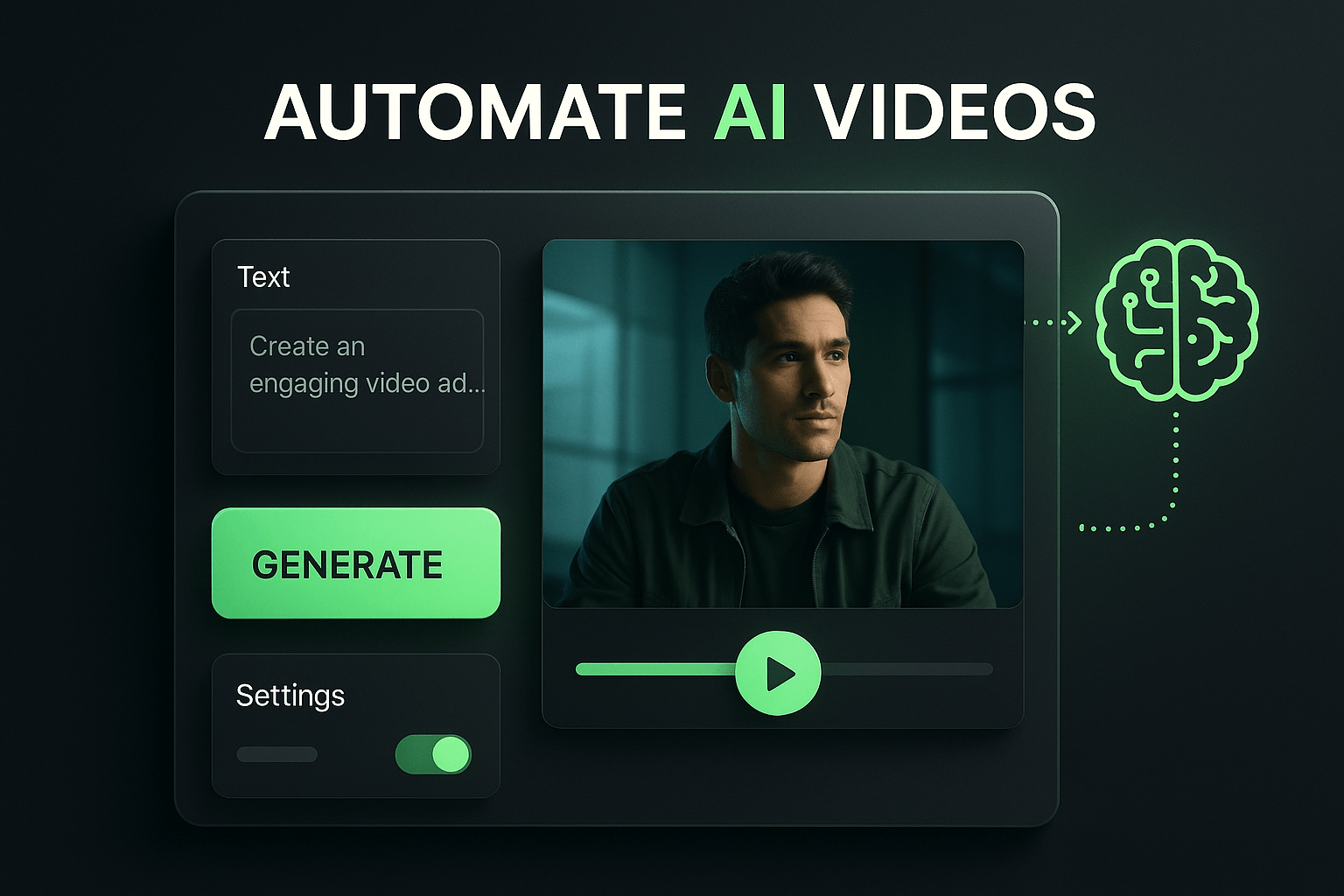
If you've been anywhere near tech Twitter in the past week, you've seen it: Moltbot (formerly Clawdbot, now officially OpenClaw) has taken over. Mac Minis are selling out. Developers are spinning up dedicated machines just to run their personal AI assistant 24/7. People are calling it "AI with hands" and "the closest thing to AGI we've seen."
But here's what most people are missing: Moltbot isn't just for managing your inbox or booking flights. When you pair it with Agent Opus—OpusClip's AI video agent—you unlock something genuinely transformative: a fully autonomous video content machine that monitors trends, generates scripts, creates AI avatar videos, and delivers finished content to your inbox, all without you lifting a finger.
In this guide, we'll walk through exactly how to set this up.
What Makes This Combination Powerful
Moltbot excels at three things that traditional AI tools can't do: it has persistent memory across conversations, it can take real actions (not just suggest them), and it runs continuously in the background. Agent Opus, meanwhile, is built to turn any input—text, links, articles, audio—into polished videos with AI avatars, voiceovers, and motion graphics.
When you connect them, Moltbot becomes the brain that decides what content to create and when, while Agent Opus becomes the hands that actually produce it. The result is a content operation that runs on autopilot.
The Architecture: How It Works
Here's the high-level flow:
1. Trend Monitoring: Moltbot continuously scans sources you define—Reddit, Hacker News, industry newsletters, RSS feeds—looking for topics relevant to your niche.
2. Content Decision: When Moltbot identifies something worth covering, it evaluates whether it fits your content criteria (engagement potential, relevance to your audience, timeliness).
3. Video Generation: Moltbot sends the topic to Agent Opus via API with specific instructions: use your AI avatar, match your brand style, keep it under 60 seconds.
4. Delivery: Once Agent Opus finishes rendering, Moltbot retrieves the video and either emails it to you for approval or posts it directly to your connected social accounts.
The entire loop can run in under 10 minutes from trend detection to finished video.
Setting It Up: Step by Step
Prerequisites: You'll need Moltbot running on a dedicated machine (Mac Mini works great), an OpusClip account with Agent Opus access, and API keys for both services.
Step 1: Train Your AI Avatar. In Agent Opus, upload footage of yourself to create your AI avatar and voice clone. This is what will appear in your generated videos. The more footage you provide, the more natural the results.
Step 2: Create a Moltbot Skill for Agent Opus. Moltbot uses "skills"—essentially plugins that teach it how to interact with external services. You'll create a skill that knows how to call the Agent Opus API, pass in topics, and retrieve finished videos.
Step 3: Define Your Content Rules. Tell Moltbot what makes a topic worth covering. For example: "Only create videos about AI news that has more than 500 upvotes on Hacker News and was posted within the last 6 hours."
Step 4: Set Your Schedule. Configure Moltbot to run trend scans at intervals—every hour, every 4 hours, or whenever you want. You can also set daily limits ("no more than 3 videos per day").
Real-World Example: What This Looks Like in Practice
Let's say you run a channel about startup news. Here's what happens while you're sleeping:
2:00 AM: Moltbot scans Hacker News and notices a post about a major acquisition is trending with 800+ points. It matches your criteria.
2:02 AM: Moltbot sends a request to Agent Opus: "Create a 45-second explainer video about [Company A] acquiring [Company B]. Use my AI avatar. Target audience: startup founders. Tone: informative but conversational."
2:08 AM: Agent Opus finishes generating the video—complete with your AI avatar presenting, relevant B-roll, and motion graphics.
2:09 AM: Moltbot downloads the video and emails it to you with the subject line: "New video ready: [Company A] acquires [Company B]—approve to post?"
You wake up, review the video, tap approve, and it's posted. Total time invested: 30 seconds.
Scaling Beyond Single Videos
Once you have the basic pipeline working, you can expand it:
Multiple niches: Run parallel Moltbot instances, each monitoring different topics and generating content for different channels or accounts.
Format variations: Have Moltbot generate the same content in multiple formats—a 60-second version for TikTok, a 3-minute version for YouTube, a carousel for LinkedIn.
Repurposing integration: Connect OpusClip's clipping features to automatically turn your longer videos into shorts, creating even more content from the same source.
The Bottom Line
The Moltbot hype is real, but not because it can check you into flights or manage your calendar. It's real because it's the first time most people can build genuinely autonomous workflows without writing code. And when you point that autonomy at video creation with Agent Opus, you get something that felt like science fiction a year ago: a content machine that finds what to say, says it with your face and voice, and puts it in front of your audience, all while you focus on literally anything else.
The creators who figure this out early will have an insurmountable advantage. The question isn't whether to automate your content pipeline. It's whether you'll do it before your competitors do.
Ready to get started? Sign up for Agent Opus at opus.pro/agent and join the future of content creation.












