



No items found.
Remove Silences and Filler Words from Video with the OpusClip API
May 13, 2026
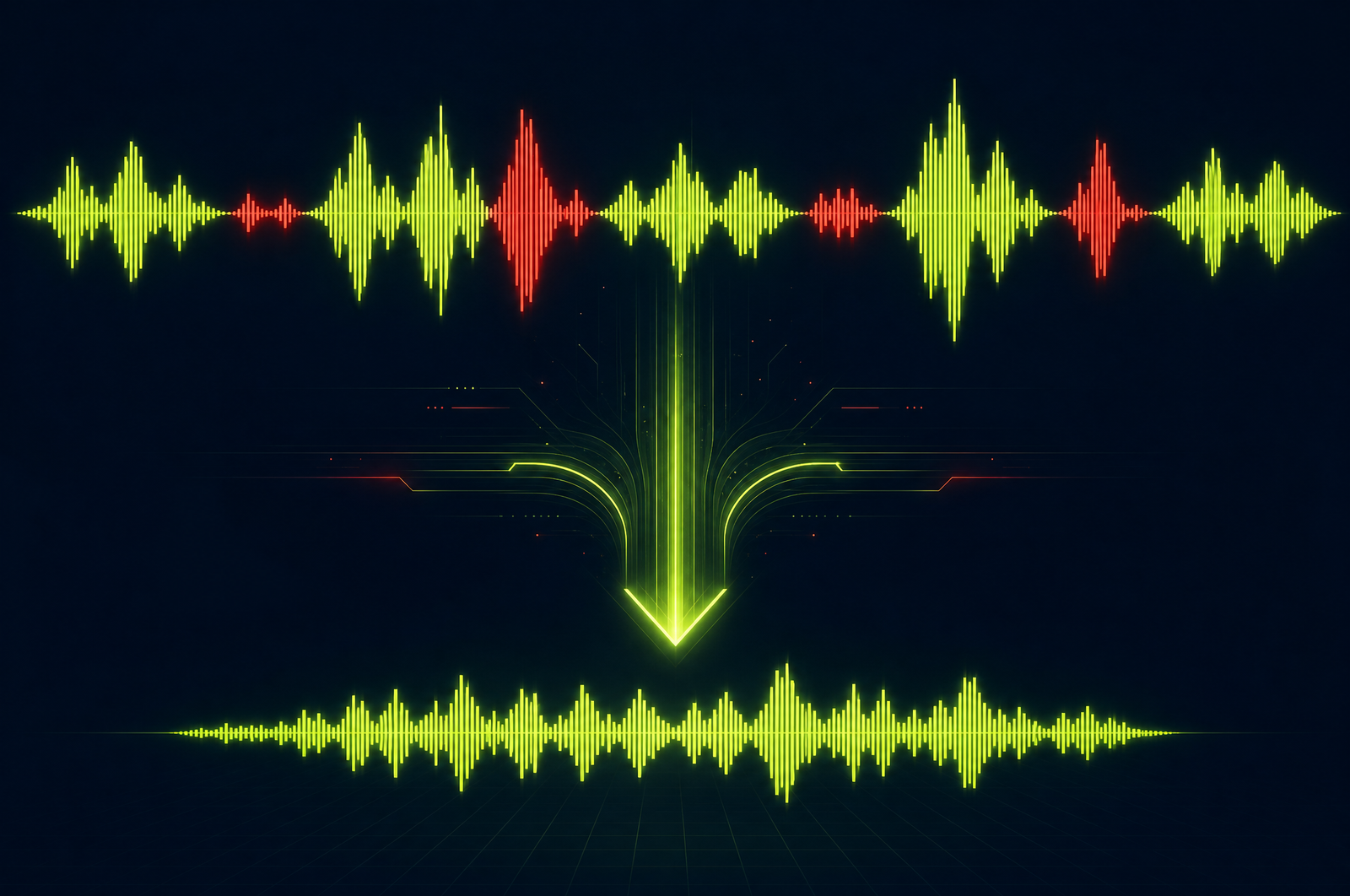
The most expensive single edit in any video workflow is silence and filler-word removal. A 30-minute raw recording of a podcast or webinar has 4-8 minutes of dead air (pauses, breaks, awkward silences) and another 1-3 minutes of "um," "uh," "you know," "like," and other filler words. Cleaning them out by hand can take an editor 60-90 minutes per hour of source.
Cleanup APIs automate this. Submit the source, get back a tightly edited output with silences trimmed and filler words removed — typically in seconds. This guide is a developer-focused look at how cleanup APIs work and how the OpusClip API fits in.
The OpusClip API is now publicly available — included on the free trial and the Pro plan, with no waitlist or sales call required. Get started at opus.pro/api, and find the full endpoint and parameter reference in the API docs.
Key takeaways
• Cleanup combines two related operations: silence trimming (cutting non-speech segments) and filler-word detection (cutting specific words like "um", "uh", "like", "you know").
• Both are destructive — they remove footage. Build review into your pipeline for high-stakes content.
• Cleanup typically saves 10-20% of source duration on conversational content and as much as 30% on unscripted Q&A.
• The model needs to distinguish intentional pauses from dead silence and intentional pacing from filler words.
• The OpusClip API supports cleanup as a standalone endpoint and as a preprocessing step before clip generation.
Why cleanup is the highest-ROI edit you can automate
Three reasons cleanup pays back fast:
1. Time savings are huge. A 1-hour podcast cleaned manually takes 60-90 minutes. Cleaned by API: 5 minutes including a light review pass. That's 90% time savings on every recording.
2. Output quality is usually better. A tired editor at 8pm misses some pauses and inconsistently judges filler words. An API applies the same standard every time. Most teams report the API cleanup is actually tighter than their human edit.
3. It improves downstream metrics. Tighter podcasts get better completion rates. Tighter sales call recordings work better for training. Tighter customer interviews convert better as testimonial content. The cleanup compounds across every downstream use.
What a cleanup API does
Two operations:
1. Silence trimming. Detect non-speech audio segments above a duration threshold (typically 0.5-2 seconds). Remove them, leaving a configurable buffer of natural pause (typically 200-400ms) so the cut doesn't feel abrupt.
2. Filler word detection. Identify filler words from the transcript with timing alignment, then remove the audio (and video frames) corresponding to those words. The trick is doing it without breaking the natural cadence — too aggressive and the speaker sounds robotic.
A good cleanup API exposes config knobs for both: - Minimum silence duration to trim - Buffer to preserve after each cut - List of filler words to detect (defaults to "um", "uh", "like", "you know", "I mean", "so", etc.) - Aggressiveness level for filler removal (preserve some "like" / "you know" that serve as cadence, vs. remove every instance)
What to consider when integrating
Aggressiveness level. Default cleanup is usually conservative — it preserves filler words that serve a rhetorical function. For highly polished output, set to aggressive. For verbatim transcripts (legal, medical), don't use cleanup at all.
Music and background audio. Cleanup that removes background music is destructive in a bad way. Look for APIs that detect music separately and preserve it.
Preview vs. apply. For high-stakes content, get the proposed cut list (timestamps to remove) without applying it. Review and adjust before re-running with apply.
Multi-speaker handling. When one speaker is making a point and the other says "uh-huh" as backchannel, that backchannel shouldn't be removed (it's signal, not noise). Diarization-aware cleanup handles this; basic cleanup doesn't.
Caption and chapter alignment. If you've already captioned or chaptered the source, cleanup will shift timestamps. Run cleanup first, then caption and chapter the cleaned output.
Output formats. A good cleanup API returns the cleaned video MP4, the cut list (timestamps removed), and the new transcript aligned to the output timeline.
Common use cases by team type
• Podcasters. Standard preprocessing step on every recording before clip generation. Cleaner source → better clips.
• Course creators. Polish lesson recordings without re-recording. The cleanup pass compresses long lessons and removes the worst stumbles.
• Webinar teams. Tighten the replay version of every webinar — the live audience tolerates pauses; the on-demand audience doesn't.
• Sales operations. Clean up recorded sales calls before using them for training. Tighter calls are easier to review and produce better social clips.
• Internal video. All-hands recordings and async updates get noticeably more watchable with 15% shaved off the runtime.
Common pitfalls
• Treating cleanup as production-ready out of the box. First runs on a new show often need calibration — too aggressive on cadence cues, too conservative on long pauses. Tune before scaling.
• Forgetting downstream timestamp shifts. If you've already added captions, chapter markers, or sponsor read overlays, they all shift after cleanup. Either redo them after or run cleanup before annotation.
• Removing intentional silences. A dramatic pause before a punchline is content, not waste. For polished narrative content, surface long silences for review before removing.
• Backchannel removal. "Mm-hmm," "yeah," "right" from a second speaker is signal, not filler. Diarization-aware cleanup helps; non-diarization-aware cleanup risks making conversations feel one-sided.
• Stripping music tracks. Conservative defaults usually preserve music, but aggressive settings can mute or duck music inappropriately. Check on real content with music underbed before going to production.
How the OpusClip cleanup will work
The OpusClip API is generally available. The cleanup workflow is built around:
• Silence trimming with configurable thresholds and buffer
• Filler word removal with adjustable aggressiveness and custom filler-word lists
• Preview mode (return the proposed cut list without applying) for review-before-execute pipelines
• Music-aware detection that preserves intentional audio
• Diarization-aware handling that protects multi-speaker backchannel
Full endpoint and parameter reference lives in the API documentation; generate an API key from your OpusClip dashboard to start building.
FAQ
Will the API remove every 'um' or just the bad ones?
Most modern cleanup APIs ship with conservative defaults that preserve filler words serving as natural sentence pauses. Aggressive settings remove every detected filler. For polished output, aggressive; for verbatim, don't use cleanup at all.
How does silence removal handle music or background noise?
Production APIs detect speech vs. non-speech audio. Music tracks and intentional sound design are preserved when configured correctly. Confirm this on real content with music underbed before relying on it.
Can I preview cuts before committing?
Yes — most APIs support a preview mode that returns the proposed cut list (start/end timestamps) without rendering output. Review the list, adjust if needed, then re-submit with apply enabled.
How much time does cleanup typically save?
On real podcast recordings, cleanup cuts 10-18% of total duration. On unscripted Q&A or webinar audience questions, 15-25%. On heavily edited content already, less — most of the gains have been hand-trimmed already.
Will the OpusClip API handle multi-speaker backchannel correctly?
Yes — diarization-aware cleanup distinguishes the active speaker from backchannel responses (mm-hmm, yeah, right). Backchannel is preserved by default. Aggressive settings can opt to remove it.
Next steps
For combining cleanup with downstream workflows, see Auto-Generate Shorts from a Podcast and Build a Webinar-to-Shorts Pipeline. For chaptering the cleaned output, see Auto-Generate Video Chapters.












