



No items found.
How to Detect Viral Moments Programmatically with the OpusClip API
May 13, 2026
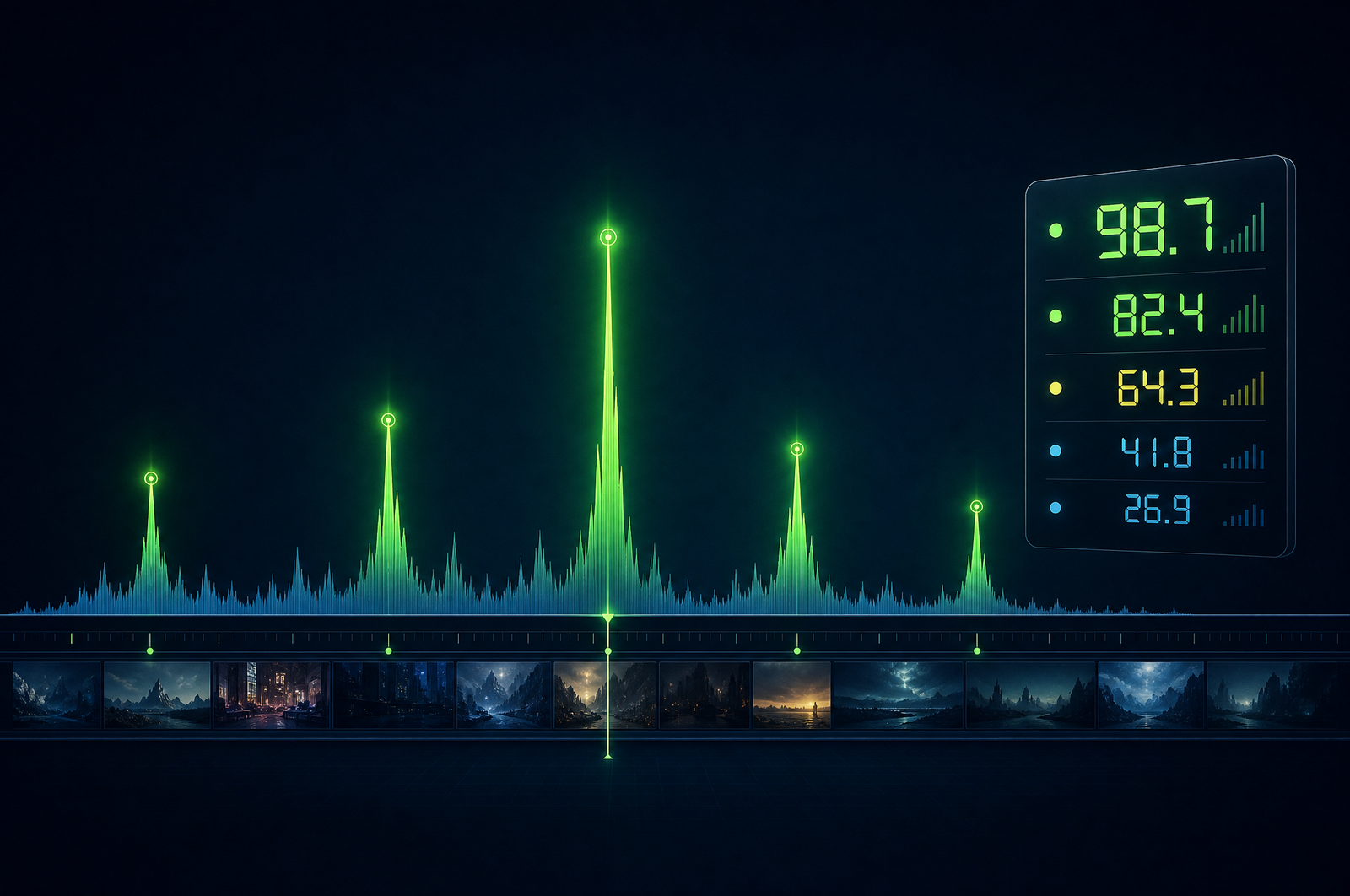
The hardest decision in any video repurposing workflow is which 60 seconds out of 60 minutes to actually post. Experienced editors do this on instinct, watching for the moments where the speaker leans in, the conversation accelerates, or the audience reacts. APIs are now good enough to score this signal programmatically — and the best ones rival skilled editors on selection quality.
This guide is a developer-focused look at how viral-moment detection APIs work, what signals they use, and how to think about using them in production. The OpusClip API is now publicly available — included on the free trial and the Pro plan, with no waitlist or sales call required. Get started at opus.pro/api, and find the full endpoint and parameter reference in the API docs.
Key takeaways
• Viral moment detection combines transcript-level signals (hook strength, narrative arc, emotional intensity) with audio dynamics (pitch range, pace shifts, laughter) and visual cues (gesture intensity, facial expression).
• The best models are trained on real (clip, performance) pairs from social platforms — millions of data points from TikTok, Reels, and Shorts.
• Scores are predictive but not certainties. Treat them as ranking signals, not green/red lights.
• Talking head content is where the model performs best. Music-driven and animation-heavy content scores conservatively.
• The OpusClip API supports scoring as a standalone endpoint (score arbitrary segments) and as a step in the clip-generation workflow (auto-select top moments).
Why programmatic detection beats human selection at scale
Two reasons:
1. Volume. A skilled editor reviews 30-60 minutes of source to extract 5-10 clips. That's 2-4 hours per episode. At one podcast or webinar per week, that's a full-time editor cost. Programmatic detection compresses that to 5-15 minutes of human review of pre-scored candidates.
2. Consistency. Human editors get tired, distracted, and biased by their own preferences. A scoring model applies the same signals every time. You can also tune the model — bias toward shorter clips, longer clips, more emotional content, more informational content — in ways you can't do with a human editor.
The combination of these two is what unlocks high-volume content operations. Top podcast clip teams use scoring APIs to surface 20 candidates per episode, then a human picks the 5-8 to publish. That's 80% time savings without quality loss.
What signals a viral moment scoring model uses
The best models score across three dimensions:
Transcript signals - Hook strength: does the first 3 seconds make you want to keep watching? - Narrative arc completion: does the segment have a setup, payoff, and conclusion? - Information density: is the speaker making a concrete point or rambling? - Emotional valence: surprise, humor, conviction, or insight? - Quotability: is there a self-contained statement worth sharing?
Audio signals - Speaker pace shifts (acceleration around key moments) - Pitch range (emotional intensity correlates with pitch variability) - Background reactions (laughter, applause, audience response) - Pause patterns (well-timed pauses indicate emphasis)
Visual signals - Gesture intensity (hand movement around emphasis) - Facial expression (animated speakers outperform deadpan) - Cut and edit dynamics (only relevant for already-edited source)
A good scoring API combines all three. Single-signal models (just transcript, or just audio) underperform multi-modal ones consistently.
What to consider when integrating
Calibration of the score scale. Some APIs return 0-100 scores where 70+ means "publish-worthy"; others use 0-10 with different thresholds. Read the docs on what scores mean before setting your filter.
Granularity. Some APIs score in fixed time windows (30s, 60s); others score continuously and let you pick the best window. The latter is more flexible.
Bias toward content type. Most published models train heavily on podcasts and talking-head content. Music videos, animation, and pure b-roll score systematically lower. Tune your threshold by content type.
Threshold tuning. Don't blindly use the default threshold. Sample 50 scored clips, manually rate them on a 5-point scale, and find the threshold where 70%+ of clips above it would be approved by your editorial team.
Per-show calibration. Different shows have different audiences. Track which scored clips actually perform once published, and use that as ground truth to bias future selections.
Common use cases by team type
• Podcast networks. Score every episode's transcript, surface top 8-10 clips per show, push to editorial review.
• Webinar operations. Detect Q&A moments and customer-quote moments specifically — those convert best on LinkedIn vertical video.
• Live streamers. Real-time or near-real-time scoring of VODs to publish highlight clips within hours of stream end.
• Course creators. Identify the most teachable moments across a course library for social previews and email recaps.
• Sales operations. Detect customer reaction moments in recorded sales calls (won deals only) for social proof.
Common pitfalls
• Trusting the score in isolation. A score is a prediction. Some 60-scored clips outperform 85-scored ones because of timing, accompanying caption, or platform context. Treat scores as ranking, not approval.
• Ignoring contextual coherence. A high-scoring moment that requires 30 seconds of setup the viewer didn't see is worthless. Models that score in isolation can return clips that don't make sense out of context. Look for APIs that score with context windows.
• Same-speaker bias. Multi-speaker content (interviews, panels) can produce clips that only show one speaker reacting. Pair scoring with diarization-aware filtering.
• Ignoring platform fit. A clip optimized for TikTok hooks (rapid-fire opening, music-friendly) might underperform on LinkedIn (executive cadence, slower hook). Don't use one score across platforms.
• Letting scores get stale. Models drift as platform algorithms shift. Track post-publish performance and revisit threshold tuning every 60-90 days.
How the OpusClip virality detection will work
The OpusClip API is generally available. The virality model is trained on hundreds of thousands of (clip, performance) pairs from real social platforms — calibrated to predict above-median performance on TikTok, Reels, and YouTube Shorts.
The API supports two patterns:
• Standalone scoring. Submit arbitrary clip windows (start/end timestamps) and get back scores. Use this to grade existing edits or rank candidate cuts from your own pipeline.
• Auto-select. As a step in the clip-generation workflow, the model picks the top N moments above a configurable threshold.
The score is on a 0-100 scale with thresholds documented per content type. Full endpoint and parameter reference lives in the API documentation; generate an API key from your OpusClip dashboard to start building.
FAQ
What makes a video moment 'viral' to a scoring model?
Models trained on real performance data evaluate emotional intensity, narrative completeness, hook strength, audio dynamics, and quotability — combined into a single calibrated score. The signals come from analyzing thousands of actual viral clips against millions of average-performance clips.
Is the score predictive or descriptive?
Predictive. Calibrated against real platform performance, with documented hit rates at each threshold (e.g., 70+ predicts above-median performance ~75% of the time on talking-head content).
Can I use scoring without generating clips?
Yes. Standalone scoring endpoints let you submit arbitrary segments and get back scores. Useful for AB testing edits, scoring clips you've already cut manually, or building your own clip-generation pipeline.
Does the model bias toward any content type?
Most models train heavily on talking-head, podcast, and webinar content. Pure b-roll, music videos, and animation tend to score lower on the same model. For non-talking-head content, lower your filter threshold by 10-15 points.
Will the OpusClip API expose per-show calibration?
Yes — the API supports per-account or per-show learning from approved/rejected clips, so the model biases future scores toward what your editorial team actually publishes. Those details are in the API docs.
Next steps
For pairing scoring with clip generation, see Auto-Generate Shorts from a Podcast and Build a Webinar-to-Shorts Pipeline. For extracting text-form quotes alongside clips, see Extract Pull Quotes from Video.












